• The «a» flag indicates that the timecode has been initialized using the
Aaton OriginC+ master clock through ASCII communication.
• The «s» flag indicates that the timecode has been jammed from the internal
system time of the camera.
• The «o» flag indicates that the timecode has been manually entered by the
operator.
• The «b» flag indicates that the timecode has been memorized during a
short power down. The camera is equiped with an instantly charged super-
capacitor buffer that is designed to keep time between battery changes.
The super-capacitor allows 10 minutes for battery replacement before time-
code is lost.
Timecode generator
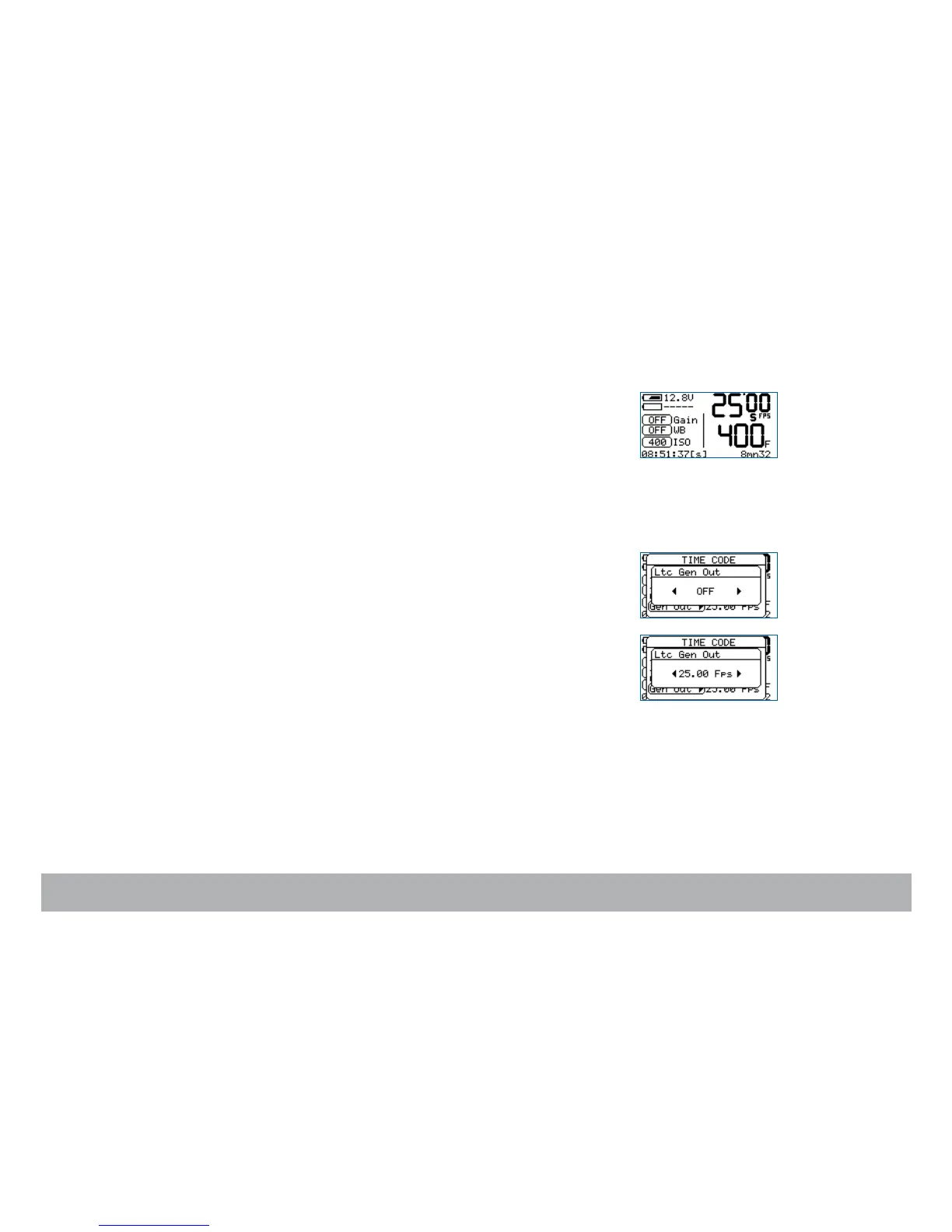
To activate the camera’s timecode output, press the «set» key, then the «tc»
key. With the «down» key, go to Gen Out Menu.
With the «left» or «right» key, select from: OFF / 24 Fps / 25 Fps / 29.97 df /
30 Fps. Press the «set» key to accept the change.



 To Next Page