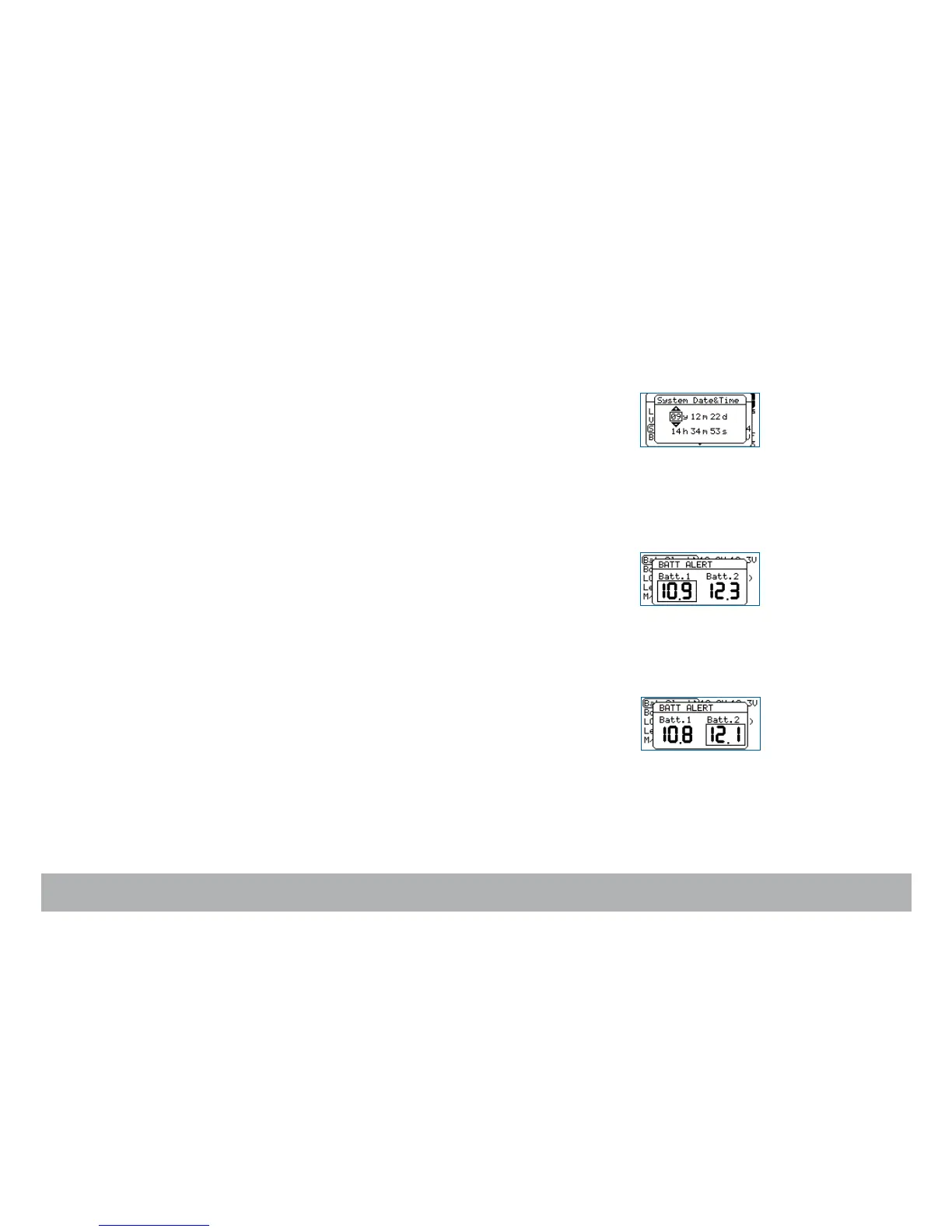
System Time
To manually set the internal camera timecode,
press the «set» key then the
«tech» key to open the technical menu. Select the Sys Time item and
press the «right» key to access.
The display will show the camera date and time.
Use the «left» or «right» key to select the following parameters: year, month,
day, hour, minute, seconds.
And use
the «up» or «down» key to modify each one of them.
Once you have set all of the date and time fields, press the «set» key to vali-
date your selection.
Adjusting the low-battery alert level
Penelope displays alerts when the battery voltage falls below a preset level.
The thresholds set for Batt.1 and Batt.2 do not overide the cameras default
minimum levels.
Select the Bat Alert item and press the «right» key to access it. Select a val-
ue between 14V and 15V for each battery by rotating the «jog» wheel, or
pressing the «up» or «down» key. Press «set» to validate your selection.
The alert level for Aaton Lithium-Ion onboard batteries must be set at 14.4
minimum,
this will leave enough power for you to shoot a complete 400
foot magazine.
NOTE: firmware v1.28 and up is required to adjust the warning level to 14.4V.



 To Next Page