2.4 Film gate and pulldown claw
Adjusting the pitch
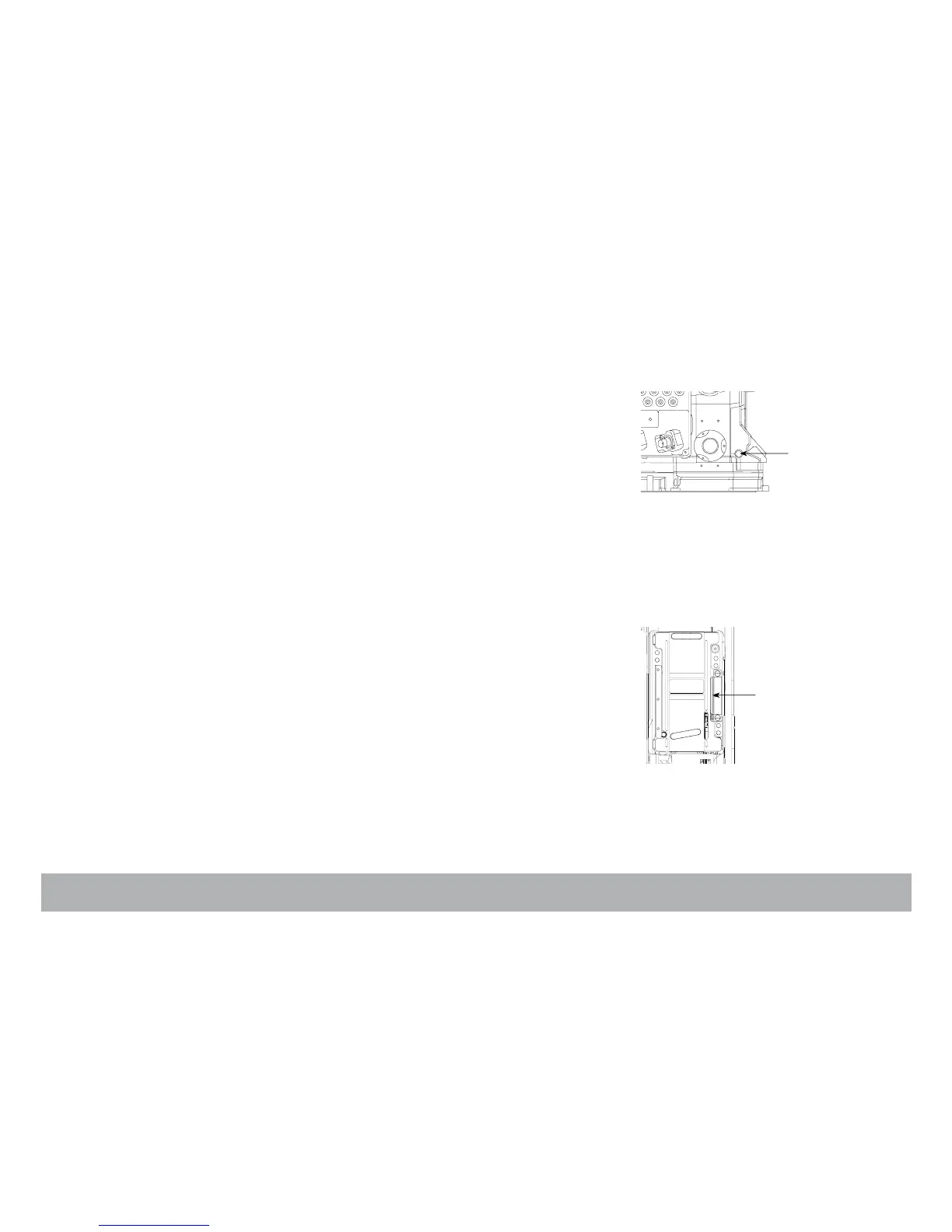
To adjust the pitch, use the Pitch tool located in the camera carrying handle.
Remove the pitch protector cap (A) located on the Assistant’s side near the
Pitch label. Insert the tool inside the opening.
You will feel a screw that you need to turn counterclockwise until it stops; the
pulldown pitch is now at its maximum.
Put a loaded magazine on the camera, and while keeping the tool in its posi-
tion run the camera, it will run with a clicking noise caused by the claw
slamming into the edge of the perf too hard.
Turn the tool clockwise until you hear a purring sound. Once you have
reached this setting, turn the tool counterclockwise by about 20º; this will
accomodate any variation of the film pitch that occurs between different film
stocks or under humid and hot weather conditions.
NOTE: Make this adjustment with the film stock you will be using.
The side pressure bar
The film gate also features a side pressure bar (B) at the level of image expo-
sure to insure maximum lateral steadiness.
The film gate
Penelope offers 2-Perf and 3-Perf capabilities.
A
pitch



 To Next Page