Aaton
Video
62
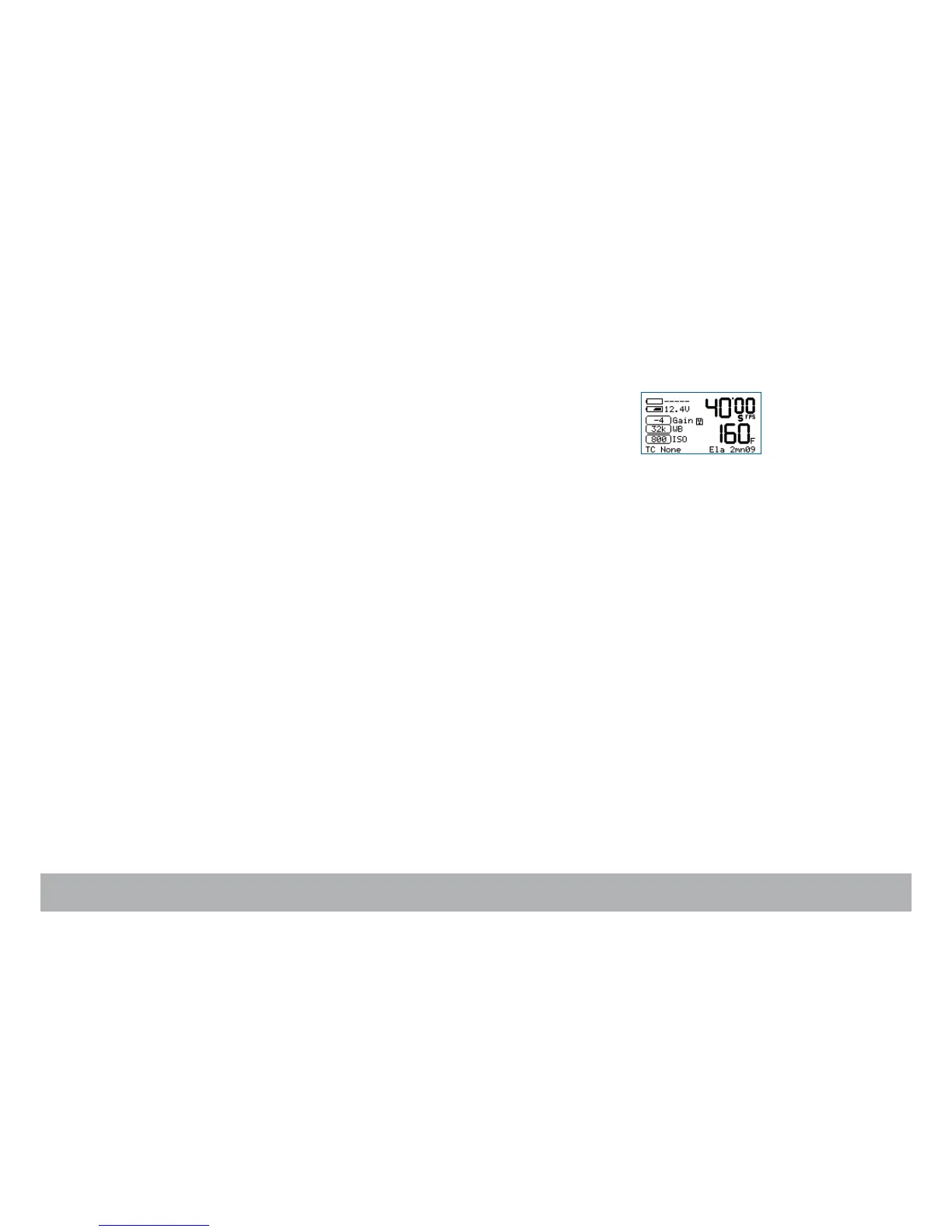
• Film status
Film speed (in fps), and remaining or elapsed magazine footage (in foot or
meter).
The shooting status appears as RUN in green characters, or as STOP in red.
Its positioning is factory set and can’t be moved away from the center bot-
tom of the video-assist monitor.
• Software/hardware
The video-assist software version and the hardware model is displayed on
the Assitant’s control screen as well as on the video monitor screen.
4.5 Logos
Logos can be inserted anywhere in the video picture.
This function is not yet functional.
• To upload a Logo, connect your computer through the ‘LEMO-5 Serial
Port’ cable.
• Once the Logo has been imported, you can modify its transparency and
its position.



 To Next Page