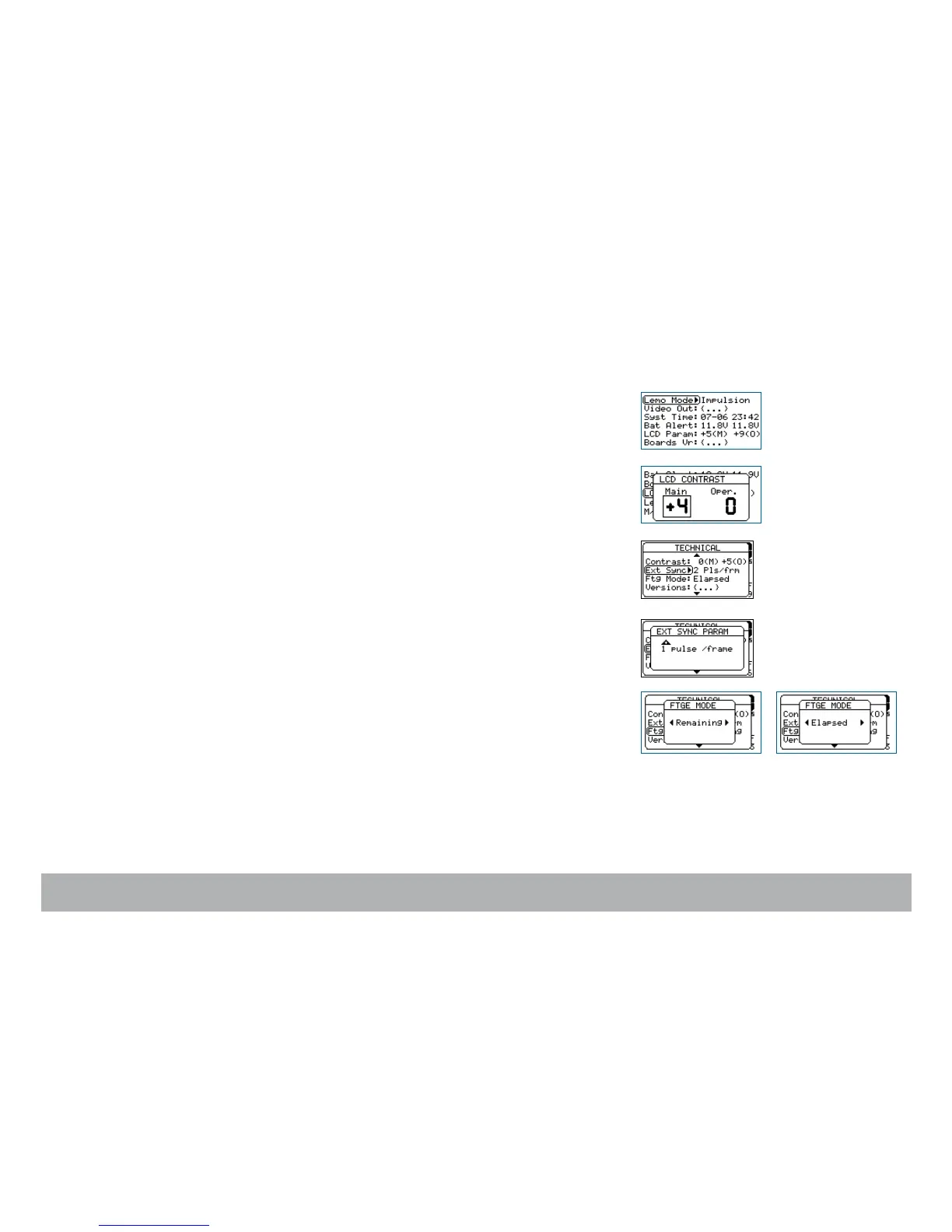
Display contrast adjustment
To adjust the LCD contrast, s
elect the Contrast item and press the «right»
key to access it. Select Main LCD Contrast by rotating the «jog» wheel, or
by pressing the «up» or «down» key. Press the «right» key to access the
Operator’s LCD and follow the same procedure. Press the «set» key to vali-
date your selection.
External Sync
To remove the roll bar while filming a video monitor, the film camera must be
synced to its vertical scanning rate, depending on the sensor used to measu-
re this rate you must set
the Ext Sync item to either 1 or 2 ppvf, see p.37.
Footage Mode
You can display either the remaining or elapsed footage in the magazine.
Use the «down» key to select the Ftg Mode item and press the «right» key to
access it. Choose between Remaining or Elapsed by pressing the «left» or
«right» key. Press «set» to validate your selection, then the «exit» key.



 To Next Page