Aaton
Video
57
To power up the VHR video-assist, press the «set» key then the «on/off»
key once the film camera electronics have been powered up.
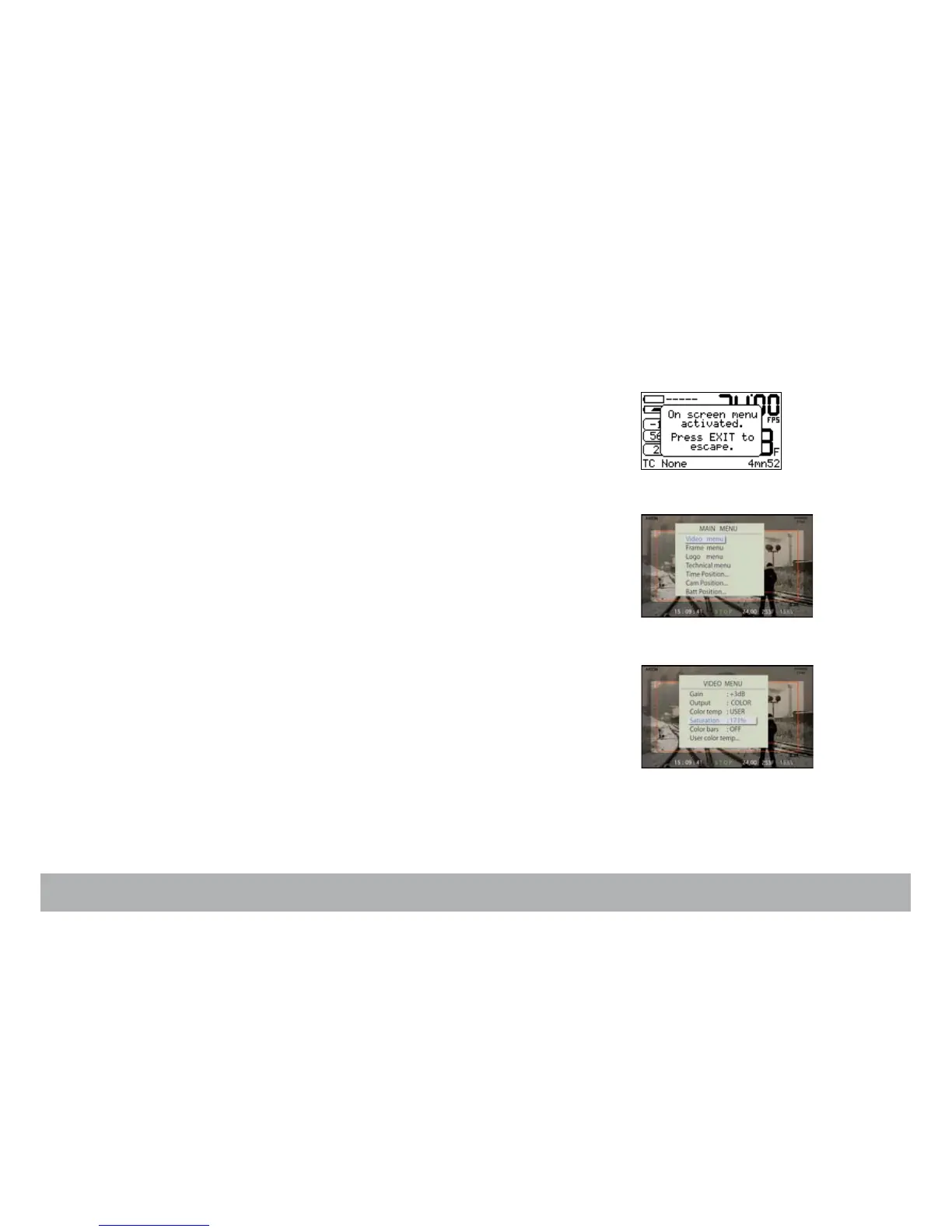
To display the VHR Menu (Main menu) on the video monitor screen, press
the «set» key then the «vid» key. A message is displayed on the Assistant’s
control screen (see pict. top right).
The VHR Menu contains five items:
• Image look (Video menu) (4.1)
• Frame & mask (Frame menu) (4.2)
• Proxy capture (Vid. capture) (4.3)
• Metadata insert (Technical menu) (4.4)
• Logo insert (not yet activated) (4.5)
The «up» and «down» keys select an item.
The «set» key opens an item.
The «up», «down», «right» and «left» keys modify the parameters.
The «exit» key enters the change.
4.1 Image look (Video menu)
Opens access to:
• Gain
• Color temp.
• Color saturation
• Color Bars
• Color/B&W out



 To Next Page