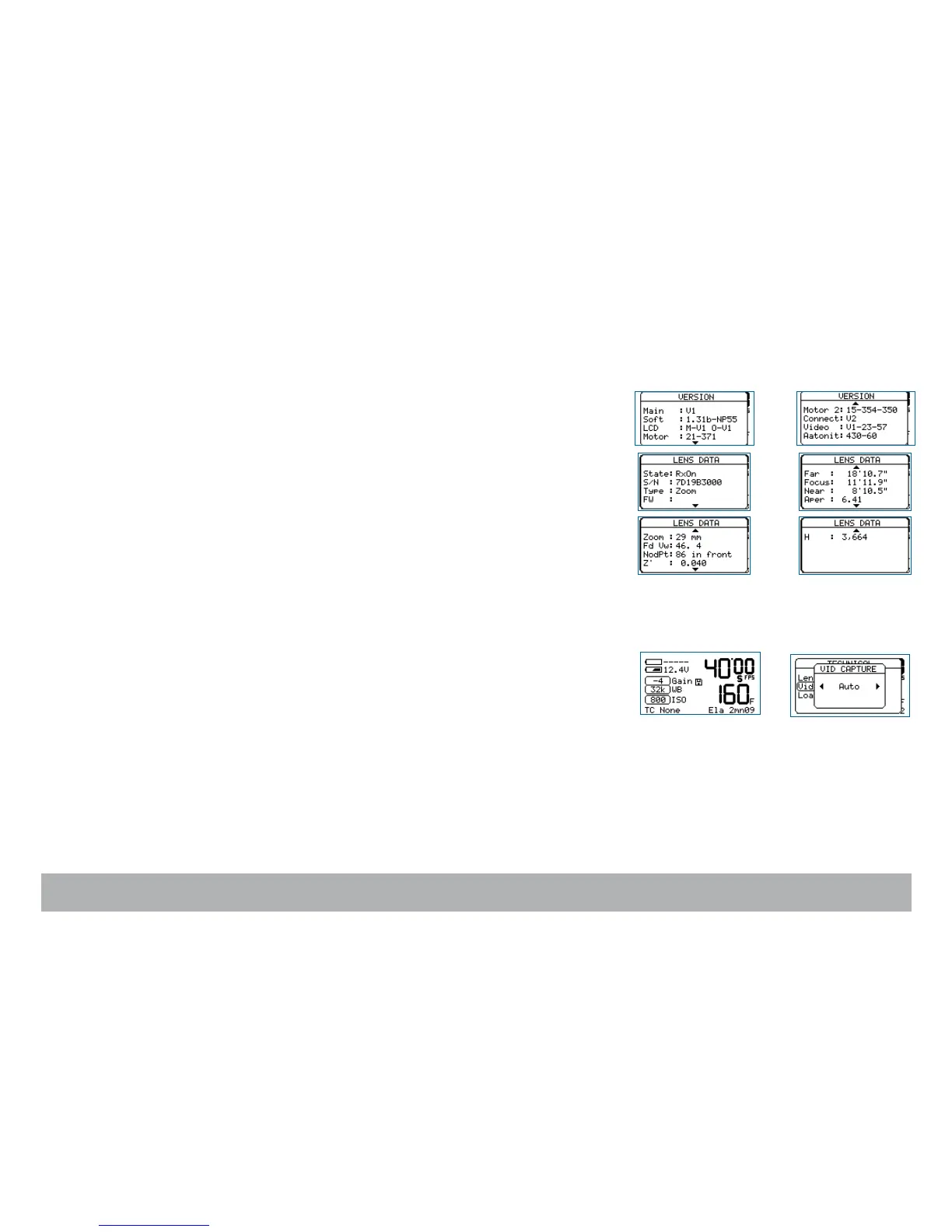
Software Version
For troubleshooting, access to internal camera technical information might be
useful before contacting your service center.
Select the Version item and press the «right» key to display it (read only).
Lens Data
To display on both the camera sceen and the video-assist monitor the data
coming from a Cooke/i lens installed on the camera port, select the Lens
Data item and press the «right» key to access it. With the «right» key, select
Rx ON or Rx OFF. Press «set» to validate your selection and exit the menu.
Video-assist proxies
Still images (jpeg format) can be captured from the video-assist camera and
copied onto a FAT32 formatted USB key.
When the USB key is recognized, a disk icon appears on the screen.
See p.61
.



 To Next Page