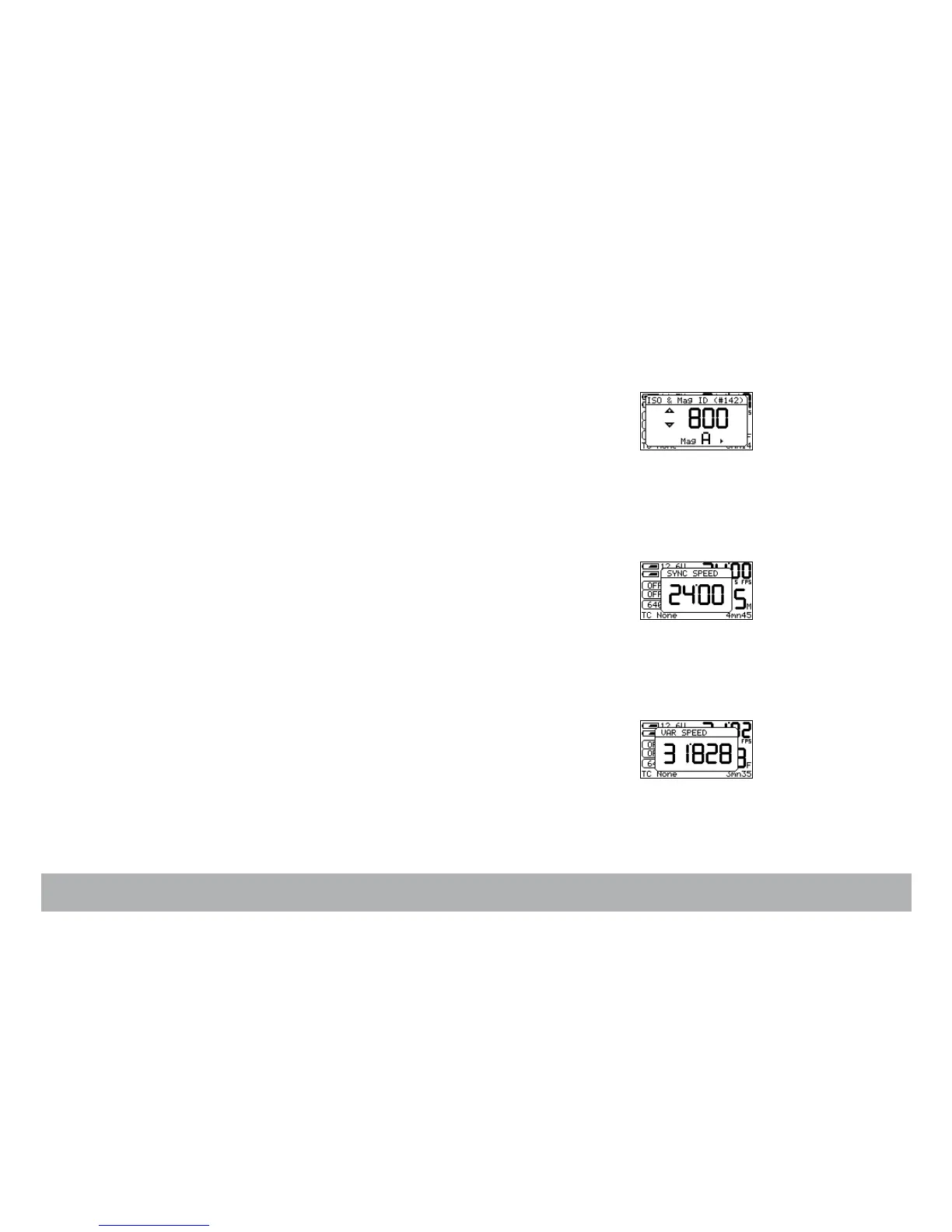
ISO setting
When using AatonCode in Penelope, the ISO setting must be adjusted to the
exposure index of the film stock. The ISO selection insures that the matrixes
recorded on the edge of the film are correctly exposed. This ISO value is
stored for each RFID magazine, identified by a letter from A to J.
If AatonCode is not running in the camera, the ISO setting has no effect.
Press the «set» key and then the «iso» key to enter the ISO Menu.
Use the «left» or «right» key to associate a unique letter (A - J) to each maga-
zine. Use the «up» or «down» key to adjust the ISO setting. Make your
selection between 25 and 1000 ISO, by rotating the jog or by pressing the
«up» or «down» key.
SYNC speed
Upon being powered up, the control panel’s Home page displays the cam-
era’s speed selection and whether it is in SYNC, VAR or EXT mode. When
the camera is turned on, the actual running speed to the .01 frame is dis-
played.
To adjust the preset speed, press the «set» key, then the «sync» key. Make
your selection of stepped crystal speed between 6 and 40fps by rotating the
«jog» wheel, or by pressing the «up» or «down» key. Press the «set» key to
validate your selection.
VAR speed
To choose a specific speed, press the «set» key, then the «var» key. Make
your selection of any .001 incremented crystal speed between 3.000 and
40.000fps via the «jog» wheel, or .1 with the up or down key. Press the «set»
key to validate your selection.



 To Next Page