TEST mode
The TEST mode lets you open the shutter and keep it protected inside the
camera body. This is used to check the gate for cleanliness and to find the
image while doing a steadiness test. This lets you find the correct film/perf
position for the second film passage if you are using the double exposure
method.
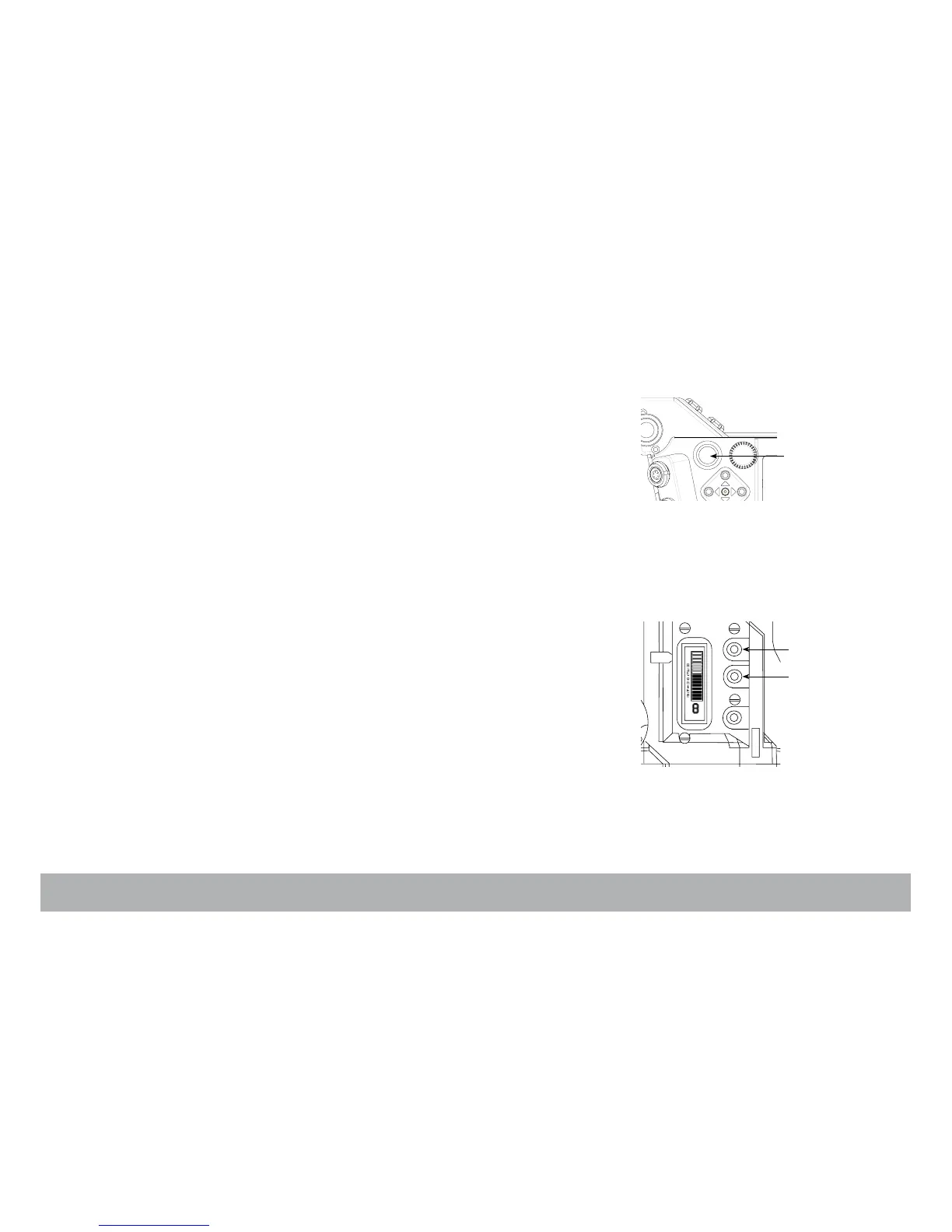
To access the TEST mode, press the «Run/Stop» switch (A) – located on
both the Assistant’s and Operator’s sides — and hold it pressed for 3 to 4
seconds. When the shutter opens, the display background color turns dark
blue, release the switch.
If you want to inch the film frame by frame, press the upper key (C) located
on the Operator’s side. To leave the TEST mode, press the «Run/Stop»
switch again for 3 to 4 seconds.
Adjusting the Aatonite (glow)
The viewing screen carries illuminated markings referred to as Aatonite. The
brightness level is user adjustable using the middle (B) or upper (C) keys
located on the Operator’s side.
The configuration of these markings is different from one screen to another
(see the screen illustrations, Chapter 5).
NOTE: the brightness level can also be adjusted while the film is running.



 To Next Page