2.1 Lenses
The PL lens port
The PL lens port is the standard mounting system delivered with Penelope
and allows the use of all 35mm ARRI PL mounted lenses.
The PV lens port
The PV lens port is the standard mounting system for the Panavision camer-
as, it can be installed on Penelope.
Installing the lens
To install the lens on the camera body, turn the outer locking ring counter-
clockwise until it stops. If the port cap is on, remove it. Align the four pro-
truding flanges on the lens with the four corresponding cutaways in the lock-
ing ring and insert the lens into the camera port so that its flanges rest evenly
against the lens seat. Tighten the locking ring by turning it clockwise until
the lens is secured and the locking ring is set firmly. Make sure the locking
ring is tight enough so that it cannot be inadvertantly unlocked.
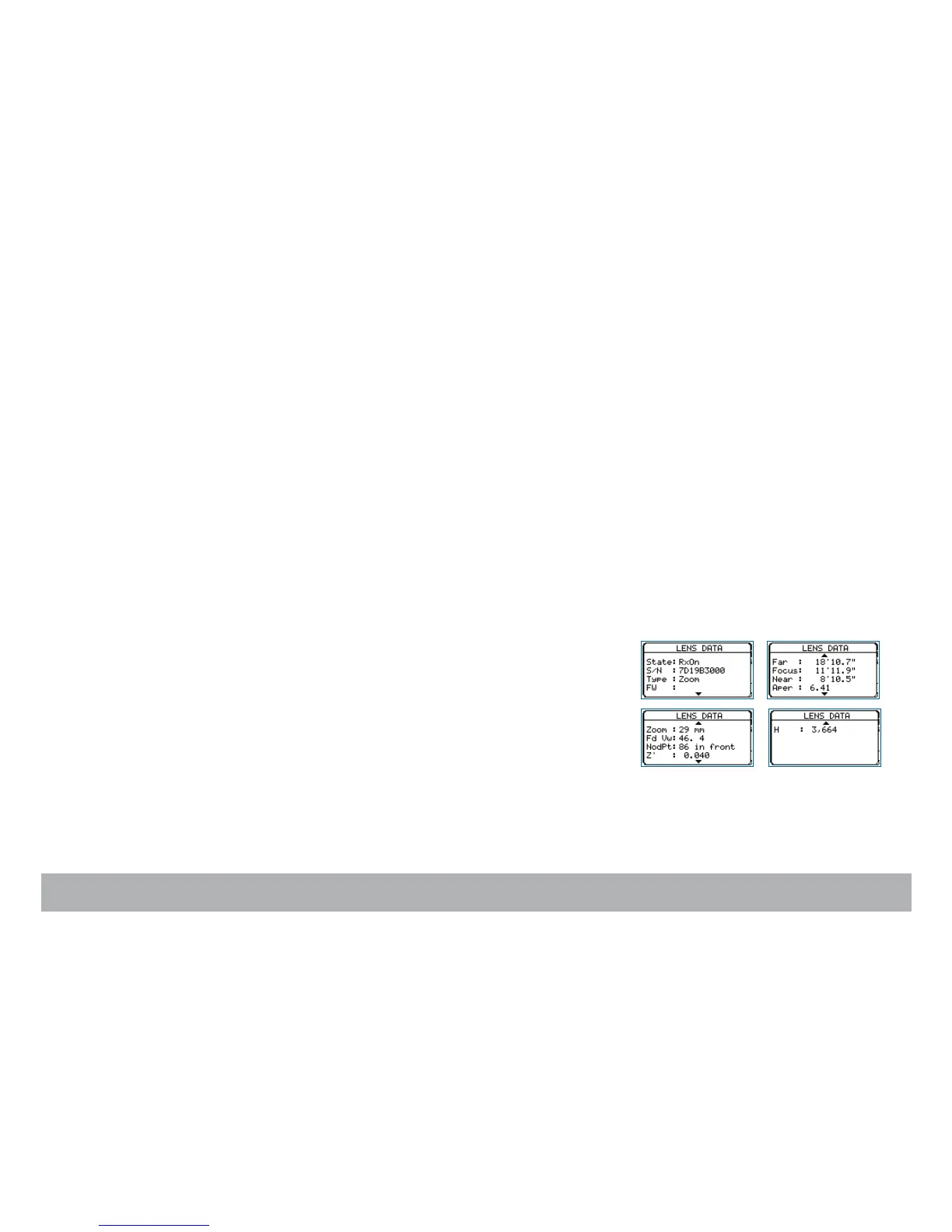
i/lenses compatibility
In order to display the data coming from a Cooke/i lens on both the camera
display and the video monitor, press the «set» key then the «tech» key to
open the Te chnica l menu. Select the Lens Data item and press the «right»
key to access it. With the «right» key, select Rx ON or Rx OFF. Press «set»
to validate the selection. If ON is selected, the data will be displayed.
Flange focal distance.
Refers to the critical distance from the lens seat to the film
plane. With the PL port, the precise FFD of Penelope is 52mm
-30 to -40 microns as measured with a depth gauge in the lens
port. With the PV port, the FFD is 57.15mm -45 to -55 mi-
crons
It is recommended that these tolerances be checked and
maintained by a qualified technician. The combination of FFD
and back focus distance of a lens directly affect the precise fo-
cus (and resulting image sharpness). Make sure these critical
measurements are strictly upheld. When using an unfamiliar
lens for the first time, check that the eye focus matches the
tape-measured focus marks on the lens, and/or shoot a focus
test.



 To Next Page