21
5 PROGRAMMING…
5.4 Configure Alarms
Configure Alarm 1
Alarms 2 and 3 configuration is identical to Alarm 1.
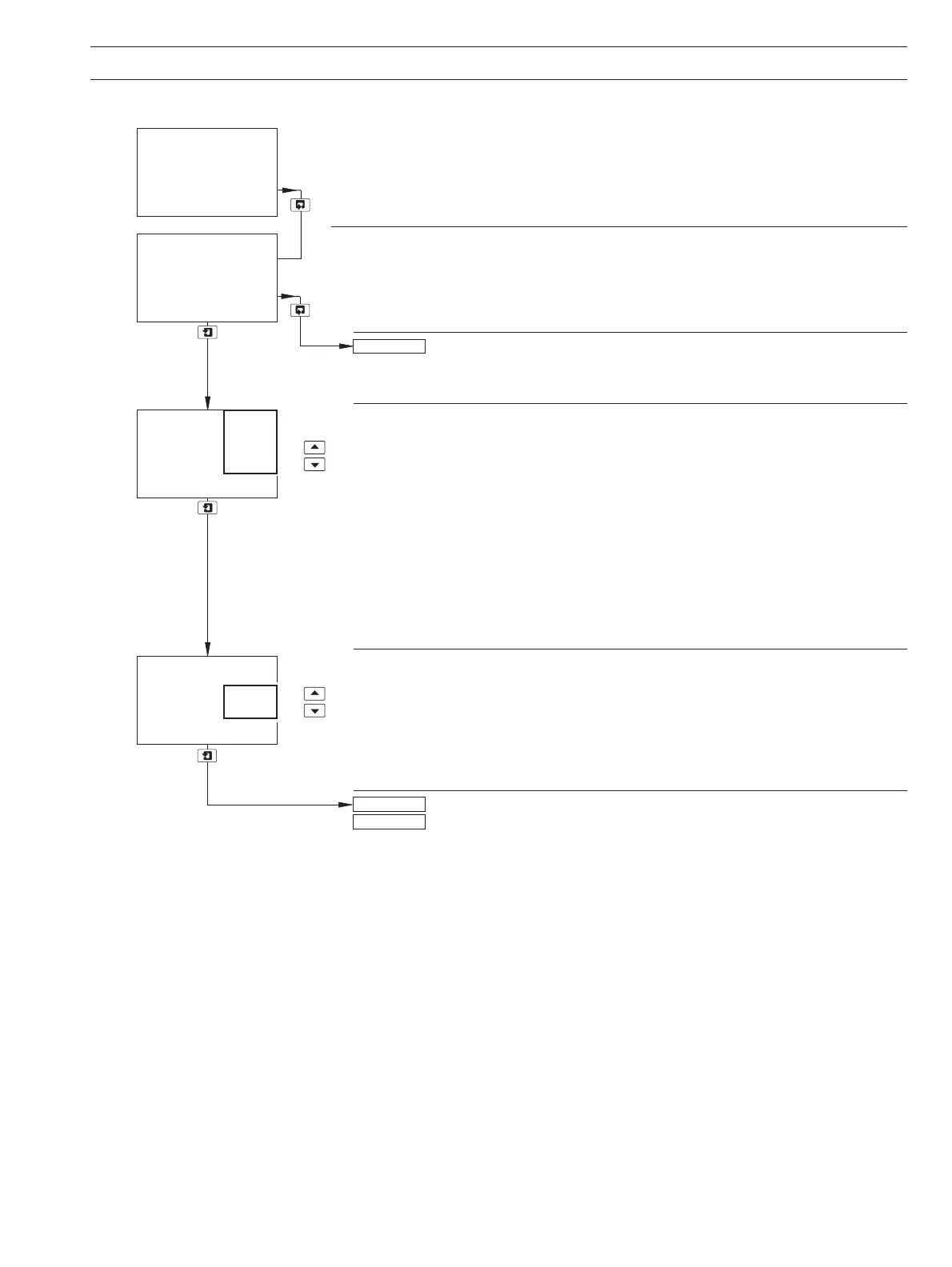
Alarm 1 Type
Select the type of alarm required:
Off – The alarm is disabled, the alarm LED is off and the relay is de-energized at
all times.
Alarm – The monitor is configured to generate an alarm in response to a specified
sensor reading.
Status – An alarm is generated if either a power failure or a condition occurs that
causes any of the error messages in Table 9.1 (page 54) to be displayed.
Wash – Alarm 3 is configured to control the wash sequence.
Note. The wash alarm type can be assigned only to alarm 3 and is displayed only when
the lower display shows A3: Type.
Alarm 1 Assign
Select the alarm assignment required:
Sen. A – The monitor activates an alarm if the dissolved organics content of the
Sen. B process fluid measured by the selected sensor exceeds or drops below the
value set in the
Alarm 1 Set Point parameter, depending on the type of Alarm
1 Action selected – see next page.
A1: Type set to Off or Status – return to top of page.
A1: Type set to Alarm – continued on next page.
Config. Alarm 1
-----
A1: Assign
-----
Off
CONFIG. ALARMS
-----
Sen. B
Sen. A
Config. Alarm 2
A1: Type
-----
Off
Wash
Status
Alarm
Off
Config. Alarm 1
A1: Failsafe


 To Next Page