5
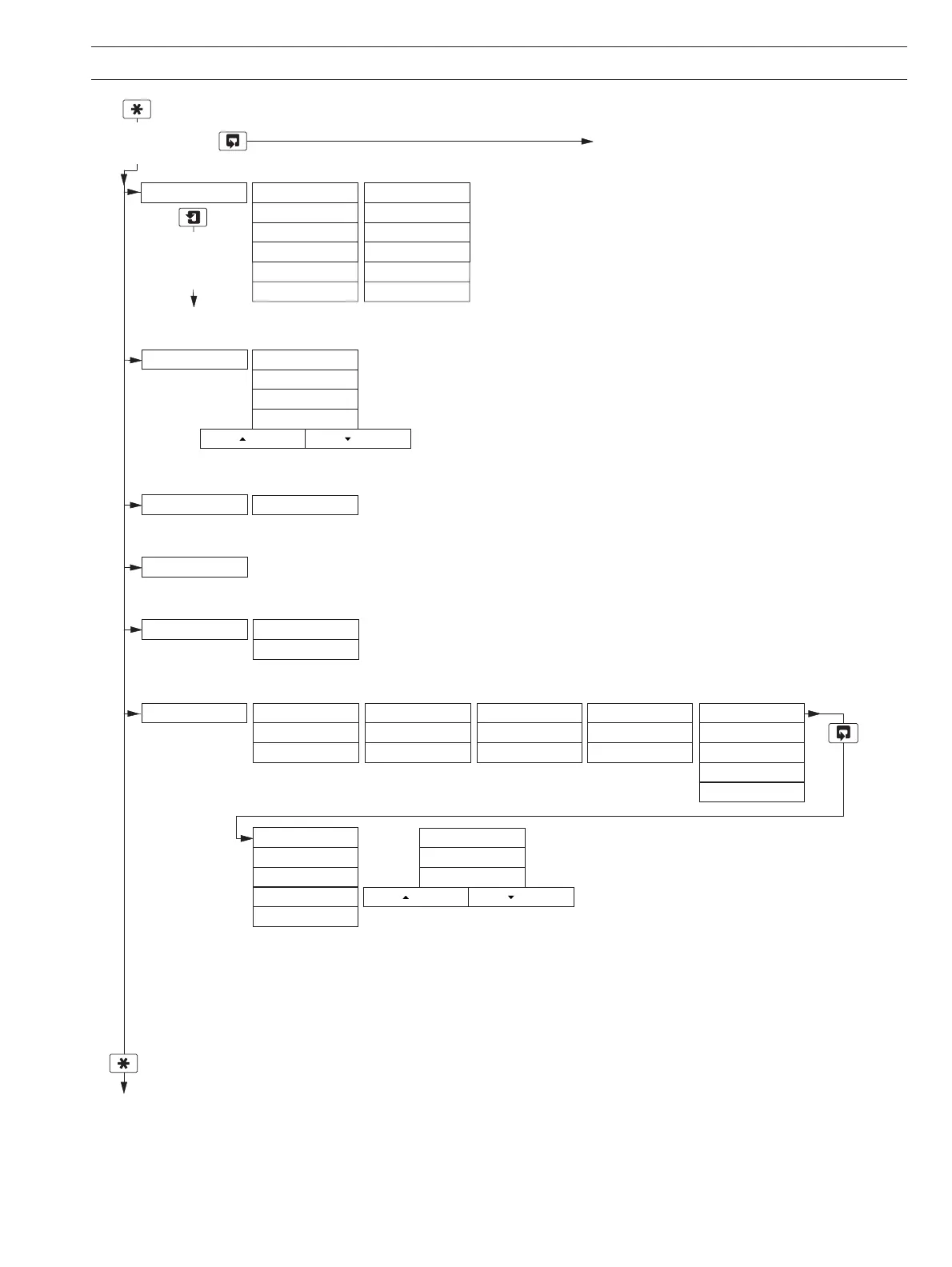
Fig. 2.3B Overall Programming Chart
To
FACTORY SETTINGS
(see Section 7.1, Page 41)
Use the Sidescroll Key to scroll through the Pages within each Menu
Logbook
CONFIG. LOGBOOK
CONFIG. SERIAL
Section 5.7, Page 25
Use the Menu Key
to scroll through
the Menus
TEST/MAINTENANCE
Test Outputs
Test Output 1
Test Output 2
Section 5.9, Page 26
Maintenance
Hold Outputs
A Cal.Coefficients
Org. Totals
Ref. Totals
Org. Peak
Ref. Peak
Load/Save Config
Factory Config.
User Config.
Press To AbortPress To Set
B Cal.Coefficients
Org. Totals
Ref. Totals
Org. Peak
Ref. Peak
CONFIG.OUTPUTS Config. Output 1
AO1: Assign
AO1: Range
AO1: Span Value
AO1: Default
AO1: Default Val
Config. Output 2
AO2: Assign
AO2: Range
AO2: Span Value
AO2: Default
AO2: Default Val
Section 5.5, Page 23
Use the Downscroll
Key to scroll through
the Parameters
within each Page
Section 5.6, Page 24
Set Clock?
Format dd/mm/yy
Date 01:03:04
Time 12:00
Press To AbortPress To Set
CONFIG. CLOCK
CONFIG. SECURITY Alter Sec. Code
Alter Cal. Code
Section 5.8, Page 25
Displayed only if digital communications option board fitted
and PROFIBUS-DP digital communications
feature enabled (Section 7.1) – see Supplementary Manual PROFIBUS Datalink Description (IM/PROBUS)
Sensor A Outputs Sensor B Outputs
Org & Ref Signals
Org & Ref Signals
Sensor A Reading Sensor B ReadingAutomatic Time
2 OPERATION…


 To Next Page