42/23-81 EN Rev. 4 System Manual SCK Gas Sampling System 43
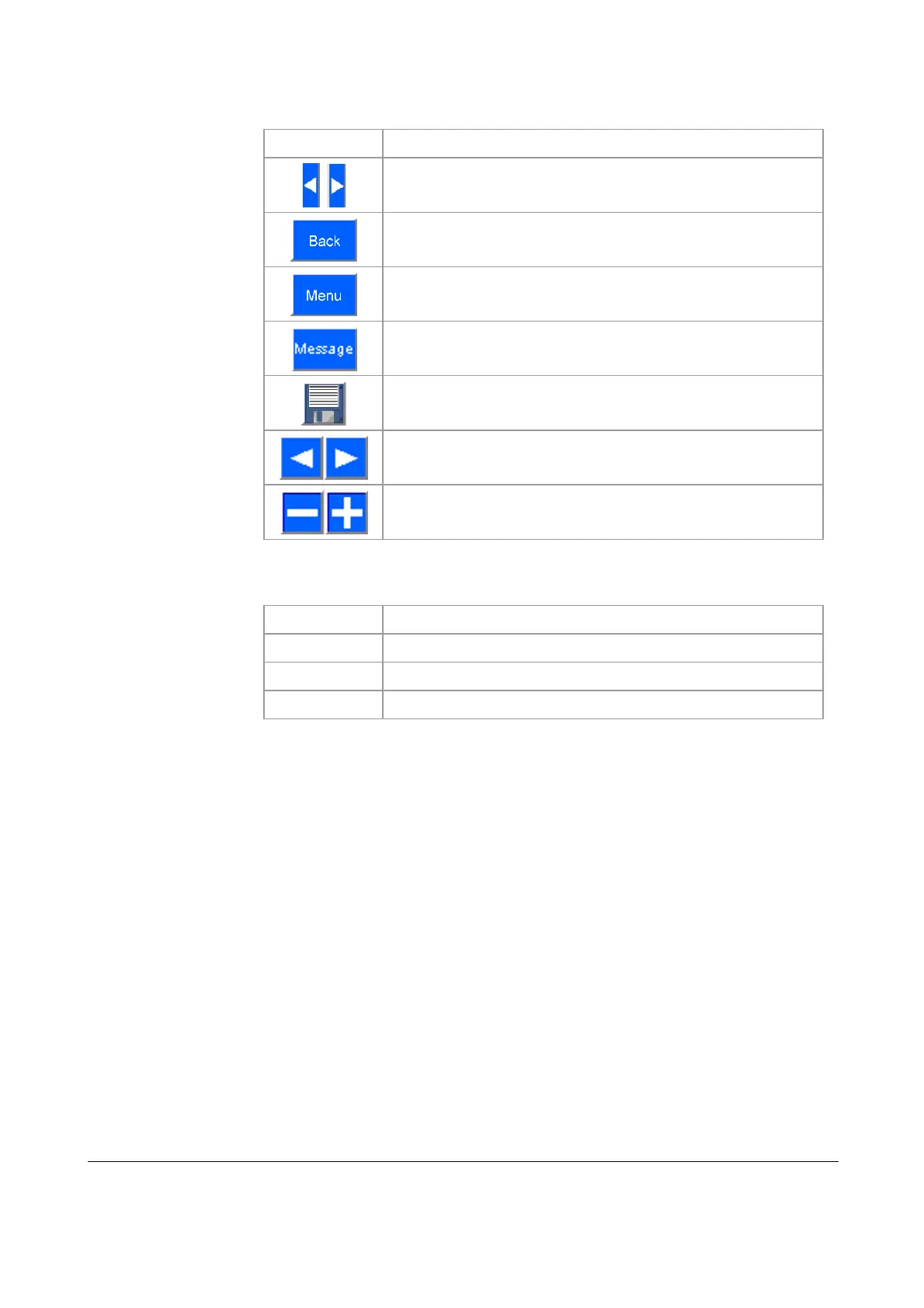
The following table lists the buttons and displays in the user interface and their
functions:
Symbol Function
Move the reading rule left/right in the diagram
Jump to previous menu
Jump to main menu
Display Message menu
Save contents: Save diagram data in xls format
Move contents of window left/right
Zoom in/out
The following colors are used in the trend screen line diagram:
Color Meaning
blue
Measured value
yellow
Pre-alarm
red
Main alarm
Buttons and symbols
Colors



 To Next Page