4 Touch-Buttons
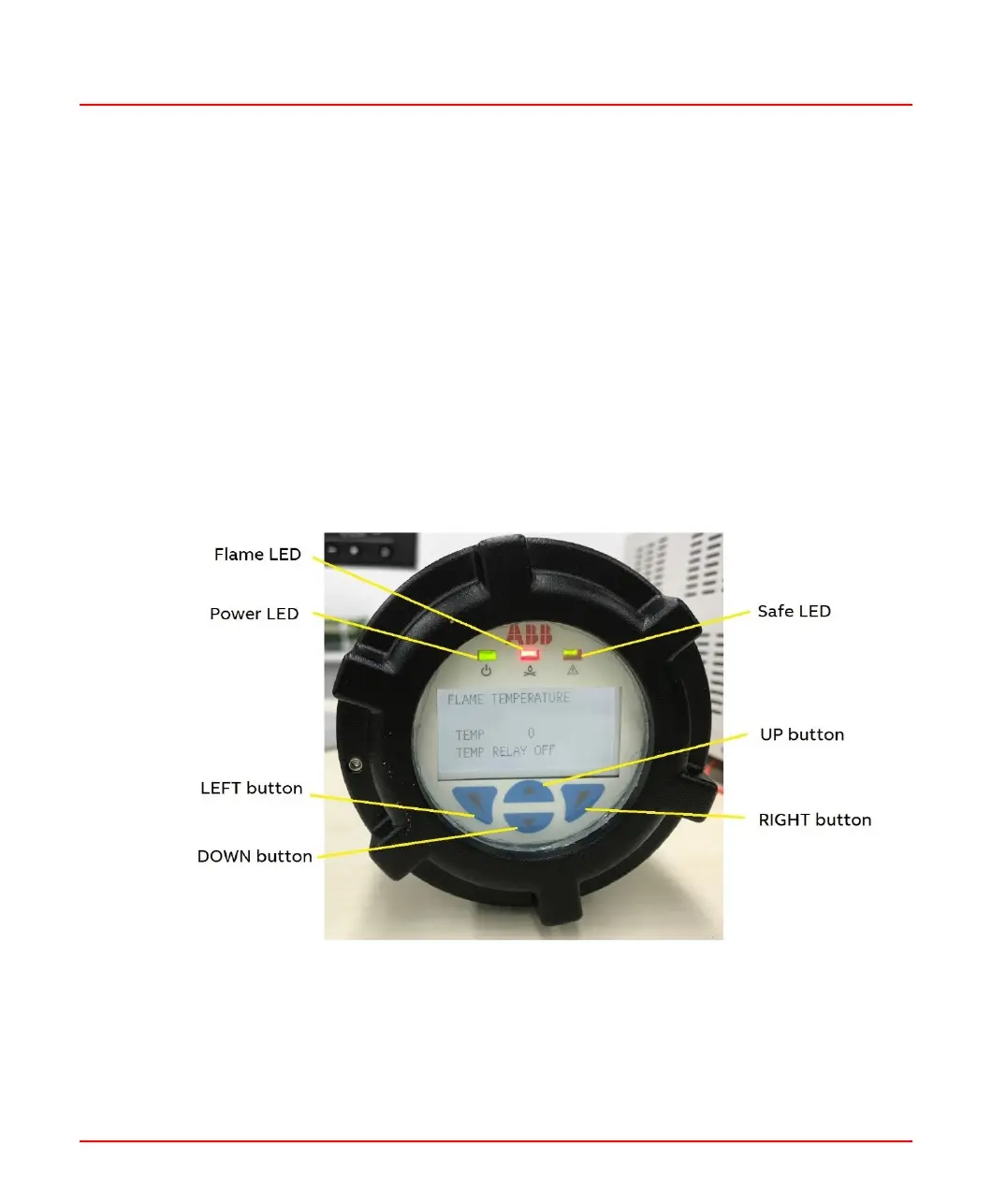
SF910i is equipped with four touch-buttons (UP, DOWN, LEFT, and RIGHT).
4.1 Touch-Buttons Location
The four touch-buttons are located in the bottom area of the faceplate, and is accessible
when the enclosure cover is unscrewed or tightly screwed. Refer to the below figure.
Figure 4.1: Touch-Buttons and LEDs Location of SF910i
Touch-buttons are intended to be used together with the local LCD display for local
configuration.
8VZZ005286 B 57
4 Touch-Buttons
4.1 Touch-Buttons Location



 To Next Page