7.4 Tuning Display
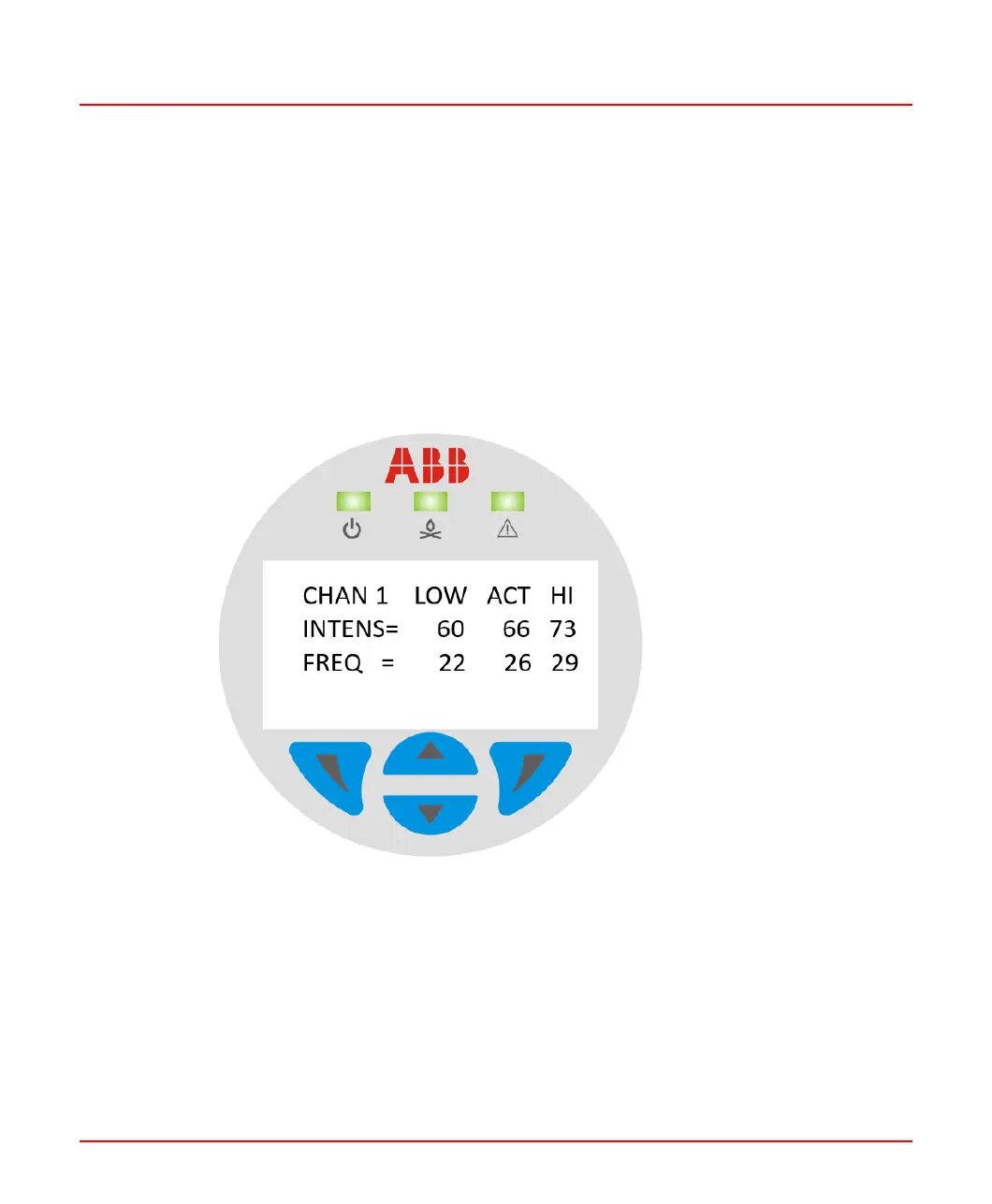
Each channel has an associated tuning display that shows the actual Measured-Value
values. The tuning display shows the highest value, the present value, and the lowest
measured value. Toggling the display with either the ▼ or ▲ touch-buttons will reset the
HI and LOW values. Then, the highest and lowest values will be recorded from the time
of the reset.
This display is particularly useful when tuning the Flame Scanner, because it is important
to know the maximum background values and the minimum operating values when
selecting Flame Scanner Pull-In and Drop-Out limits.
Figure 7.3: Sample Tuning Display in Operating-Mode
7.5 Version Display
When the SF910i is powered on and started, the SF910i’s version information is displayed
first, which is held for two seconds.
8VZZ005286 B 65
7 Operating Display
7.4 Tuning Display



 To Next Page