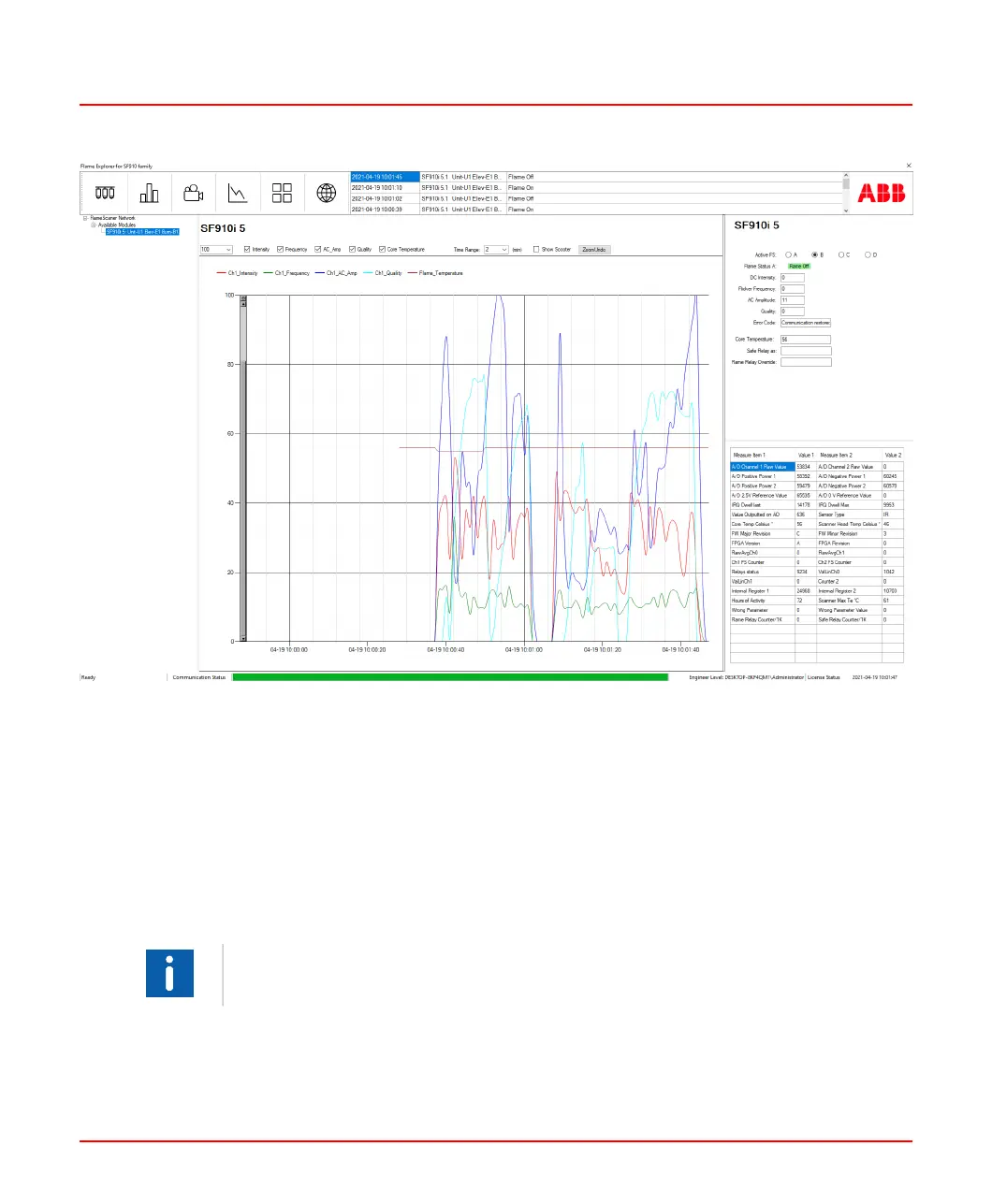
Figure 10.1: Trend Page on Flame Explorer
Up to four SF910i scanners can be displayed simultaneously on the Flame Explorer
screen. Each display can be easily customized.
Data from any or all the SF910i units on a MODBUS network can be stored in an archive
using a simple selection sheet.
Security is provided by Windows Authorization certification in the software, protecting
the system from unauthorized use. See the Flame Explorer for SF910i Installation and
Operation Guide (8VZZ001097T0001) for detailed information.
Flame Explorer software requires a MODBUS connection to the SF910i unit(s).
8VZZ005286 B 80
10 Flame Explorer Software



 To Next Page