CentriMag
TM
Circulatory Support System Operation Manual (US) Page 90 of 126
© 2019 Abbott – Document No PL-0047, Rev 11 (December 2019)
In the case of multiple alarms/alerts, each time a new alarm/alert condition occurs, a new
audible alarm and a new message will be displayed on the Console and Monitor. The
alarm/alert messages will be listed in order of priority from most severe to less severe.
Alarms always take higher priority than alerts. If more than three alarm/alert conditions
occur simultaneously, the Console will offer the DOWN option. Depressing the DOWN
keypad will scroll down one alarm/alert message. Refer to Table 7 for a listing of alarm
and alert messages in their order of priority.
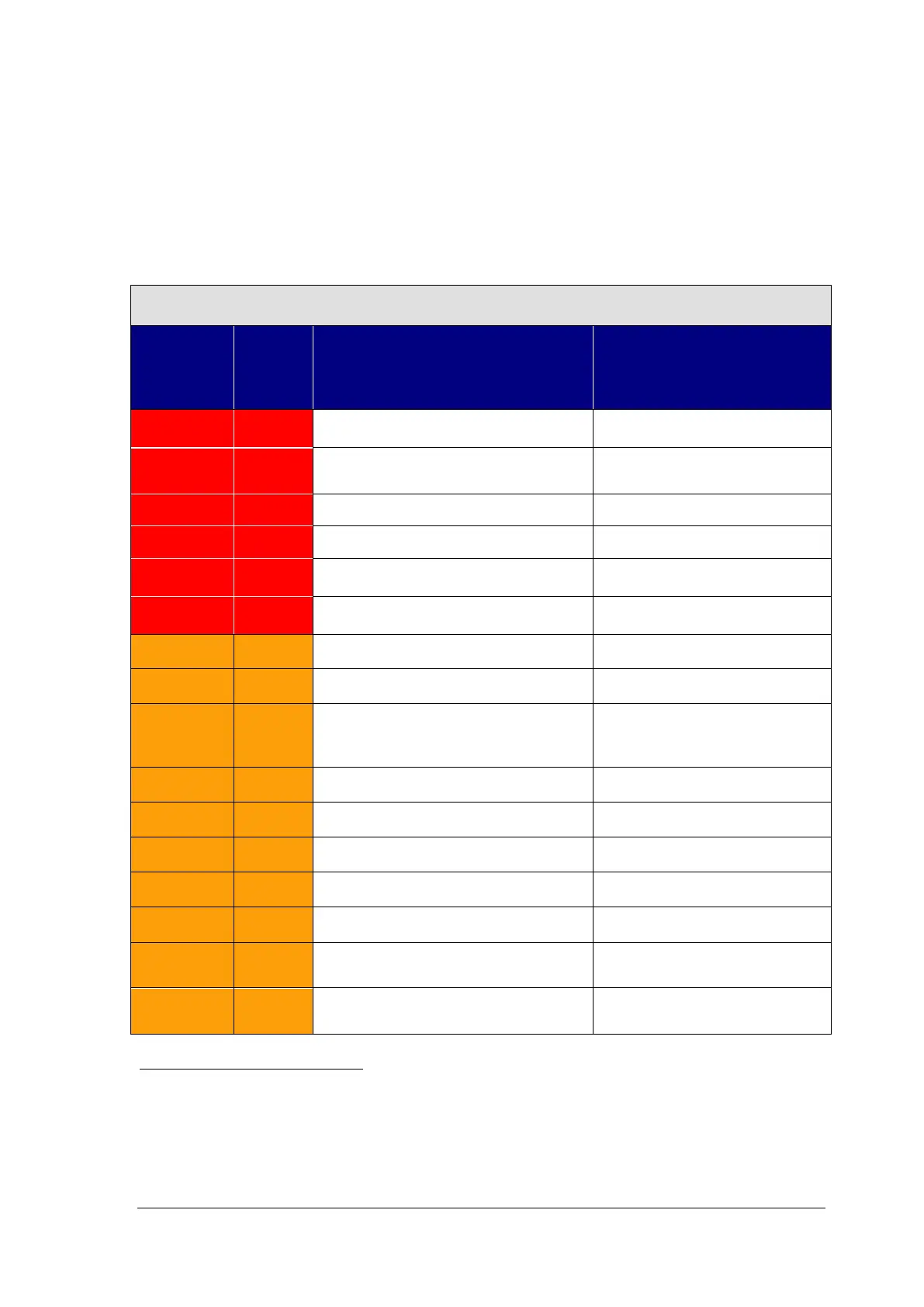
The Console features 6 alarms and 20 alerts as shown in Table 11
.
Table 11: Console Alarms & Alerts In Order Of Priority
ID
Alarm/
Alert
Description
(Yes/No)
(Silence Interval
8
)
S1 Alarm POWER ON TEST FAIL No
S2 Alarm
SYSTEM FAULT (Run-Time System
Failure)
No
M2 Alarm MOTOR DISCONNECTED Yes (60 Sec.)
M3 Alarm PUMP NOT INSERTED Yes (60 Sec.)
M4 Alarm MOTOR ALARM No
SET PUMP SPEED NOT REACHED
B1 Alert BATTERY MODULE FAIL Yes (60 Sec.)
B2 Alert BATTERY BELOW MINIMUM
batteries – can be silenced
when reconnected to AC
F1 Alert FLOW PROBE DISCONNECTED Yes (60 Sec.)
S3 Alert SYSTEM ALERT Yes (60 Sec.)
F2 Alert FLOW SIGNAL INTERRUPTED Yes (60 Sec.)
F3 Alert FLOW BELOW MINIMUM Yes (60 Sec.)
F4 Alert FLOW ABOVE MAXIMUM Yes (60 Sec.)
P1 Alert PRESSURE 1 DISCONNECTED
message remains)
P2 Alert PRESSURE 2 DISCONNECTED
message remains)
8
When applicable, audio tone will reactivate if the condition persists during time lapse.














 To Next Page