Using Alarms
What you See What it Means
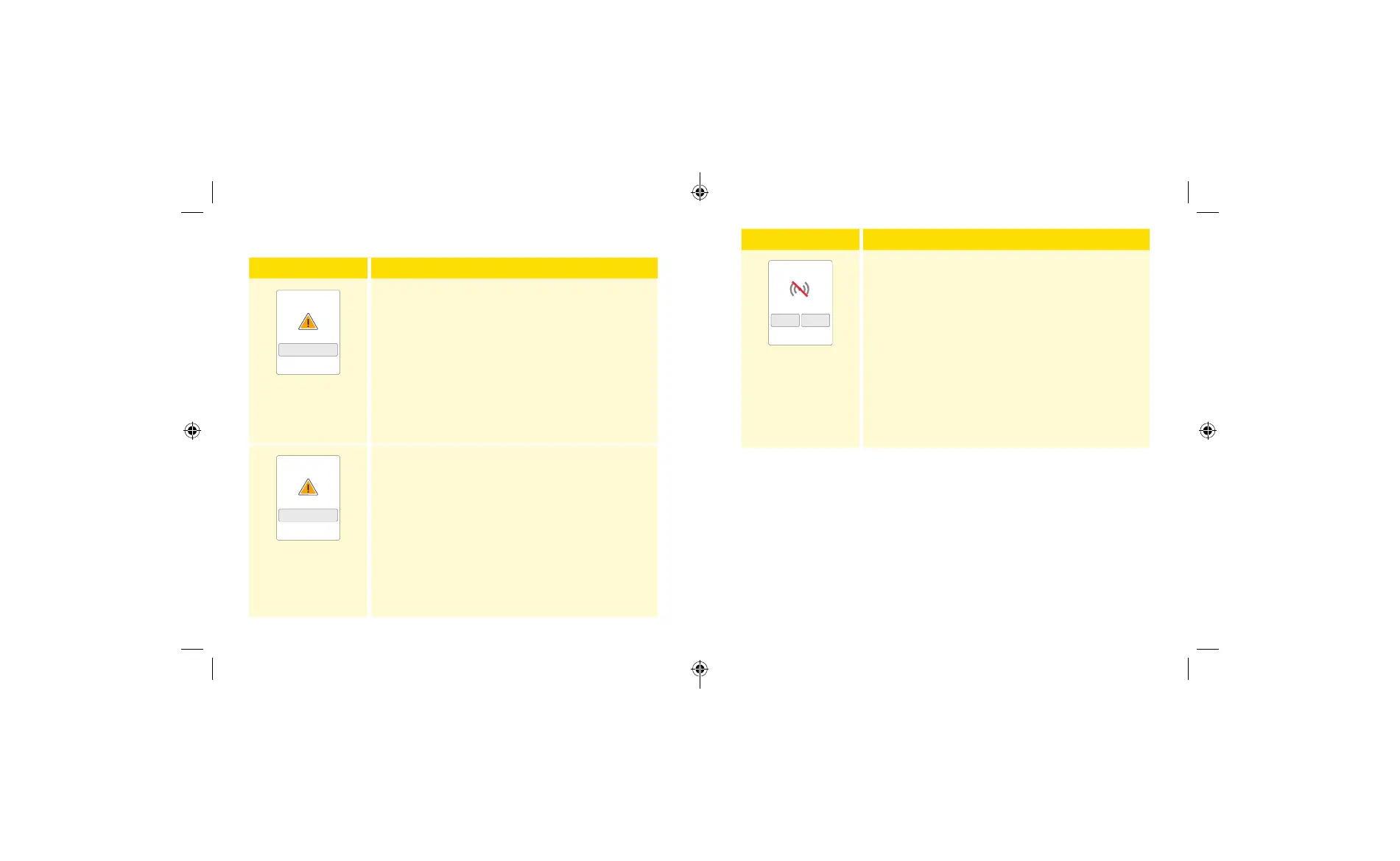
Low Glucose Alarm
Dismiss Alarm & Check
Glucose
The Low Glucose Alarm noties you if your
glucose drops below the level you set. The alarm
does not include your glucose reading, so you
need to scan your Sensor to check your glucose.
Touch Dismiss Alarm & Check Glucose or press
the Home Button to dismiss the alarm and check
your glucose. You will only receive one alarm per
low glucose episode.
High Glucose Alarm
Dismiss Alarm & Check
Glucose
The High Glucose Alarm noties you if your
glucose rises above the level you set. The alarm
does not include your glucose reading, so you
need to scan your Sensor to check your glucose.
Touch Dismiss Alarm & Check Glucose or press
the Home Button to dismiss the alarm and check
your glucose. You will only receive one alarm per
high glucose episode.
What you See What it Means
Scan Sensor now?
Signal Loss Alarm
YesNo
The Signal Loss Alarm noties you if your Sensor
has not communicated with the Reader for 20
minutes and you are not receiving Low or High
Glucose Alarms. Signal loss could be caused by
the Sensor being too far away from the Reader
(over 6 metres (20 ft)) or another issue such as an
error or problem with your Sensor or Reader.
Touch No to dismiss the alarm.
Touch Ye s or press the Home Button to dismiss
the alarm and scan the Sensor.
Notes:
• If you ignore an alarm, you will receive it again in 5 minutes if the
condition still exists.
• If you receive an alarm while the Reader is connected to a
computer, you must rst unplug the Reader to scan the Sensor.
39 40
ART43974_rev-A_manual.indd 39-40ART43974_rev-A_manual.indd 39-40 2/17/21 8:32 AM2/17/21 8:32 AM














 To Next Page