Step
Action
3
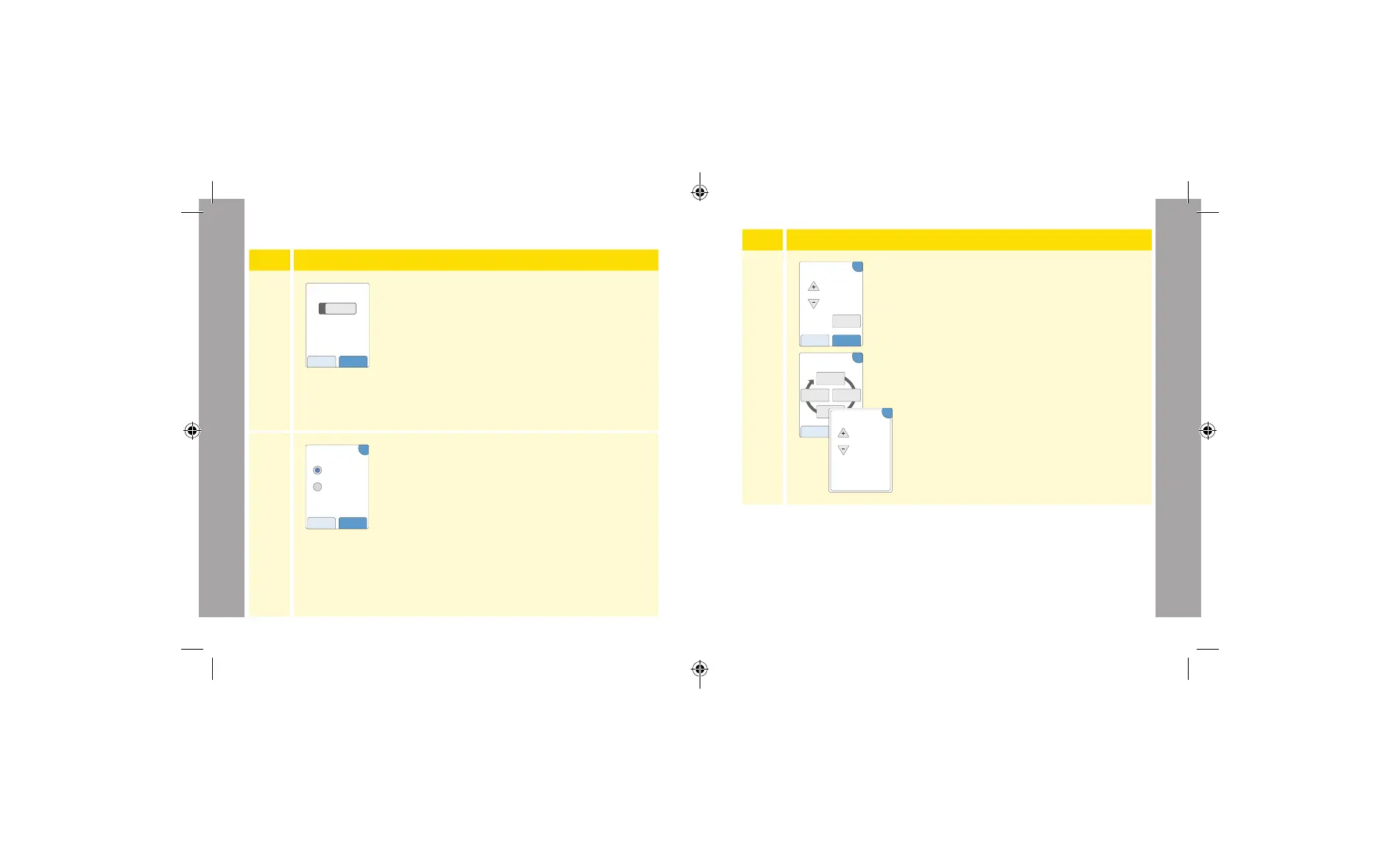
If you chose to enter Grams of carbs in Step 2:
The rapid-acting insulin dose suggestion is based
on grams of carbs.
Enter the Carbohydrate Ratio (1 unit of rapid-
acting insulin for ______ grams of carbs). Touch
next when complete.
Note: If you want to set dierent
carbohydrate ratios for dierent times
of day, touch the option by time of day.
Touch each time period to change the
carbohydrate ratio. Touch OK after each
entry to save. Touch done.
Go to Step 5.
Time of day blocks can not be adjusted. They correspond to the
following times:
Morning 4:00 AM - 9:59 AM (04:00 - 09:59)
Midday 10:00 AM - 3:59 PM (10:00 - 15:59)
Evening 4:00 PM - 9:59 PM (16:00 - 21:59)
Night 10:00 PM - 3:59 AM (22:00 - 03:59)
1 u insulin for
grams carbs
Carbohydrate Ratio
?
back next
by time
of day
Optional:
?
back done
Carbohydrate ratio
1 unit insulin for:
10g
morning
15g
night
15g
midday
20g
evening
1 u insulin for
grams carbs
OK
Carbohydrate
Ratio
Morning:
4am to 10am
Advanced Setup of the Insulin Calculator
Step
Action
1
Choose the Advanced option on the slide bar
and touch next.
Note: You need to know your patient’s meal-
time insulin settings, target glucose range,
correction factor, and insulin duration.
2
Touch to select how meal/carbohydrate
information will be entered. Touch next.
For Grams of carbs, go to Step 3.
For Carb portions, go to Step 4.
nextback
Advanced
For patients who count carbs
(in grams or servings) to adjust
their rapid-acting insulin dose
at meals.
Choose Setup Option
nextback
Grams of carbs
Carb. portions
Enter food by:
?
Professional Options
Professional Options
105 106
ART43974_rev-A_manual.indd 106ART43974_rev-A_manual.indd 106 2/17/21 8:32 AM2/17/21 8:32 AM














 To Next Page