If you have added a rapid-acting insulin note to a glucose result without
indicating how much insulin you took, the calculator will not be available
for up to 8 hours.
Step Action
1
10:23pm
Insulin Calculator
7.9
mmol
L
Test your blood glucose on your nger. Touch
Insulin Calculator from the blood glucose
results screen. You can also access the insulin
calculator by touching the calculator icon next
to Rapid-Acting Insulin from the Add Notes
screen.
CAUTION: The rapid-acting insulin calculator cannot account
for all the factors that may aect your insulin dose. These
include incorrectly entered data, incorrectly set date or time,
un-logged insulin, smaller or larger meals, sickness, exercise,
etc. It is important that you review your suggested dose and
account for these factors before taking insulin.
Step Action
2
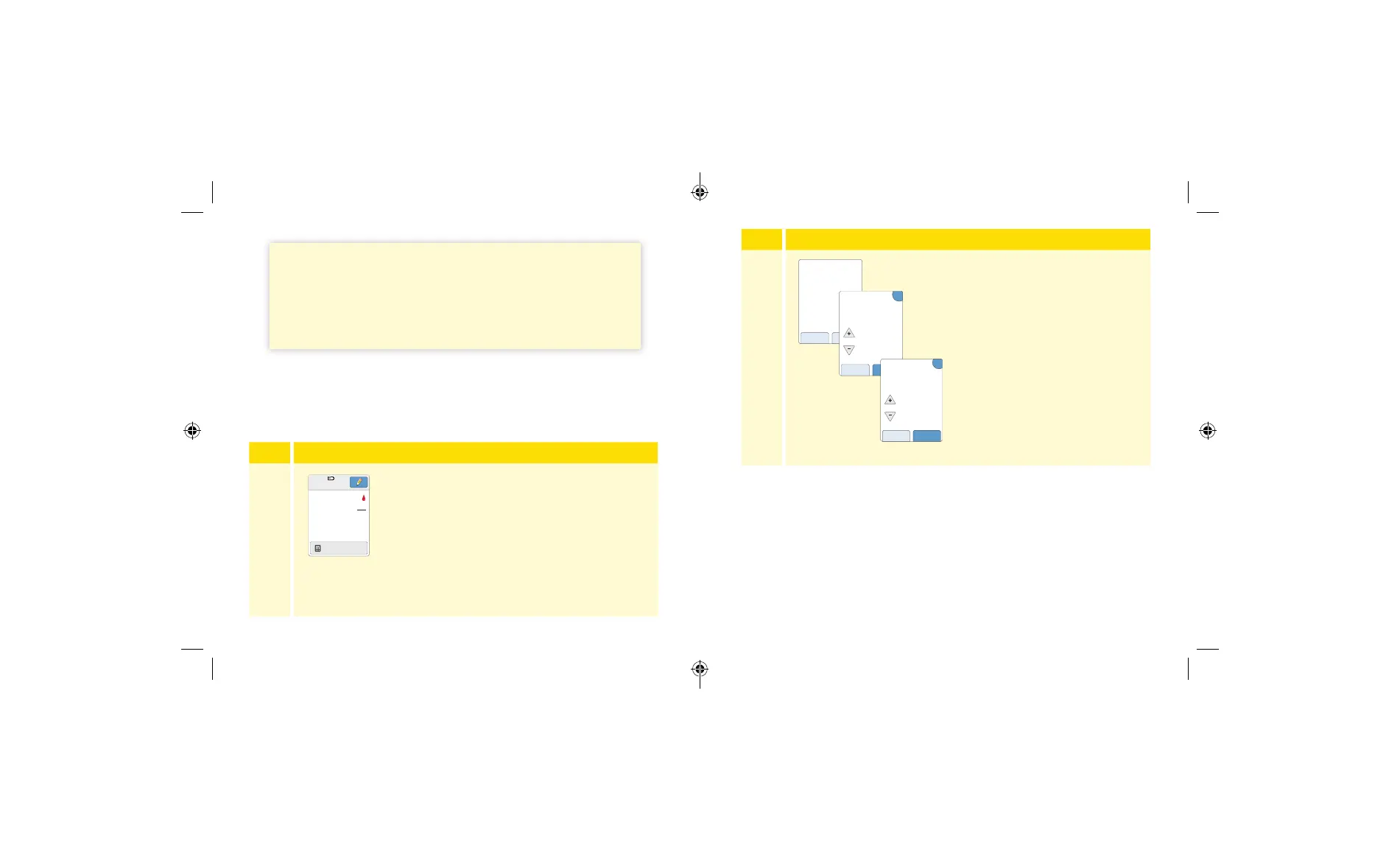
Enter information about any
rapid-acting insulin you may have
forgotten to log. Touch next.
Notes:
• You have up to 15 minutes after testing your blood glucose to access
the calculator. If the Reader turns o or if you have navigated away
from the result screen, you can go to the Logbook and touch add or
edit notes to access the calculator from your last blood glucose entry.
• If your blood glucose result is below 3.3 mmol/L, the calculator is not
available.
• Do not use control solution to obtain a suggested dose.
no yes
Have you forgotten
to log any rapid-acting
insulin you have taken
since X:XX?
?
units
2
back next
Enter any rapid-
acting insulin you
have forgotten to log.
?
minutes or less
15
back next
How long ago was
the unlogged dose of
rapid-acting insulin?
69 70
ART43974_rev-A_manual.indd 69-70ART43974_rev-A_manual.indd 69-70 2/17/21 8:32 AM2/17/21 8:32 AM














 To Next Page