Accsense VersaLog Data Loggers User’s Manual Page 18
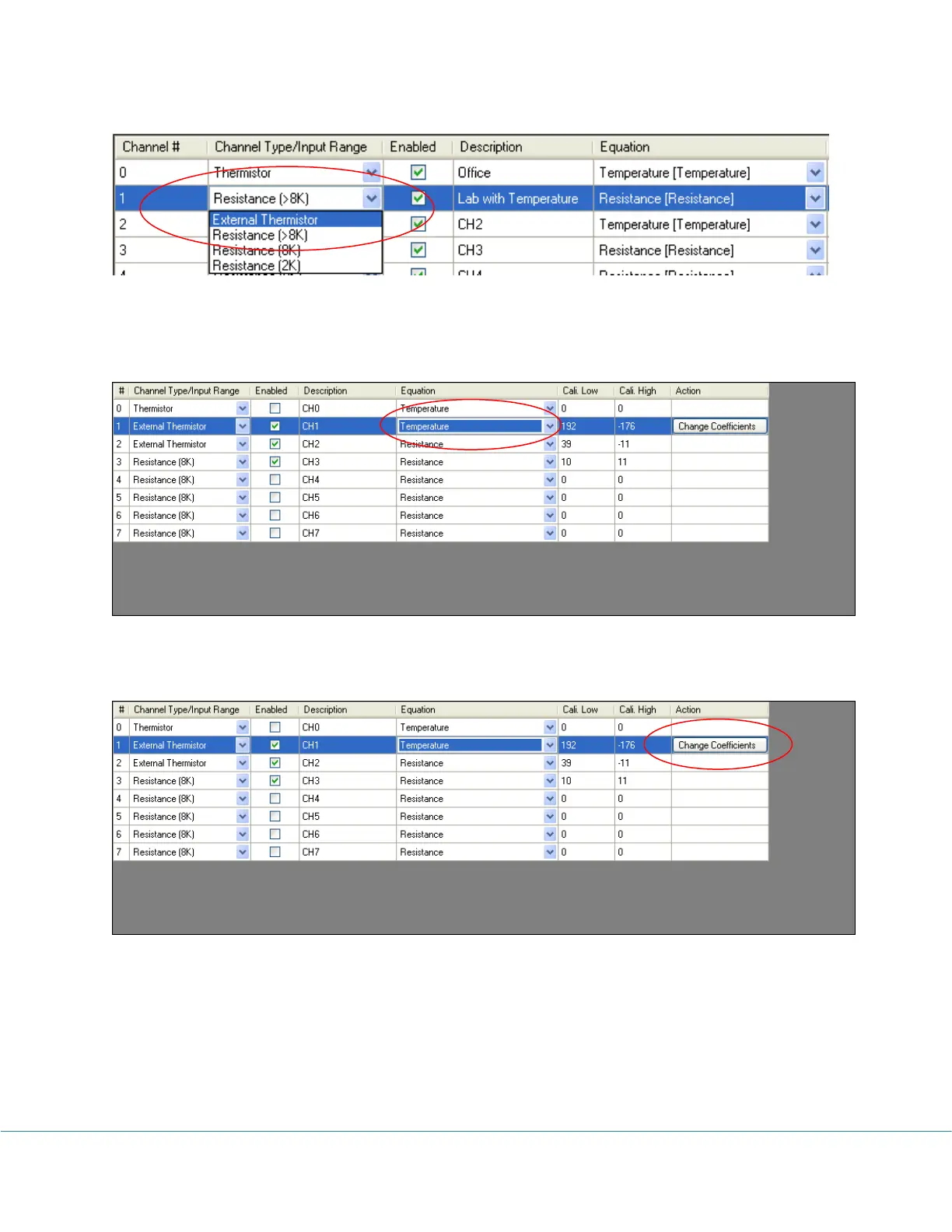
The simple way to measure temperature is by using built-in “Temperature” equation. You
select “Temperature” in “Equation” column:
Then you need to change temperature coefficient values by clicking “Change Coefficients”
button in “Action” column:
In the pop-up dialog enter new temperature coefficient values and click “OK” button.



 To Next Page