Accsense VersaLog Data Loggers User’s Manual Page 45
Connect Data Logger
Connect the logger to the computer’s USB port. Windows Vista and Windows 7 will
automatically recognize the data logger.
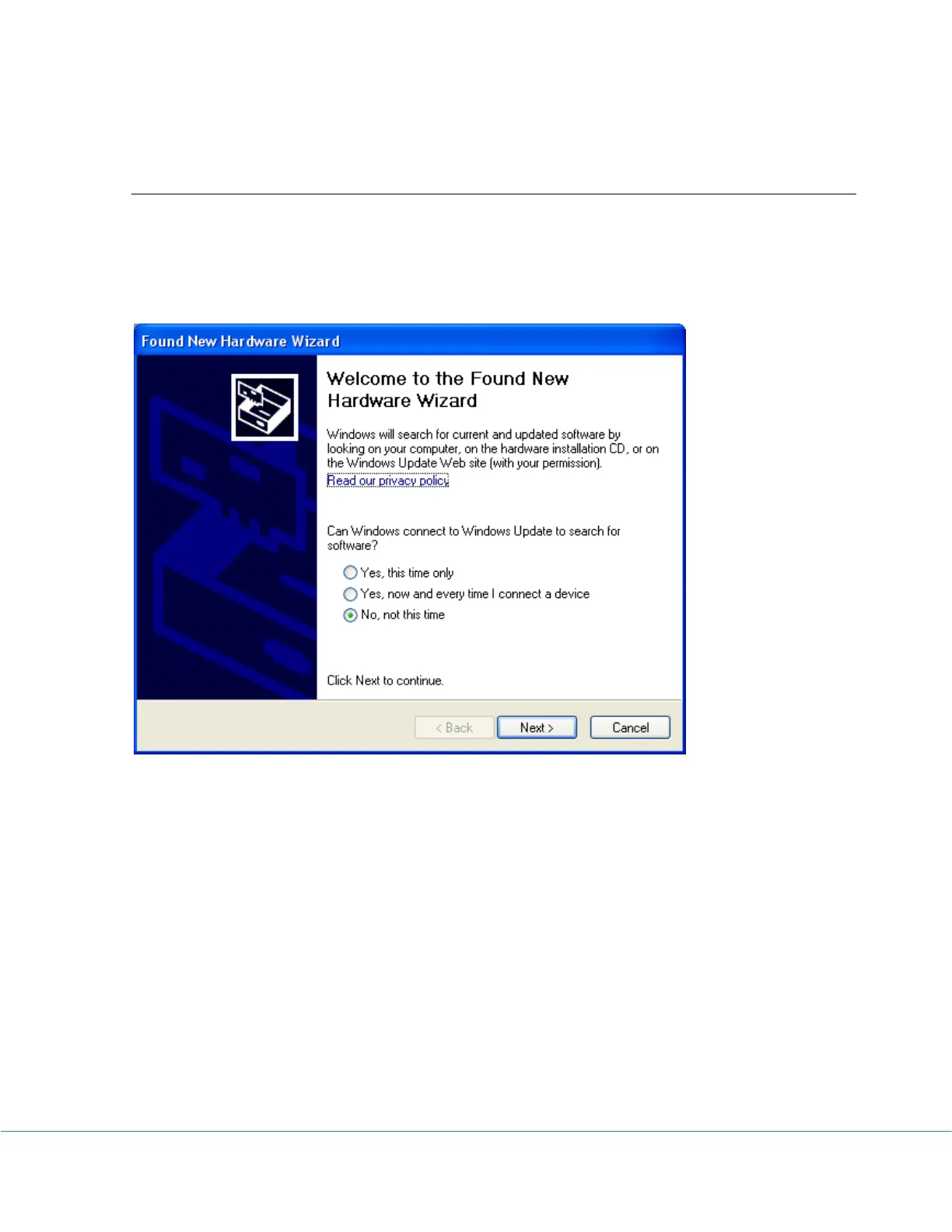
For Windows XP users, the following dialog window will appear:
Select "No, not this time" from options available and then Click "Next >" to proceed with the
installation.



 To Next Page