Accsense VersaLog Data Loggers User’s Manual Page 59
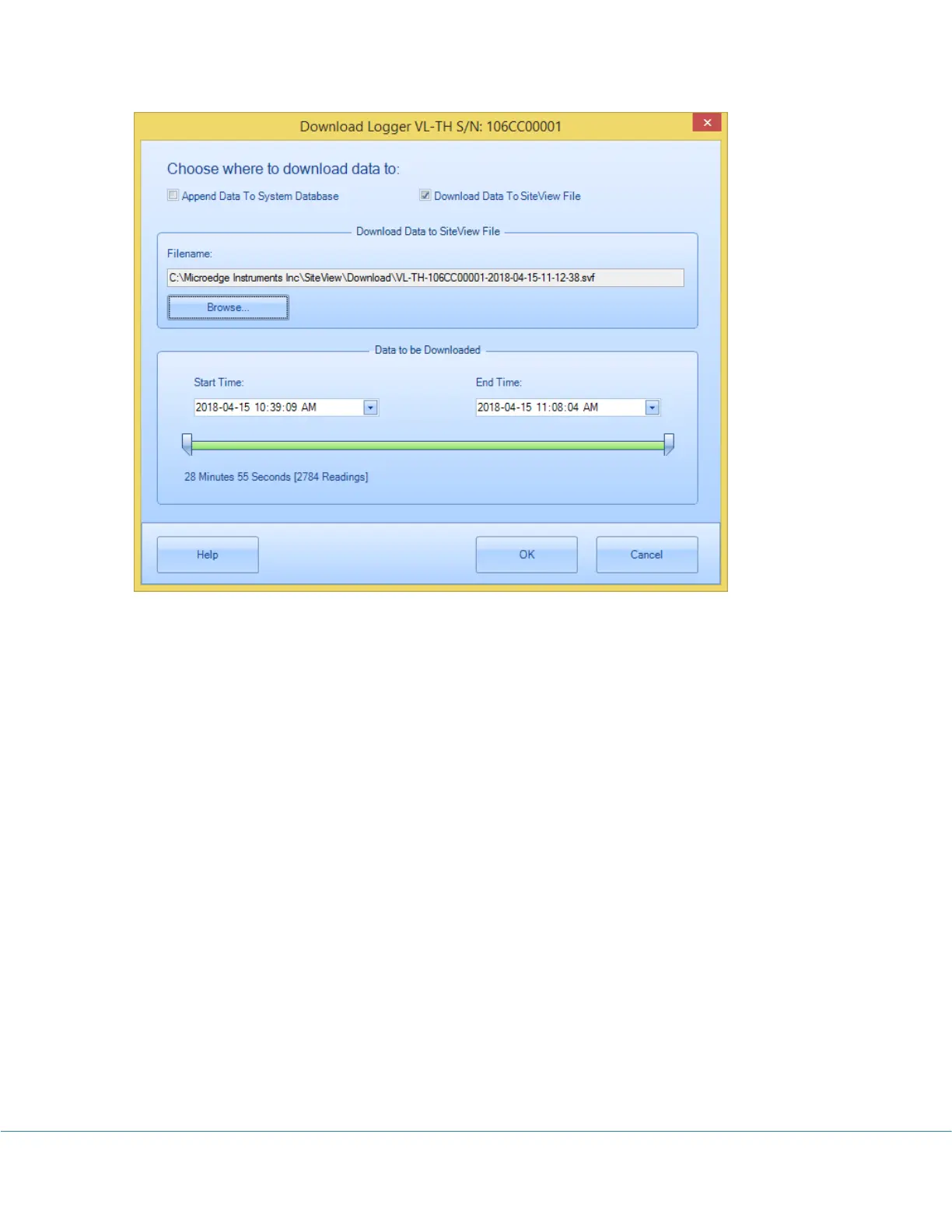
The fields that you can edit are:
Filename & Browse
These fields specify the full file path the downloaded data will be saved into.
Clicking on Browse button will display File Save dialog where you can edit or choose a file
name.
Start Time & End Time
These fields specify the desired start and end time for the data to be downloaded. You can
use either scroll bars or the calendar controls to change the start and end time.
Once you have selected a desired time frame you can click OK button to start the download
process.
After the download the plot and tabular data will be displayed (If Display plot after download
was not checked the plot will not display):



 To Next Page