Accsense VersaLog Data Loggers User’s Manual Page 60
Real-Time Display
If the logger is in normal sampling mode (sampling interval is 5 seconds or longer), VersaLog
SiteView can view the real-time measurements while the logger is still logging data. The real-
time display shows the list of the latest channel real-time measurements, as well as the trend
chart of all channel real-time measurements for the past given period of time from the current
time.
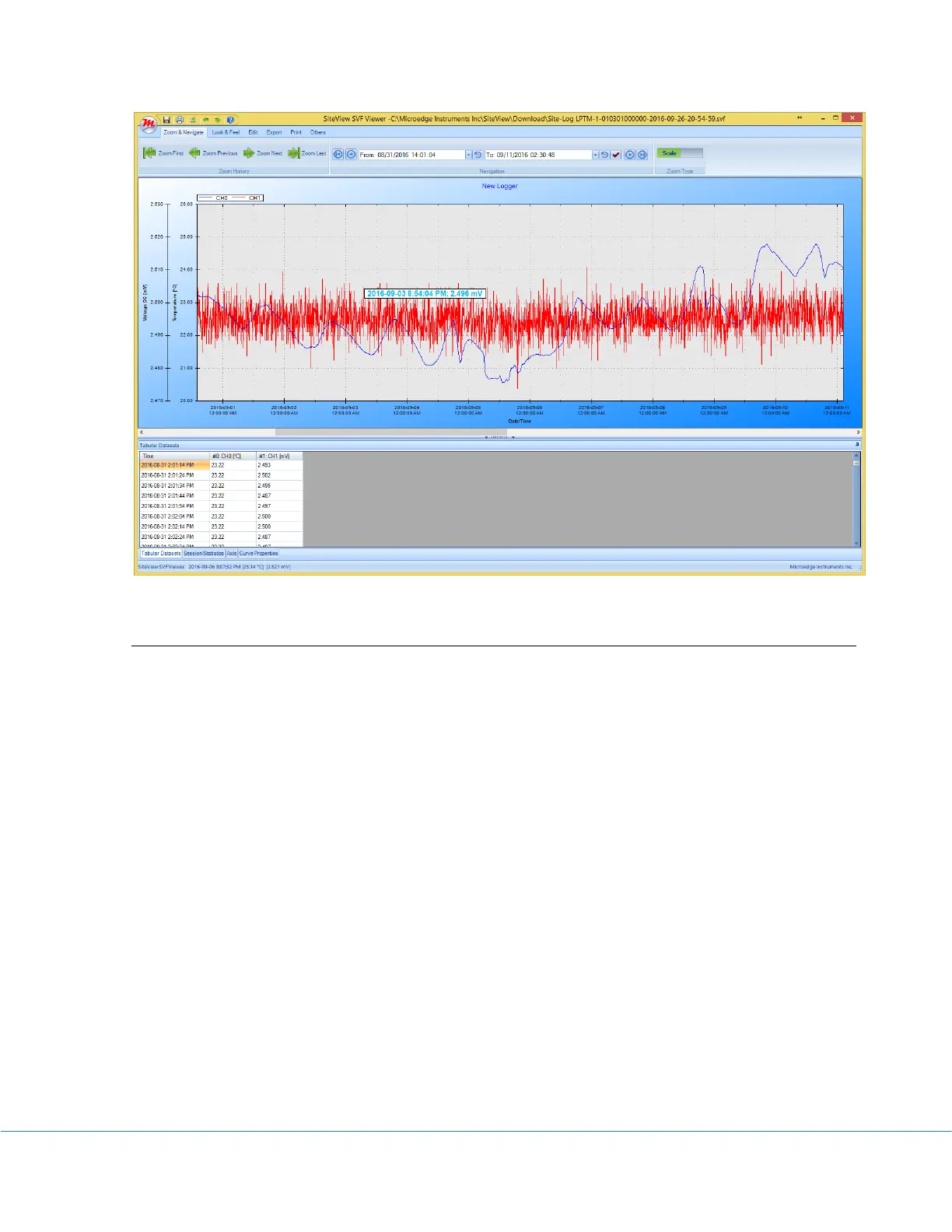
To open real-time view, if the logger has been contacted and the status of the logger is
displayed, click on Real-Time tool bar button. The following real-time dialog appears:



 To Next Page