Accsense VersaLog Data Loggers User’s Manual Page 51
Information Log Panel
This section shows the information logs for any activities Accsense VersaLog does. This is
for diagnostics and information purposes.
View Logger Status
This manual will use USB as an example of communications interface. For other
communications interfaces please refer to Accsense VersaLog User’s Manual available for
download online.
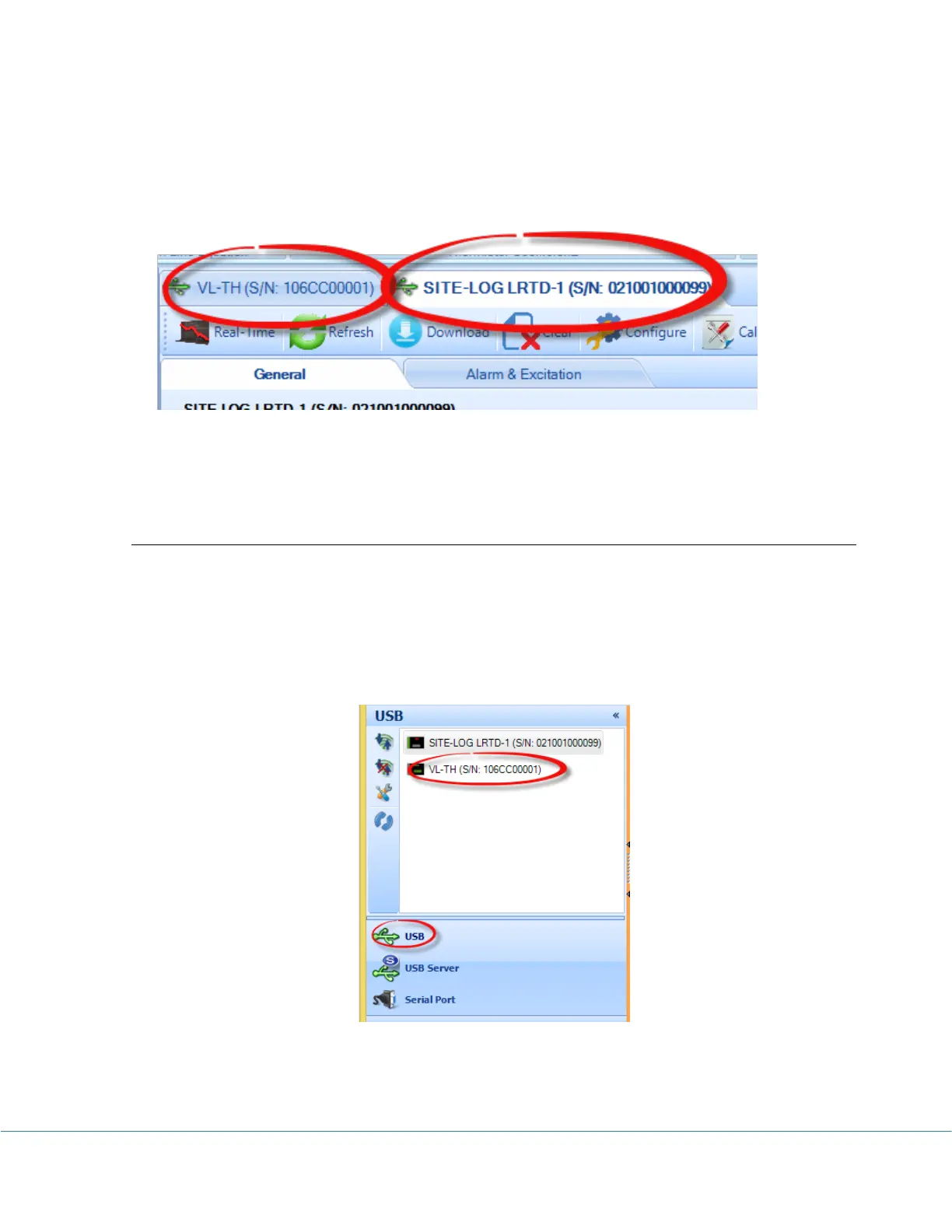
If the logger is connected to the computer correctly the logger icon should show in USB tab of
the communication panel illustrated below:
Double clicking Accsense VersaLog Logger icon or clicking “Contact” button with the icon
been highlighted will bring up the logger status page.



 To Next Page