Accsense VersaLog Data Loggers User’s Manual Page 57
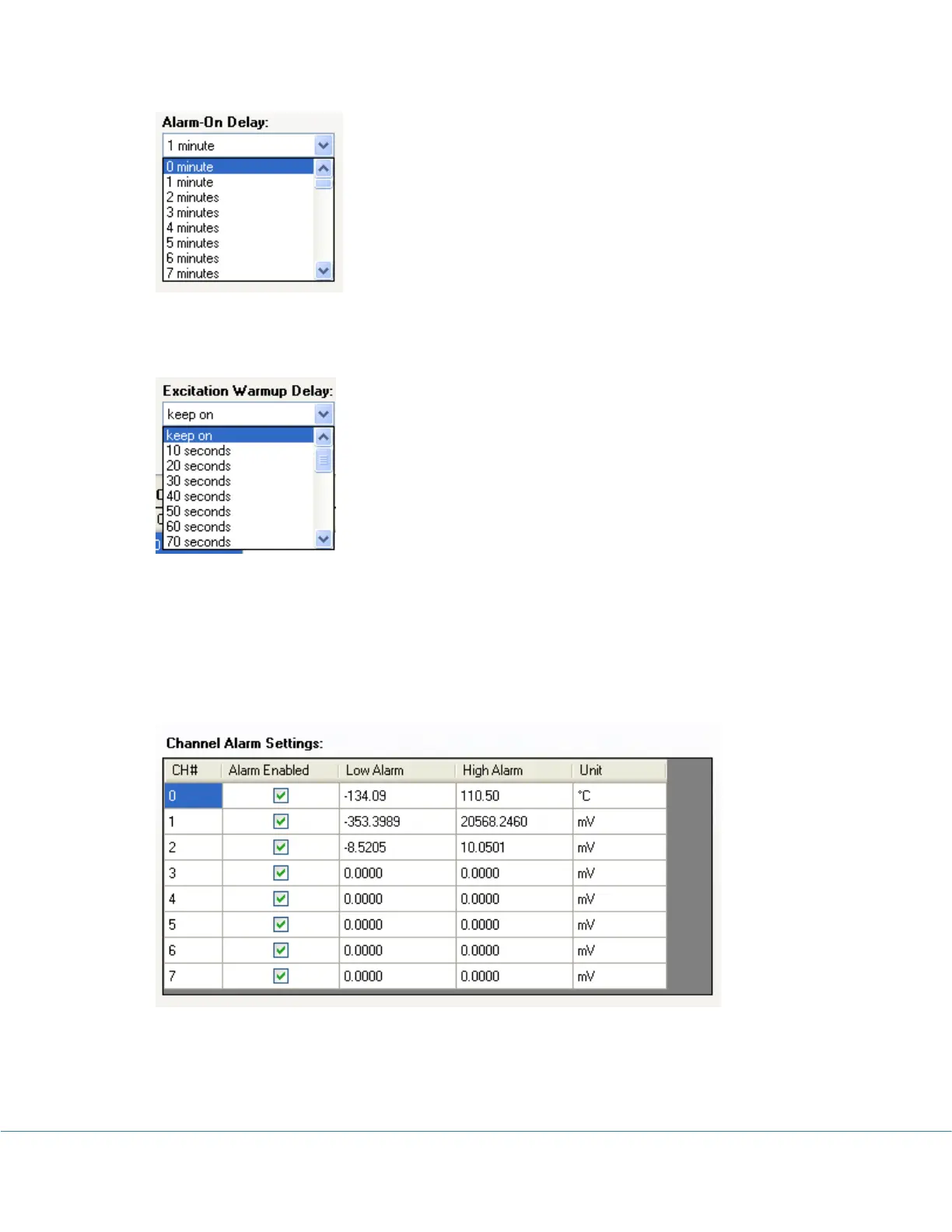
Excitation Warm-up Delay
This field specifies how much delay will be put after the excitation terminal is activated and
before the logger is taking the sample.
Channel Alarm Settings
This table specifies how each channel controls alarm state by:
Alarm Enabled: Check this field to associate this channel to the alarm state.
Low & High Alarm: These fields define the alarm thresholds. If the reading is beyond
these thresholds, the alarm is triggered.
Once you have finished making changes to the available settings, you can click OK button to
save the settings to the logger. The logger will start to record data from Time to Start you have
set.



 To Next Page