Accsense VersaLog Data Loggers User’s Manual Page 50
Main Window Frame
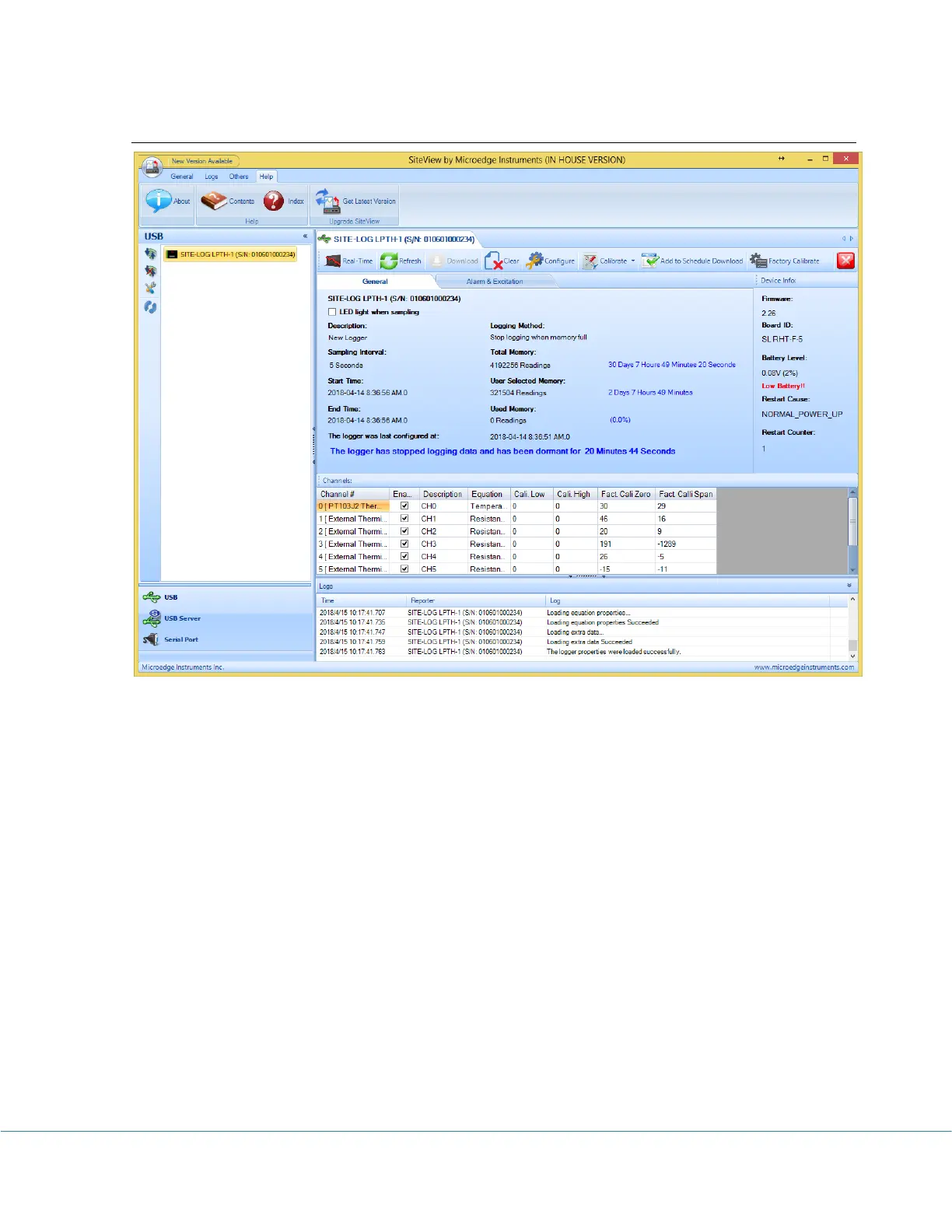
Communication Panel
The communication Panel contains USB, USB Device Server, Serial Port and Serial Device
Server communication tabs that are used to deal with the respective physical logger
connections to the computer. For instance, if the logger is connected to the computer via a
USB port you need to use USB tab to communicate with the logger.
Menu Bar
The Menu Bar contains File, View, Tools, and Help menus and their respective sub menus
that are used to complete various tasks.
Tool Bar
The Tool Bar provides an easy way to access the menu items by including some of the
frequently used items on the tool bar as the tool bar buttons.
Main Working Panel
The Main Working Panel contains a series Tab pages for logger status and the graph
information illustrated as the follows:



 To Next Page