Accsense VersaLog Data Loggers User’s Manual Page 53
Through the tool bar buttons you can act on other tasks described in the following chapters.
Configure Logger
Configuration of the logger is a procedure to edit the properties of the logger and to start the
new logging session.
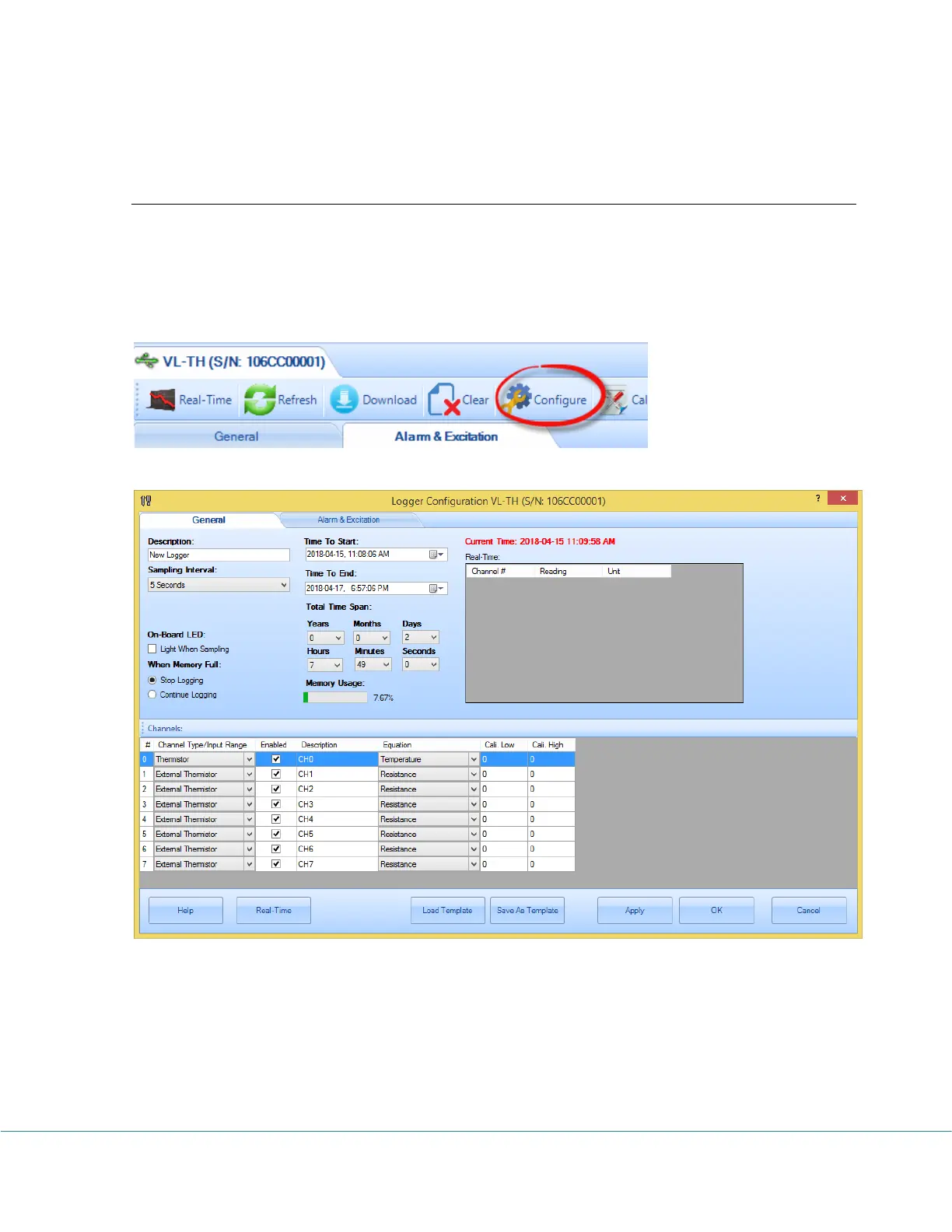
If you are already in the logger status panel, clicking on the Configure button will bring up the
configuration dialog window:
There are two tab pages in this dialog. The General page is displayed in the above screen shot.
If you click Alarm & Excitation tab the following page will appear:



 To Next Page