Accsense VersaLog Data Loggers User’s Manual Page 32
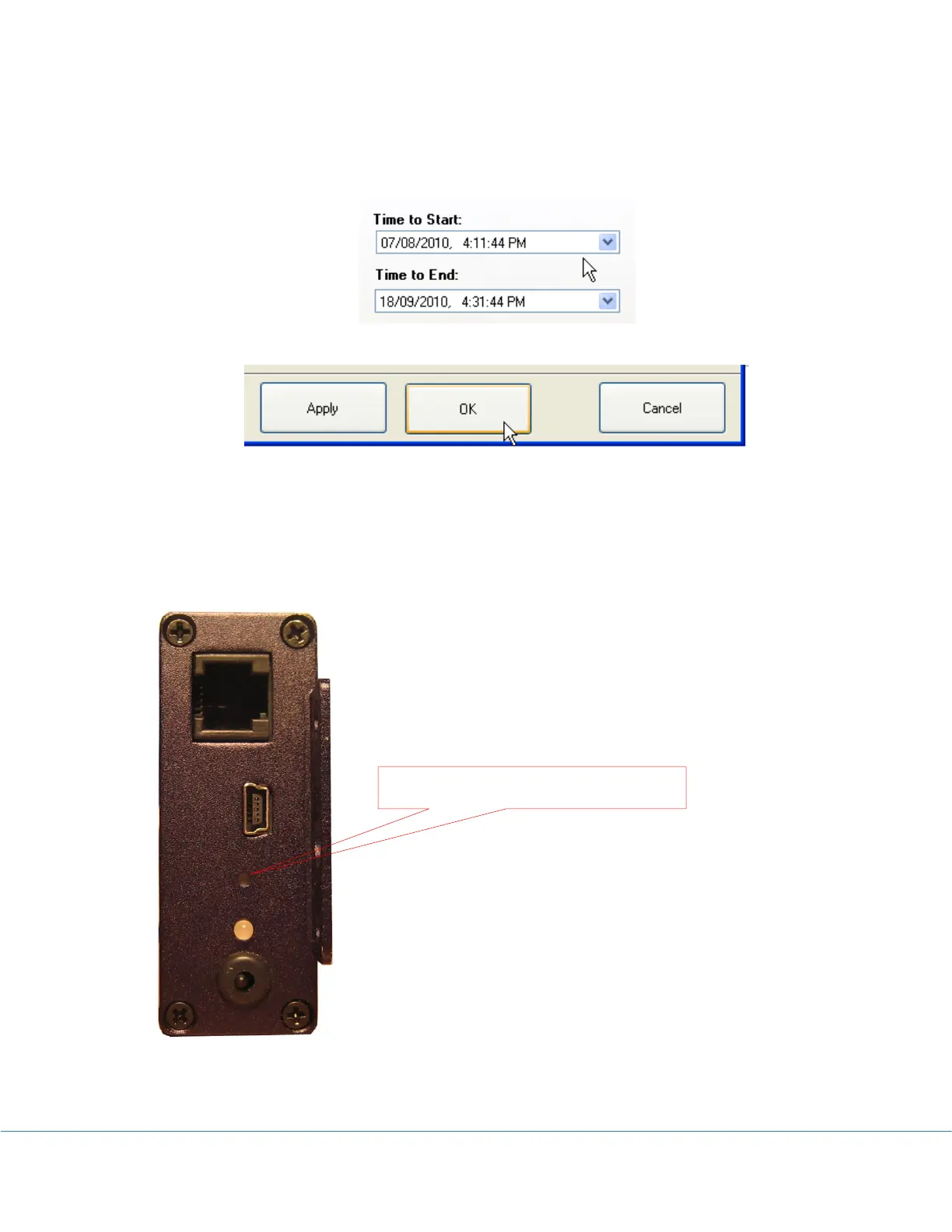
1. With the VersaLog SiteView software, open the configuration dialog of the logger, and set
the start time to any time the desired start time will never reaches. Click OK button to save
new settings to the logger.
2. The logger is now in Start Delay mode. When you need to activate the logger, press and
hold the Activation button on the logger. When you see the status LED starts to flash
release the button. The logger is now activated and is recording data.
Field Activation
Push to activate new logging session



 To Next Page