Accsense VersaLog Data Loggers User’s Manual Page 47
Select the item with Manufacturer of Accsense VersaLog and click “Next>” to proceed.
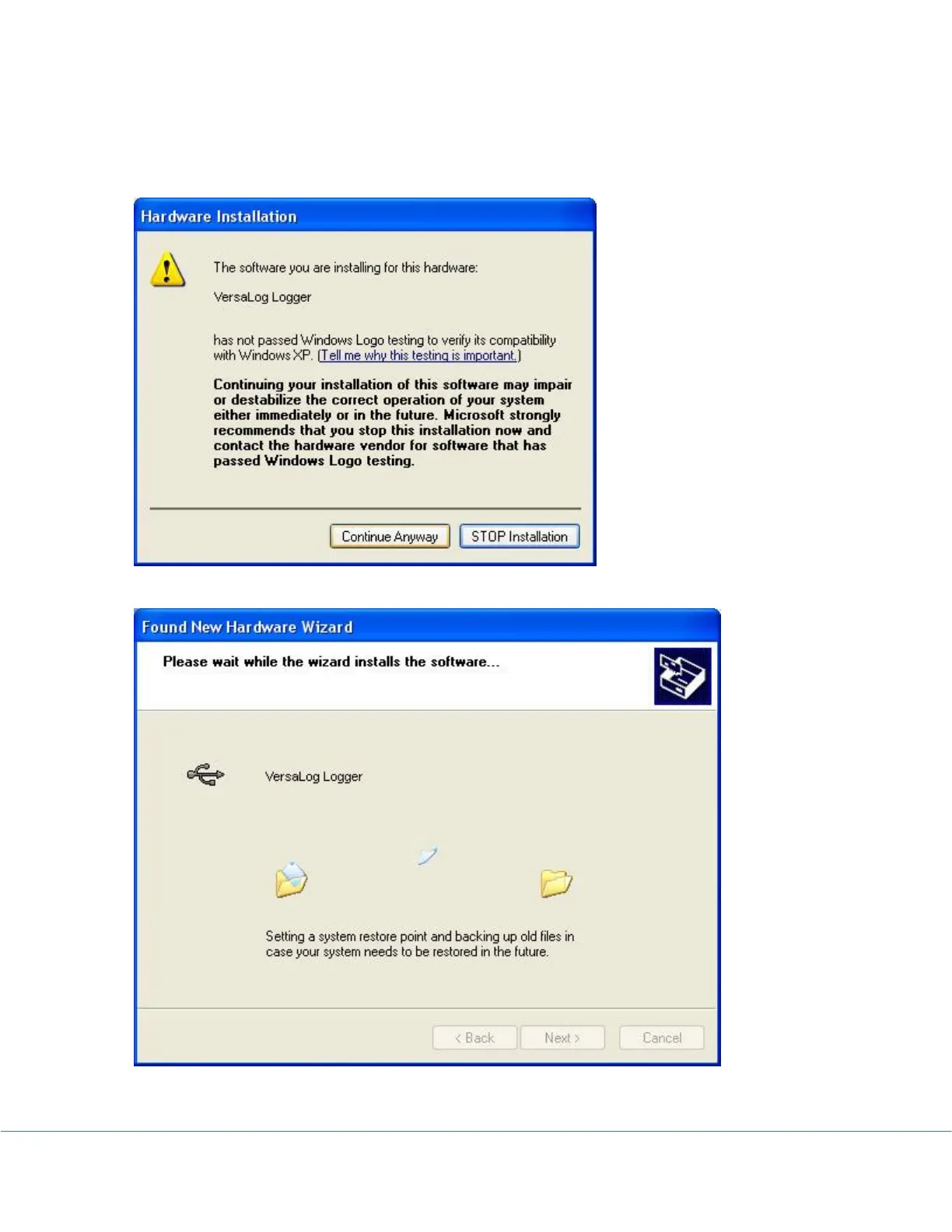
In the following message dialog, click "Continue Anyway" to continue with the installation:
The screen below will be displayed as Windows copies required driver files:
Windows should then display a message indicating the installation was successful:



 To Next Page