EVO 150 Controller
45
The oscillation function is configured by the following parameters. Refer to page 21 for more
information about setting controller parameters.
Oscillation Mode
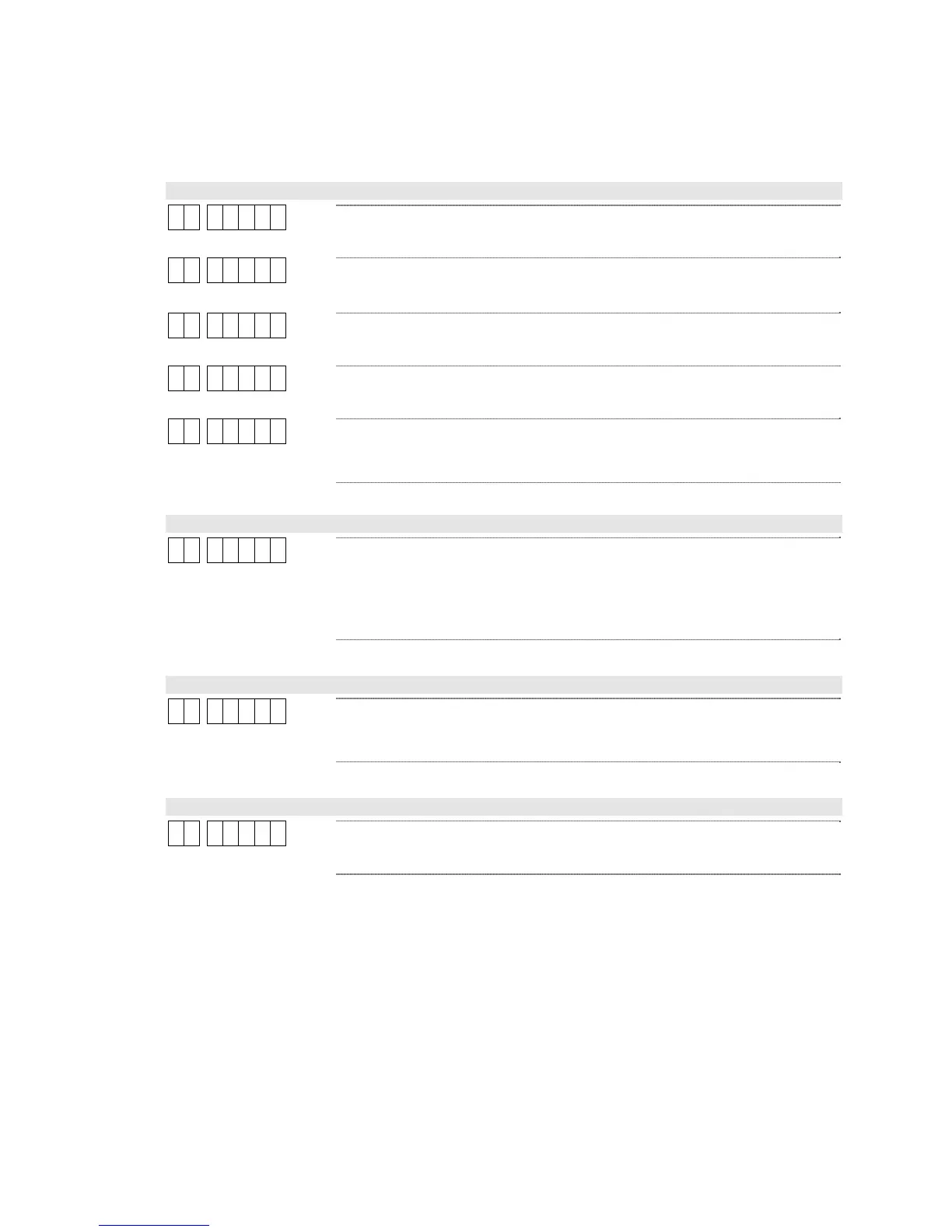
3 1 0
The oscillation function is off. This is the default setting.
3 1 1
The oscillation function is on.
3 1 2
This option is reserved for future use.
3 1 3
This option is reserved for future use.
3 1 4
The oscillation function is on. The actuator will oscillate between the In
and Out end-of-travel limits. This mode will not work with MX-series
actuators.
Oscillation Total Travel
3 2 7. 5 0
This parameter sets the guide point’s range of travel distance. This range
is symmetrical around the system’s fixed guide point. The position of the
fixed guide point can be adjusted with the optional Remote Station. The
range is from 0 to 7.50 inches (or ±3.75 inches max). The default
setting is 1.00 inch (± 0.50 inch).
Oscillation Maximum Speed
3 3 1. 0
This parameter sets the guide point’s maximum oscillation speed. The
range is from 0 to 25.5 inches per minute. The default setting is 1.0
inch per minute.
Oscillation Speed Multiplier
3 4 5 0
This parameter scales the guide point’s oscillation speed by a fixed
percentage. The range is from 0 to 100%. The default setting is 50%.



 To Next Page