PointSource and WideArray Edge Detectors
57
Calibration
Calibration of the edge detectors is required any time there is an issue detecting the material
or a new/different edge detector is attached to the EVO 150 controller. For systems with only
one edge detector, that edge detector is Edge A. Systems that have two edge detectors have
both Edge A and Edge B. Each edge detector is calibrated individually.
The calibration is performed by accessing the edge detector setting button on the Setting
Screen, see page 17.
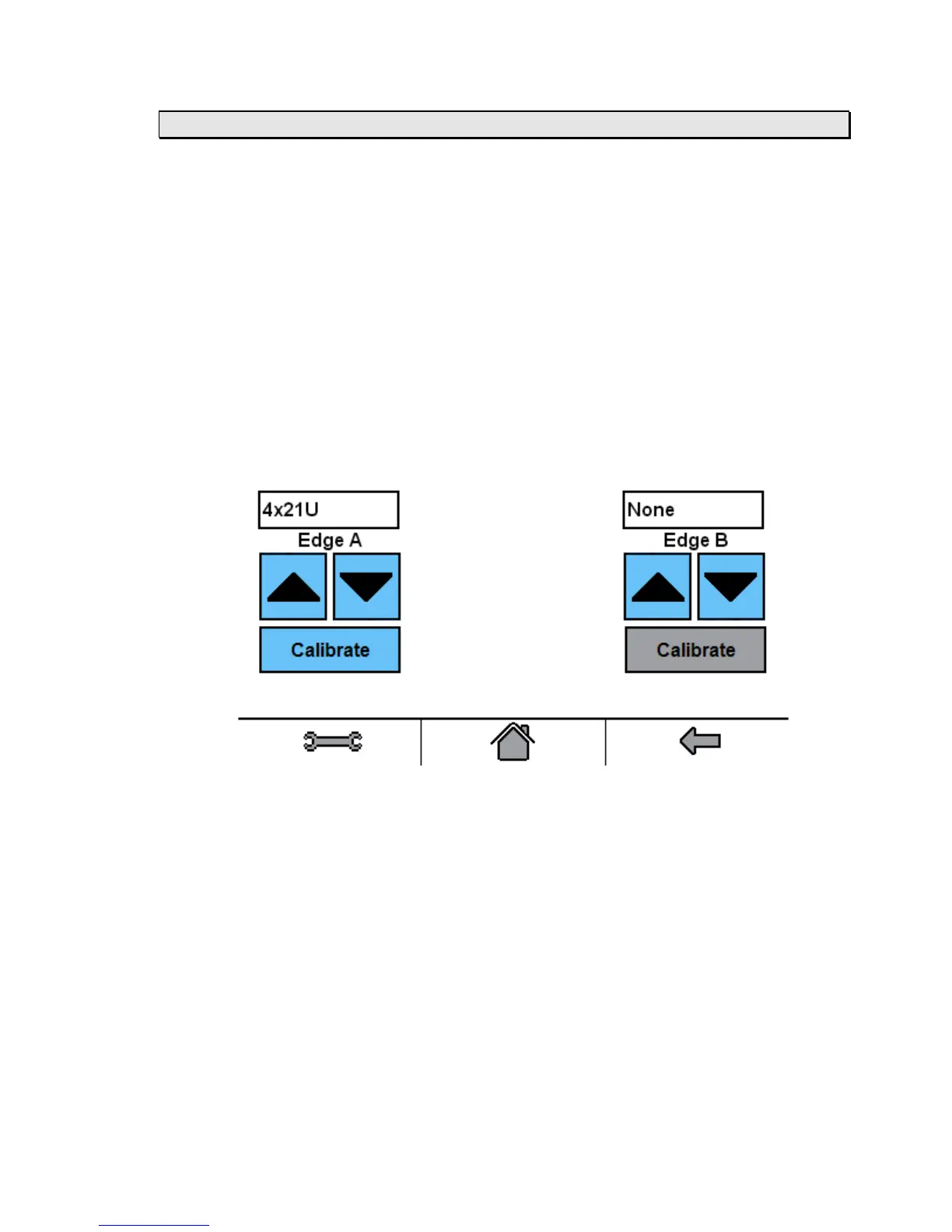
The Detector Settings screen is where the applicable edge detector model is selected from a
menu. The edge detector being used will be displayed. If the edge detector being used is not
displayed then select the correct edge detector by using the up/down arrow buttons until the
connected edge detector is displayed.
If calibrating edge A, then select the Calibrate button for Edge A. If calibrating edge B, then
select the Calibrate button for Edge B.



 To Next Page