AccuBeam 3 Digital Line Guide Sensor
63
Operation
This section describes the Digital Line Guide’s front panel keys and display, and outlines a basic
operating procedure.
Display:
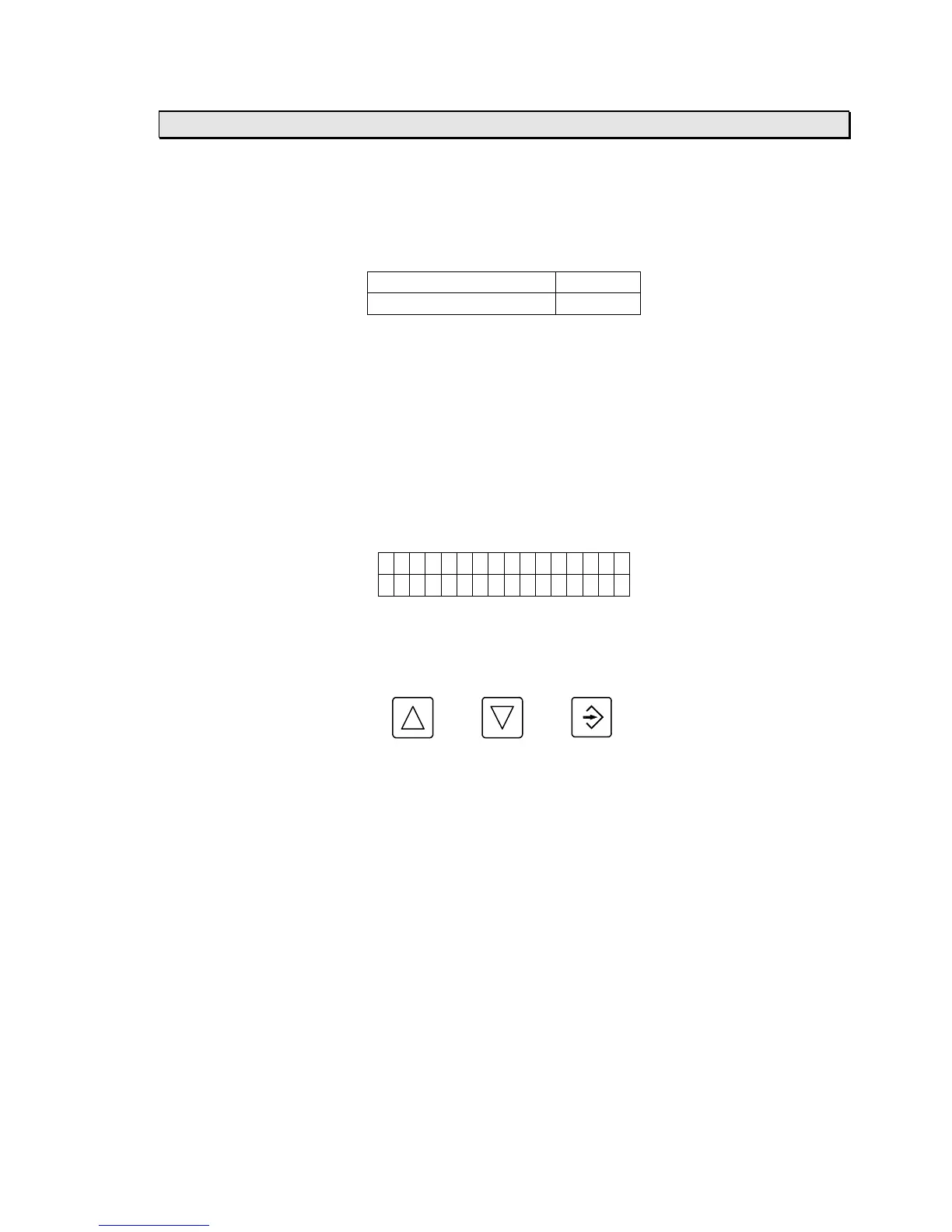
• The 2-line LCD display is divided into four fields as shown:
PARAMETER VALUE
GRAPHIC DISPLAY CONTRAST
PARAMETER field: Name of the currently selected parameter.
VALUE field: Value of the currently selected parameter.
GRAPHIC DISPLAY field: Graphically displays what is in the sensor’s field of view.
CONTRAST field: Contrast value of the highest contrast edges in the sensor’s field of view.
• The parameters are described in the Parameters section of this manual (page 71).
• At power-up, a software identification message is displayed for several seconds then the
display reverts to the format described above:
ccuBeam 3
DLG xx . x x
Front panel keys:
• The front panel keys are defined as follows:
UP DOWN ENTER
• To select a parameter press the ENTER key until the cursor is in the PARAMETER field, then
press the UP or DOWN keys until the desired parameter is displayed.
• To change a parameter’s value press the ENTER key until the cursor is in the VALUE field,
then press the UP or DOWN keys until the desired value is displayed.
• The keys automatically repeat if held down for more than one second.
Operation:
1) Press the SERVO-CENTER button and wait for the guide to move to its center of travel.
2) Thread the web through the machine.
3) Press the EDGE A, EDGE B, or LINE button.
4) Align the sensor with the line or edge to be tracked on the web material.
5) If this is the first time you are running this particular web material, perform the auto-calibration
procedure described in the Calibration section of this manual (page 65).



 To Next Page