EVO 150 Controller
40
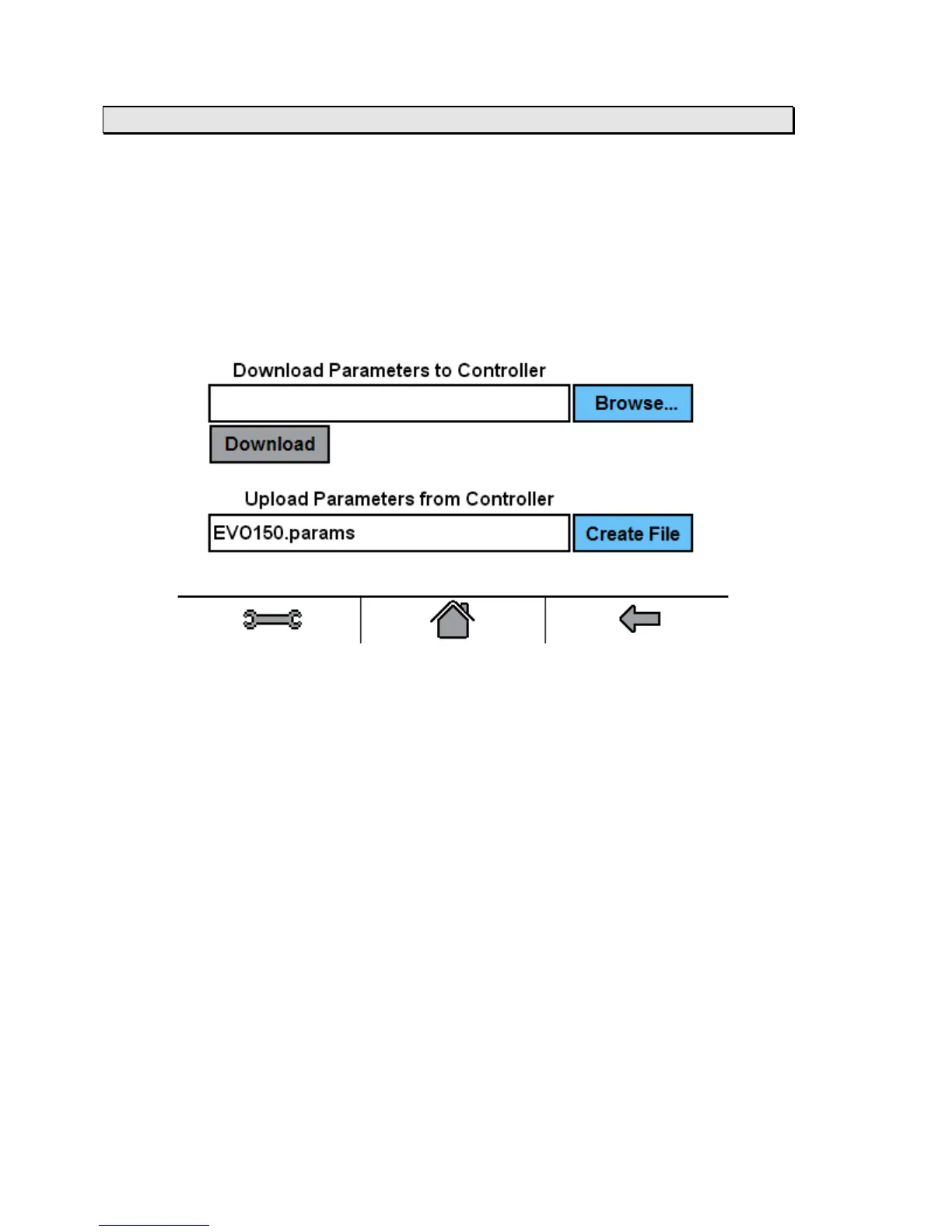
Appendix 2 / Parameters Download/Upload
The Parameters Download/Upload screen is accessed by opening a web browser from a
remotely connected computer. In the web browser’s address bar place the controller IP
address/ParametersFile.html (case sensitive), i.e.:192.168.0.8/ParametersFile.html.
The Parameters Download/Upload screen also enables the end-user to upload the parameters
from the controller and save them to a file.
The Parameters Download/Upload screen is used to set all of the parameters on the controller by
downloading a .params file.
The Upload file name cannot be changed before uploading.
Typically the uploaded file is stored in the users Downloads folder.
Once stored, the file name can be changed and/or moved to a folder location of the users
choosing.
The stored file can be viewed and edited using Notepad.



 To Next Page