Remote Station - Guide Point Adjust
90
Operation
This section describes the operation of the Remote Station front panel keys and display.
Display:
• The 2-line LCD display is divided into three fields as shown:
PARAMETER VALUE
POSITION
PARAMETER field: Name of the currently selected parameter.
VALUE field: Value of the currently selected parameter.
POSITION field: Current web position. This field is continuously updated.
• Dimensional values that indicate length, position or offset are displayed in inches or
millimeters, depending on the setting of the Units parameter.
• The parameters are described in the Parameters section of this manual (page 91).
• At power-up, a software identification message is displayed for several seconds then the
display reverts to the format described above:
R e m o t e S t a t i o n
R M T 03 GPxx . xx
Front panel keys:
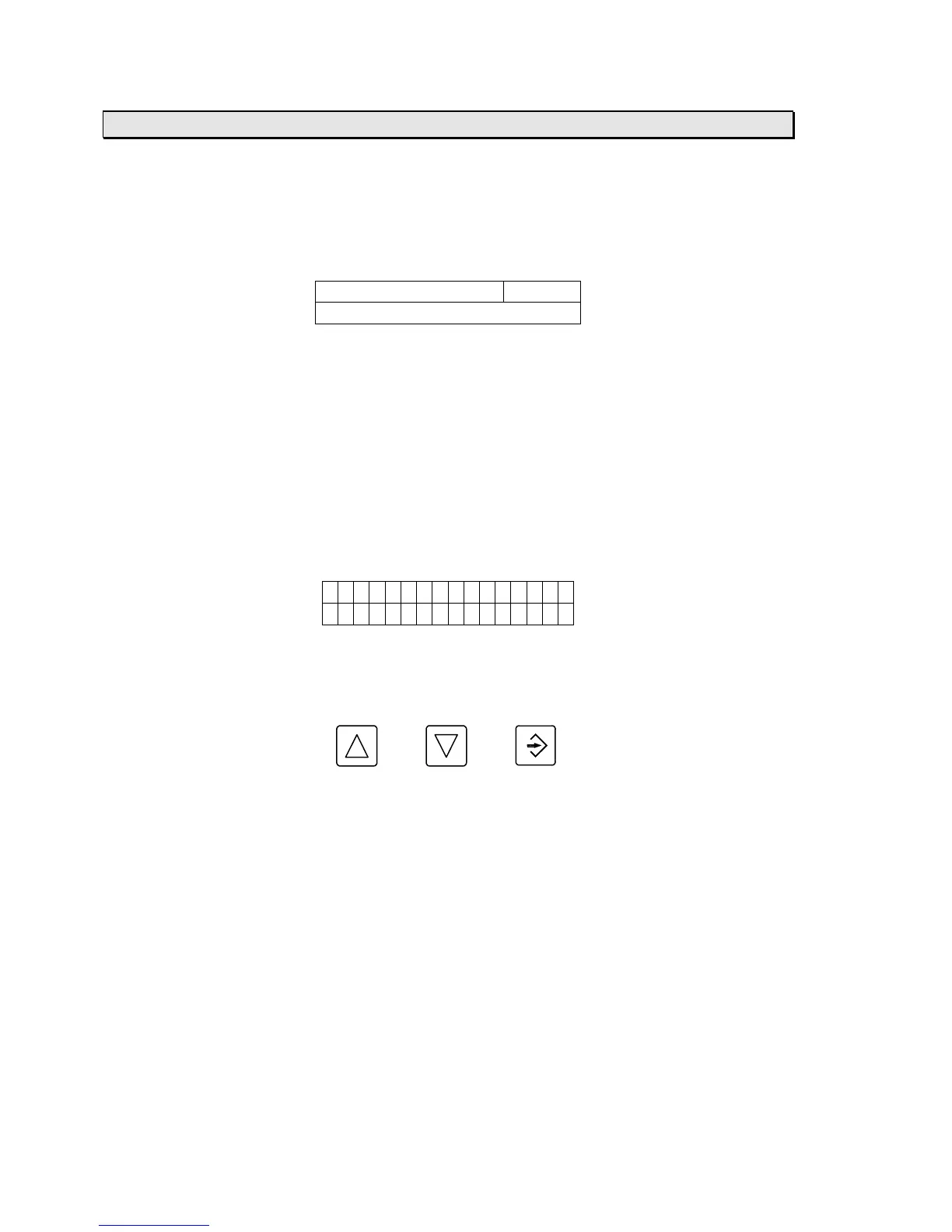
• The front panel keys are defined as follows:
UP DOWN ENTER
• To select a parameter press the ENTER key until the cursor is in the PARAMETER field, then
press the UP or DOWN keys until the desired parameter is displayed.
• To change a parameter’s value press the ENTER key until the cursor is in the VALUE field,
then press the UP or DOWN keys until the desired value is displayed.
• Numeric values can be changed by increments of 0.001, 0.01, 0.1, or 1 inches (or 0.1, 1, 10,
or 100 millimeters) by positioning the cursor on the corresponding digit in the VALUE field.
• The keys automatically repeat if held down for more than one second.



 To Next Page