EVO 150 Controller
17
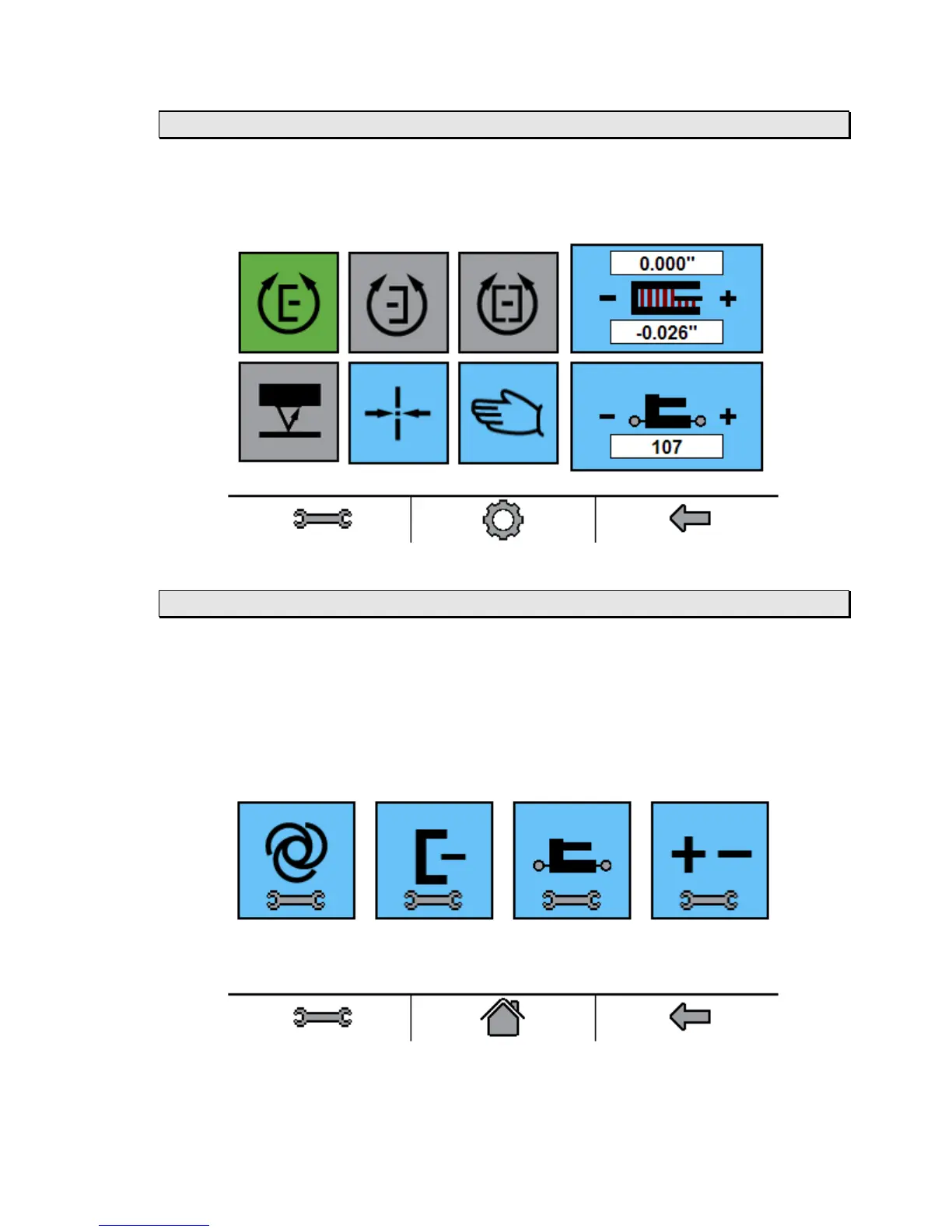
Main Screen
The Main Screen will appear once connected to the EVO 150 controller using a web browser.
The main screen can be used to control the web guide.
Settings Screen
The EVO 150 controller is configured on the Setting Screen. The settings may be examined or
changed by using a web browser. The Setting Screen is accessed by the wrench icon that is
located on the lower left corner of the navigation bar that is located at the bottom of every screen.
When the wrench icon is pressed, the Settings screen appears. From left to right, the Settings
screen enables access to controller settings, edge detector settings, actuator settings, and
polarity settings. Whenever a Setting Screen value is change the associated parameter is
updated in the controller.
1. The Controller Settings button allows access to three different parameter settings: Servo Gain
(Parameter 5), Maximum Speed (Parameter 7), and Deadband (Parameter 6). The Servo



 To Next Page