PointSource and WideArray Edge Detectors
58
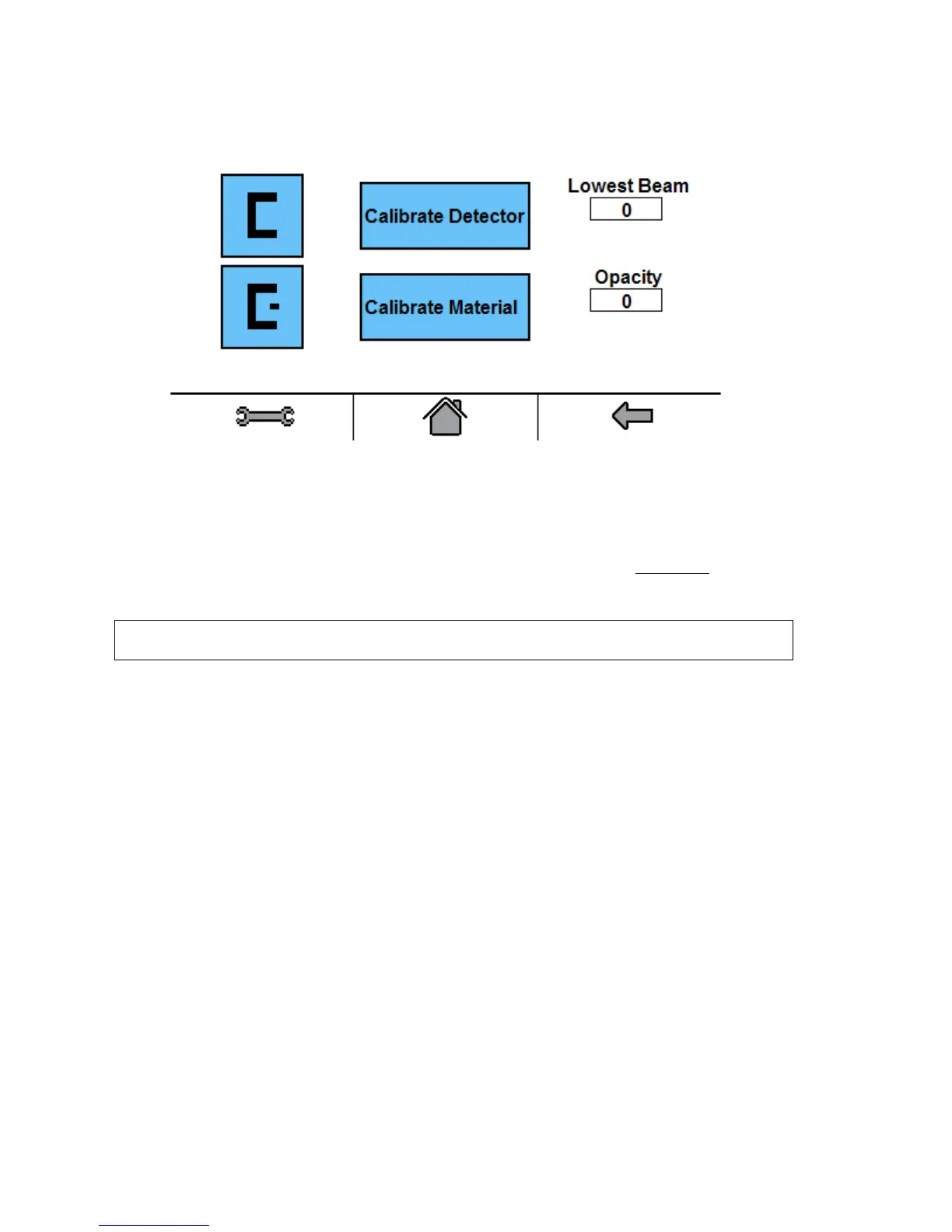
1) After pressing the Calibrate button on the Detector Settings screen, the Calibration screen will
appear.
2) Make sure that the edge detector to be calibrated is completely clear of web material or any other
obstruction, and then press Calibrate Detector button.
During the calibration the number displayed in the Lowest Beam box will count down to 1. Then
the Lowest Beam box will show a number between 100 and 204.
3) Place the web material that is being calibrated in the detector gap and completely
cover the
transducer area. Press the Calibrate Material button. The Opacity box will show a number
between 0 and 100. This number represents the opacity of the web material.
Important: Keep the web material at least 0.25” [6mm] from either transducer during
calibration.
4) Remove the web material from the detector and wait for 15 seconds before guiding.
The edge detector is now calibrated.



 To Next Page