Appendix 1 / Motor Drive Calibration
Note: The PWM motor drive module is not easily accessible, however user adjustment is typically
not necessary and is not recommended.
PWM Motor Drive
The PWM motor drive converts the system command voltage into a drive voltag
e for the actuator
motor. The motor drive consists of a separate power supply and PWM servo amplifier. This servo
amplifier is run in voltage mode for highest response and accuracy. All adjustments are sealed
when the system is shipped and should not require adjustment. If adjustment is required, this is
easily accomplished using the following procedure:
Note: A
digital voltmeter (DVM) with at least 2½ digit accuracy will be required during the
following procedure.
Adjustment Procedure:
1) Verify that the servo module is configured for voltag
e mode with the DIP switch set as
follows:
Switch Setting
1 ON
2 OFF
3 OFF
4 OFF
2) Put the system into Manual mode and drive the actuat
or to ensure that it is not at a limit.
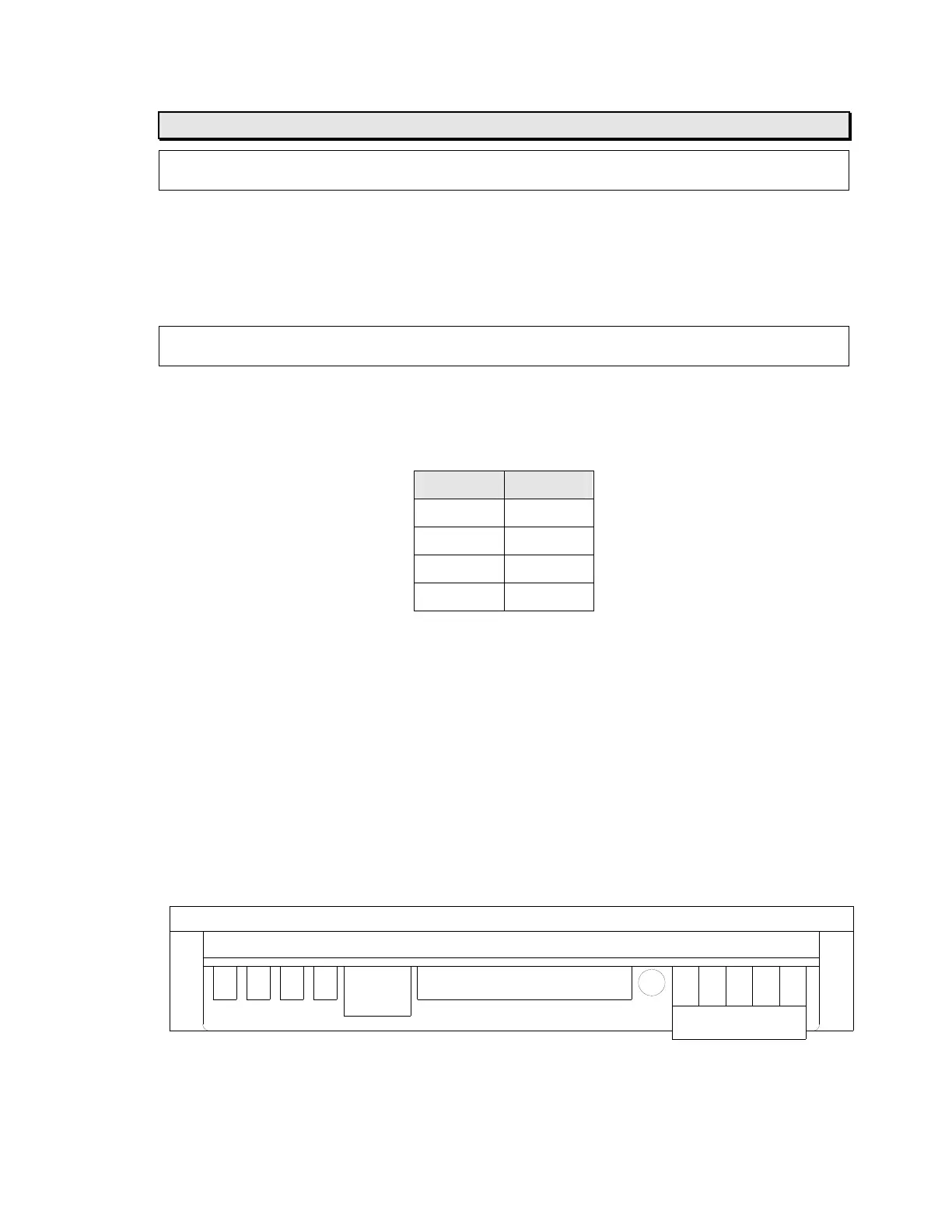
3) Connect the DVM leads to terminal
s 13 and 14 (motor output).
4) Verify that the DVM reads between +1.00 and -1.00
volts. Adjust R4 (test--offset) on the
servo amplifier module if required.
5) Put the system into Automatic mode and verify that the system responds quickly to
positio
n errors without oscillation.
6) If a whistling noise is heard from the servo amplifie
r module, adjust R3 (reference input
gain) CCW until it stops.
7) The other potentiometers are adjusted at the factory an
d do not require further
adjustment in the field. Do not attempt to adjust these potentiometers.
P2
P1
4321
DIP SW.
R4R3R2R1
12345
1
PWM Servo Amplifier
MICRO 4000
NET Web Guide Control System
15
Artisan Technology Group - Quality Instrumentation ... Guaranteed | (888) 88-SOURCE | www.artisantg.com



 To Next Page