56 Chapter 4
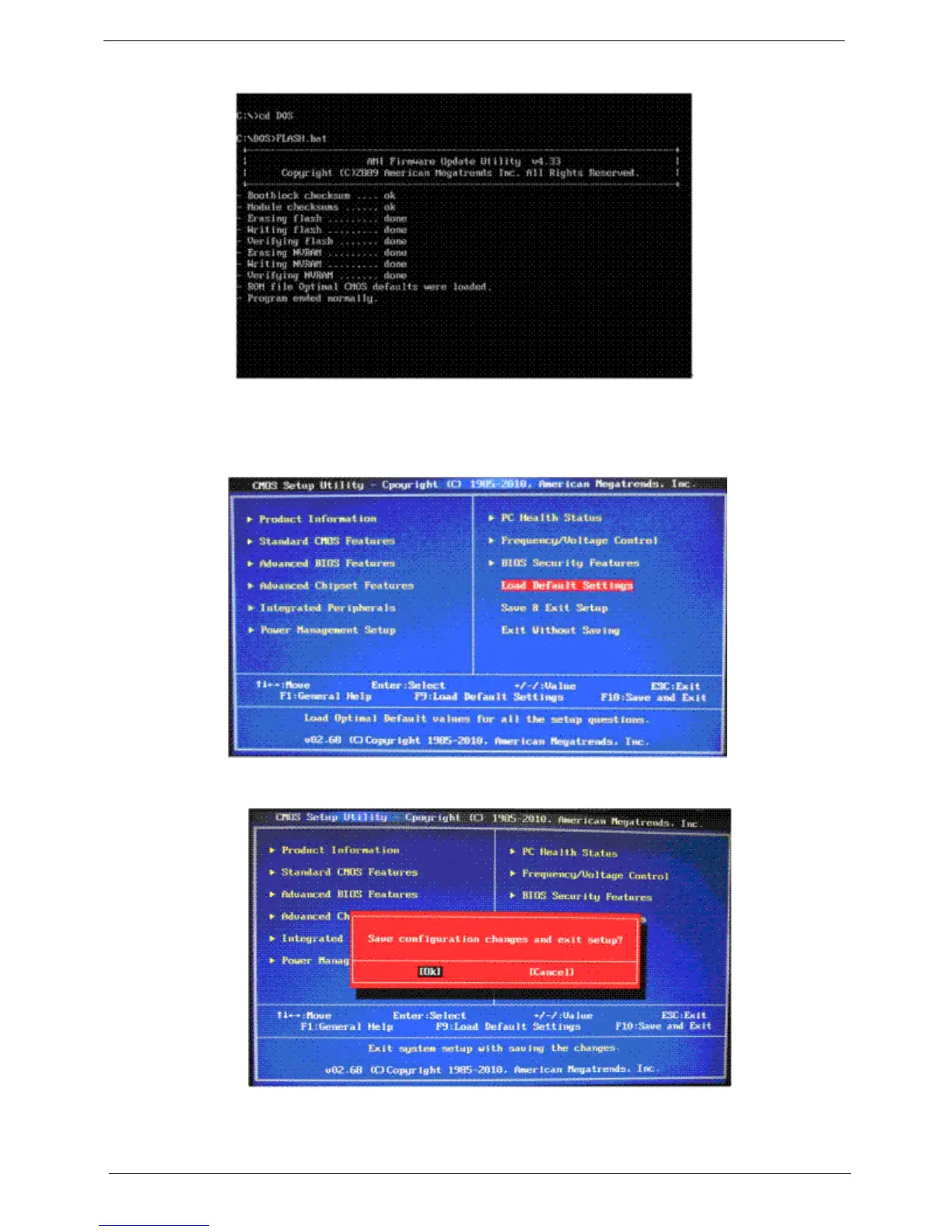
11. After the BIOS update is completed, the “Program ended normally “ message displays.
12. Restart the system.
13. As soon as the POST starts, press Delete to enter the Setup Utility.
14. Select Load Default Settings, then press Enter.
15. Select Ok, then press Enter.
16. Select Save & Exit Setup, then press Enter.
17. Select Ok, then press Enter.












 To Next Page