10
2.5 Print Screen
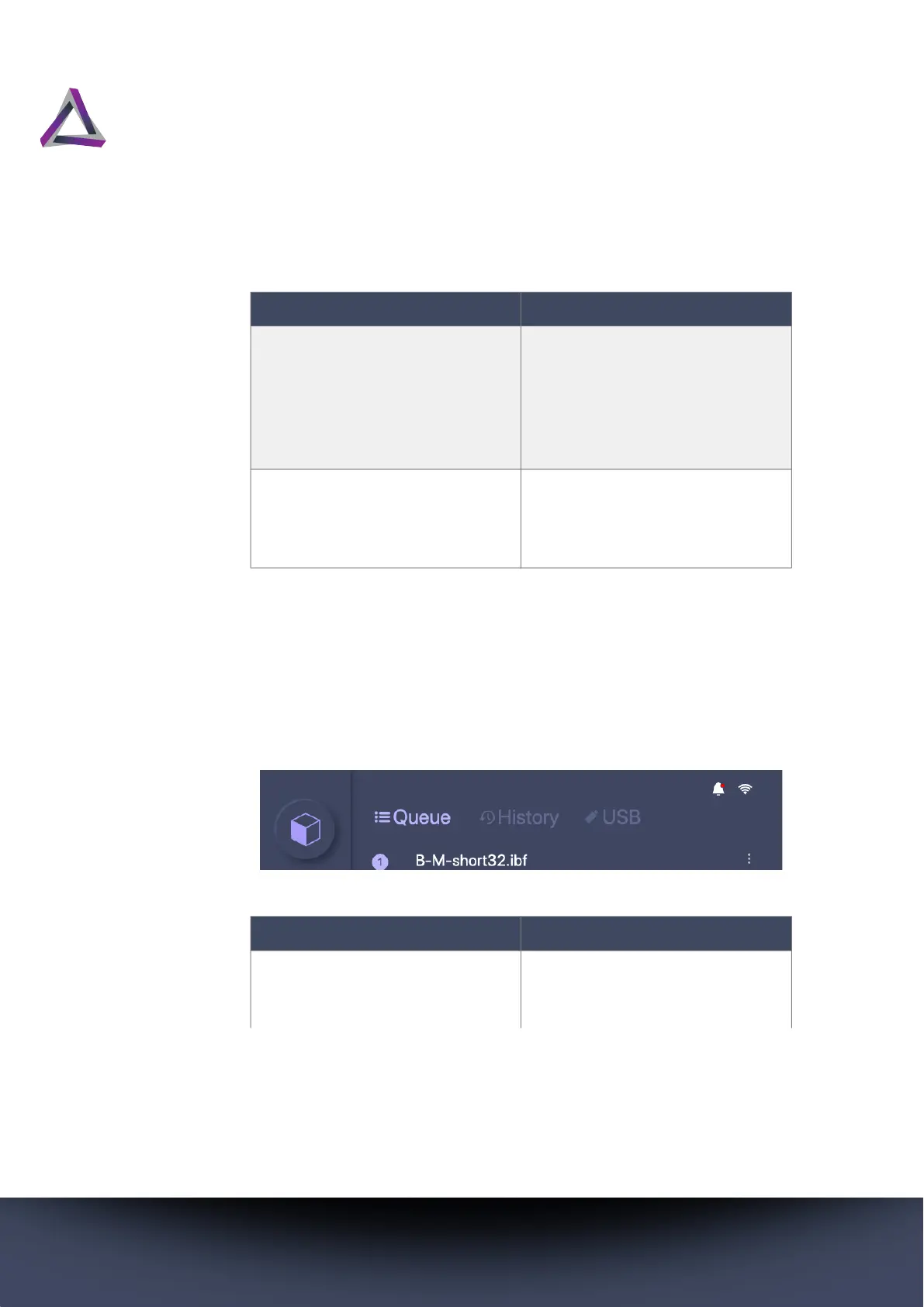
Press the Print button to show the Queue, History, and USB tabs
at the top of the screen. You load your print files from these tabs.
Clean Vat Use the Clean Vat function
whenever the print fails so that
you can easily remove pieces
of prints that did not stick to
the build platform during the
print process.
Settings All of the settings to configure,
control, and customize your
printer are accessible via the
Settings button.
Table 2: Home Screen Buttons
Button Description
Table 3: Print Screen Tabs
Tab Description
Queue A list of print files that are
loaded on the printer and
ready to print.



 To Next Page