40
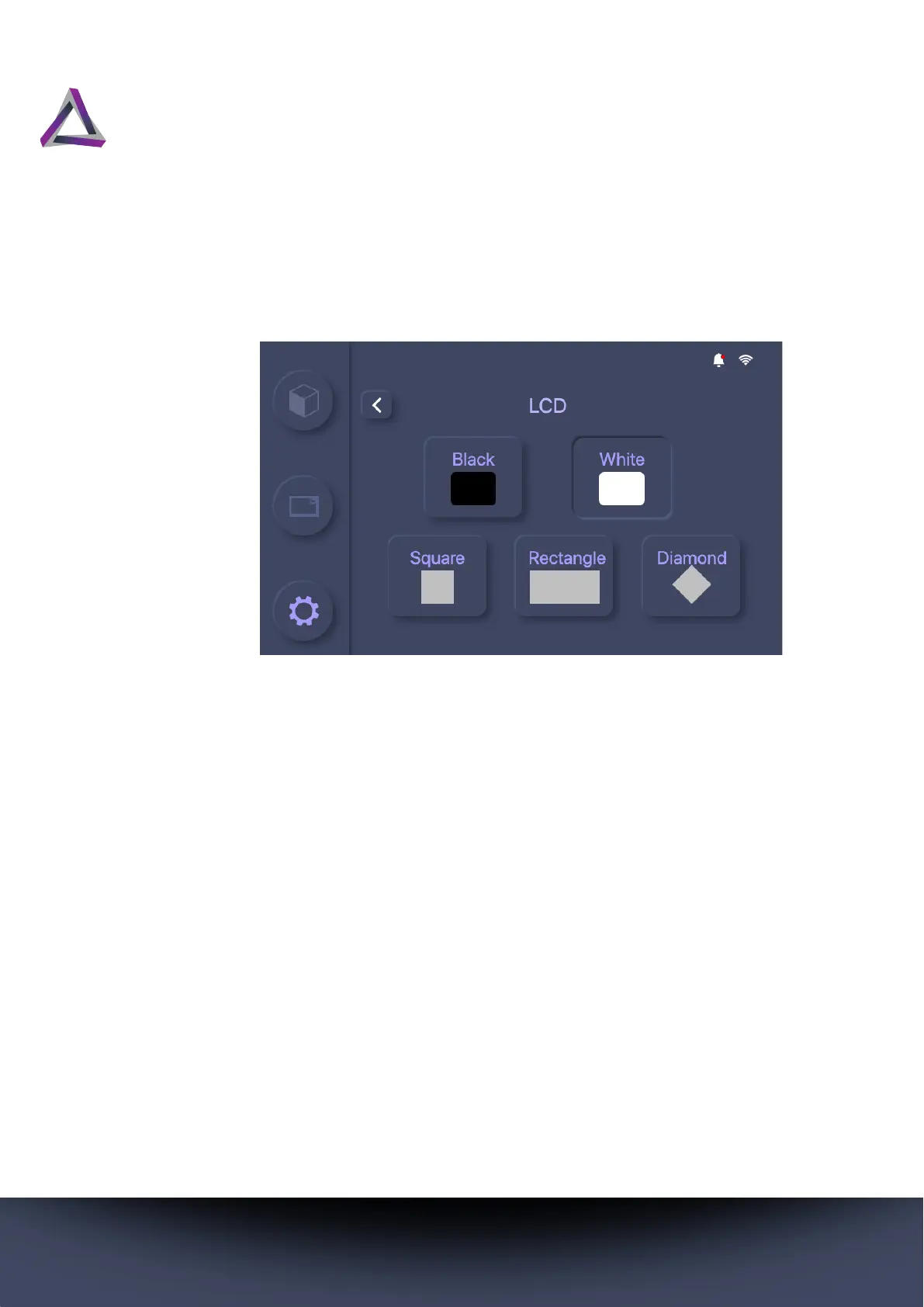
You can set it to show different patterns or either illuminate or
darken the complete screen to determine whether the LCD panel
in your printer is operating as expected.
5.2.5.5 Touch Panel
Select from the options available on this screen to determine
whether the touchscreen is operating as expected. The touch-
screen test will cycle through a series of colors each time you press
the button.



 To Next Page