32
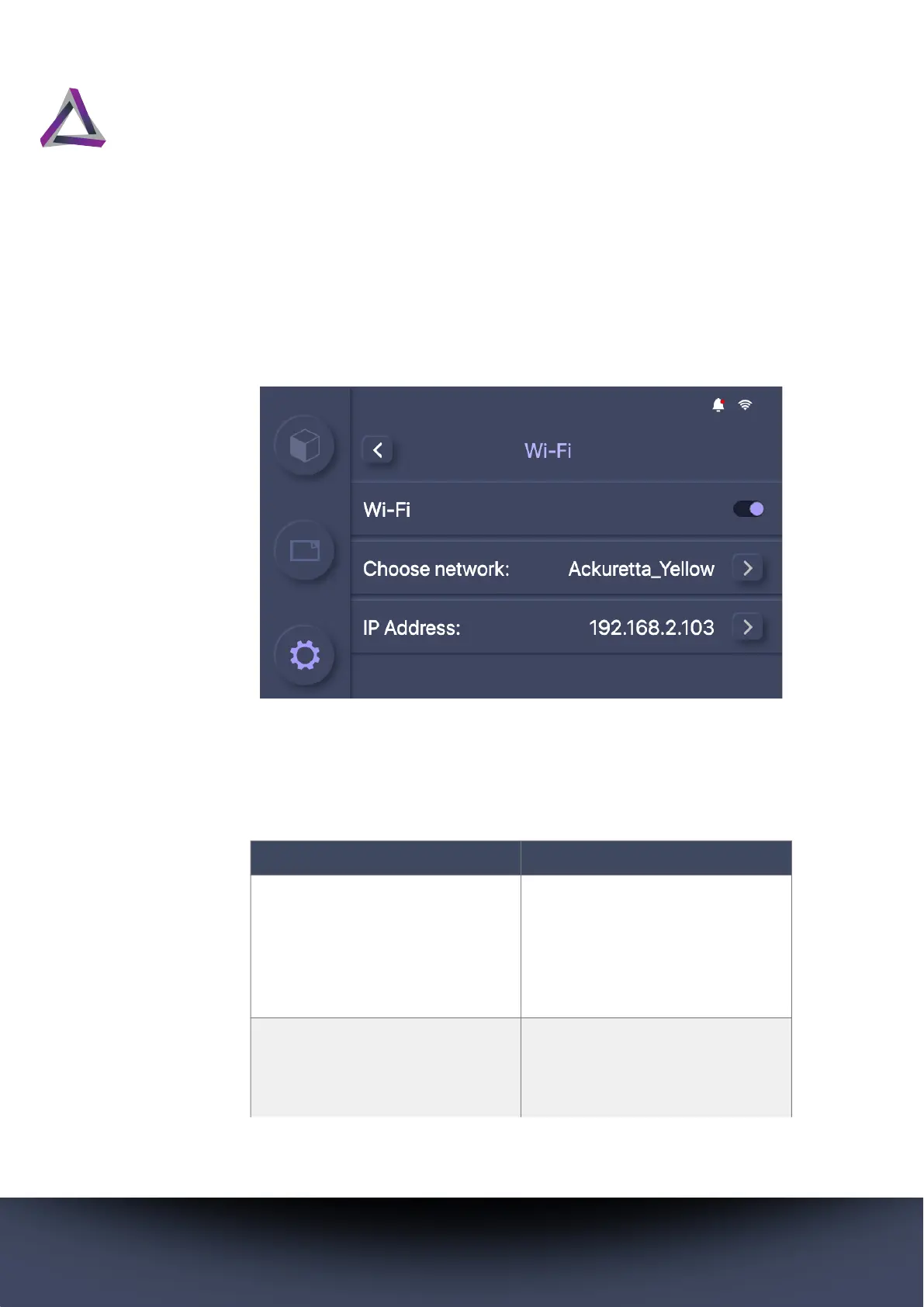
5.2.1 Network settings
Connect to either a wired or wireless network. For instructions on
how to set up a network connection, see “Connecting to a net-
work” on page 16.
The following options are available for both wired and wireless
networks. You must select either Wi-Fi or Ethernet before you can
configure these network settings.
Table 4: Network Settings
Setting Description
Find IP automatically toggle Turn this on to automatically
assign an IP address to your
printer. Otherwise, the other
settings are made available
and you must at least set an IP
address for your printer.
IP Address Set a unique string of charac-
ters that identifies your printer
to communicate over the net-
work.



 To Next Page