38
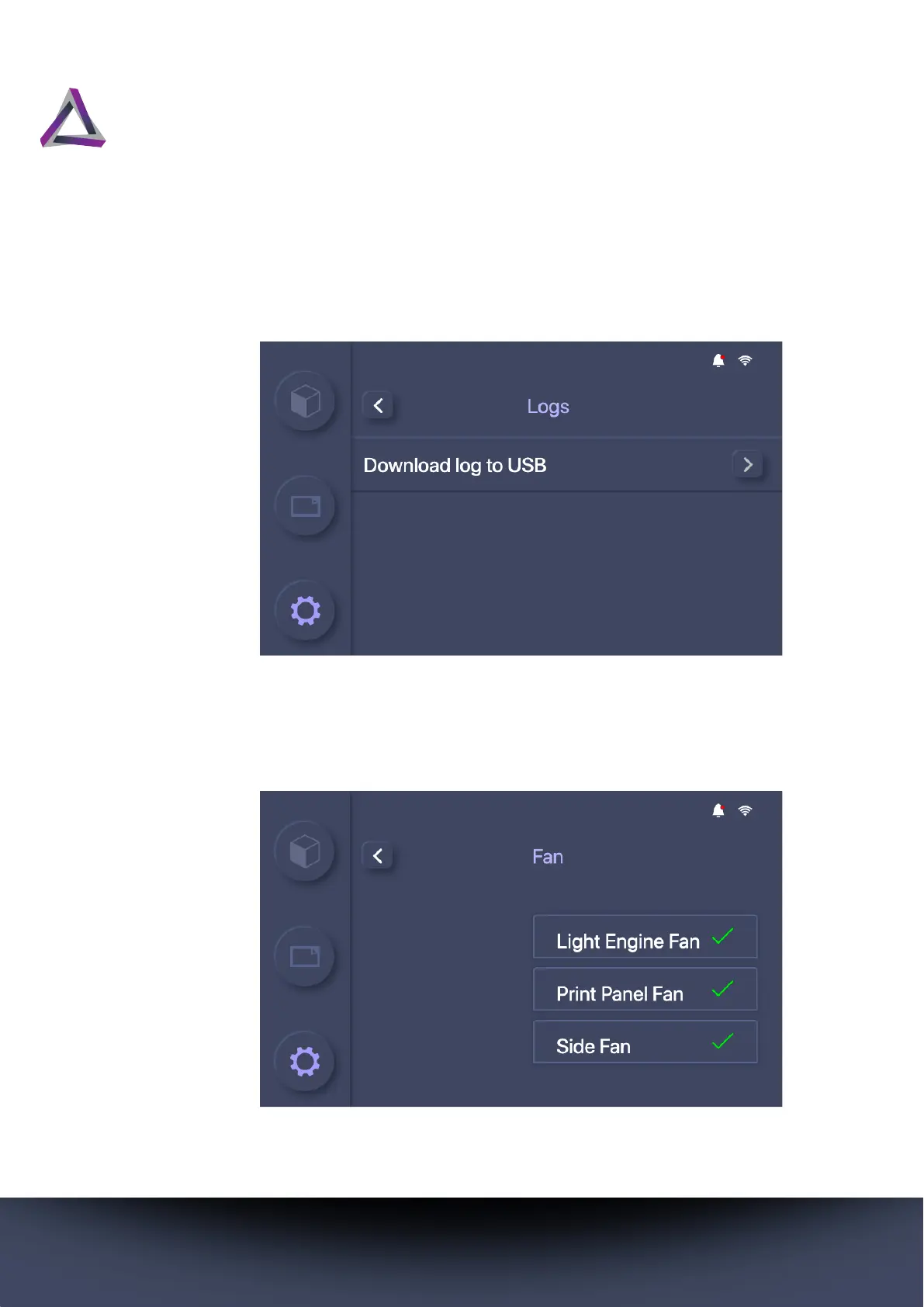
To download the log file from your printer, go to Settings > System
> Log, and press the ? button. You must have a USB device con-
nected if you access this screen via the printer.
5.2.5.2 Fan
The Fans screen shows whether the three cooling fans in your
printer operate as expected.



 To Next Page