12
All the same functionality and information is also available via a
web browser when a computer and your printer are connected to
the same network.
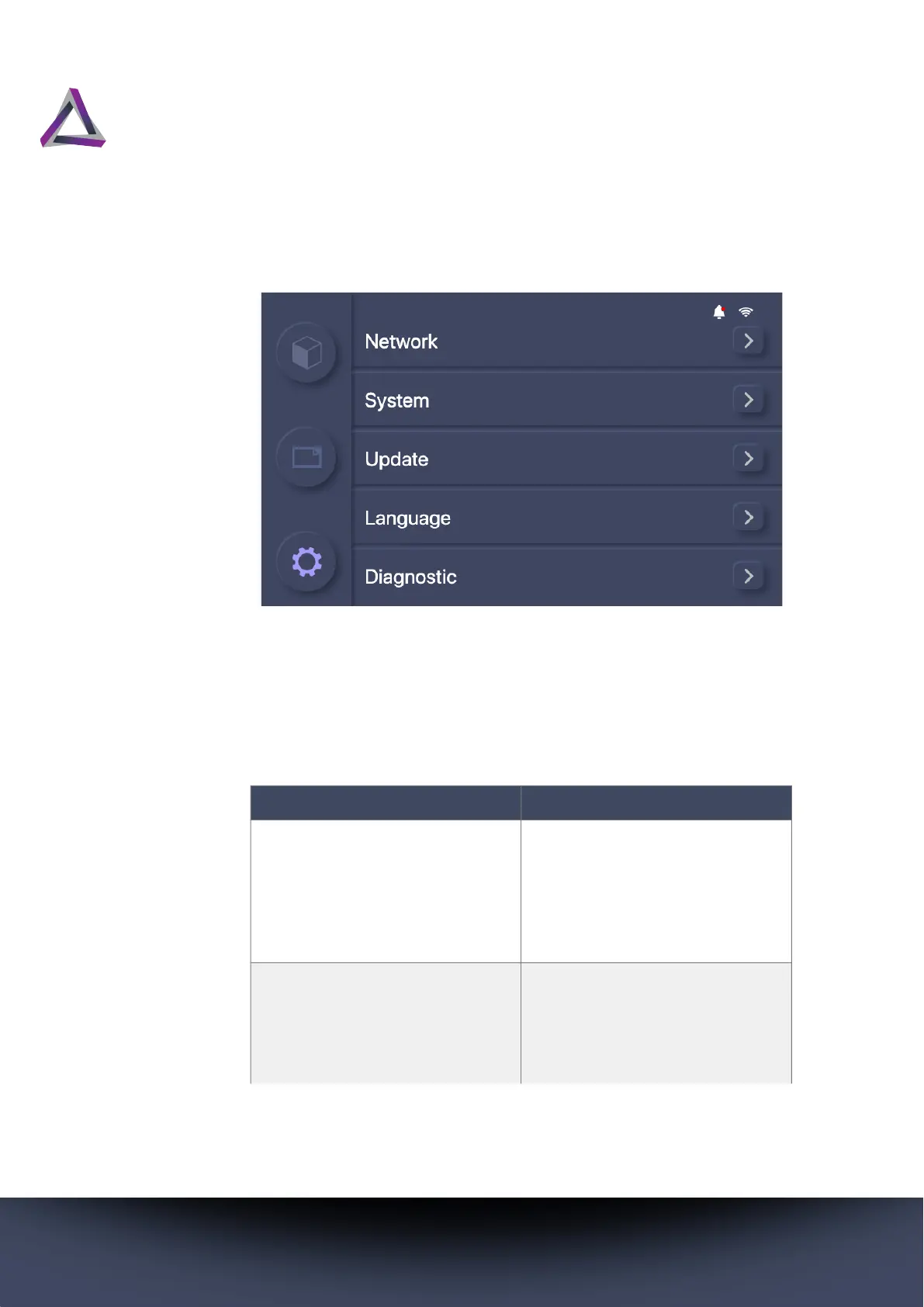
Table 4: System Settings
Settings Description
Network Connect to either a wired or
wireless network. For instruc-
tions on how to set up a net-
work connection, see
“Connecting to a network” on
page 16.
System View system information,
change your printer’s name,
and choose whether to share
diagnostic information with
Ackuretta.



 To Next Page