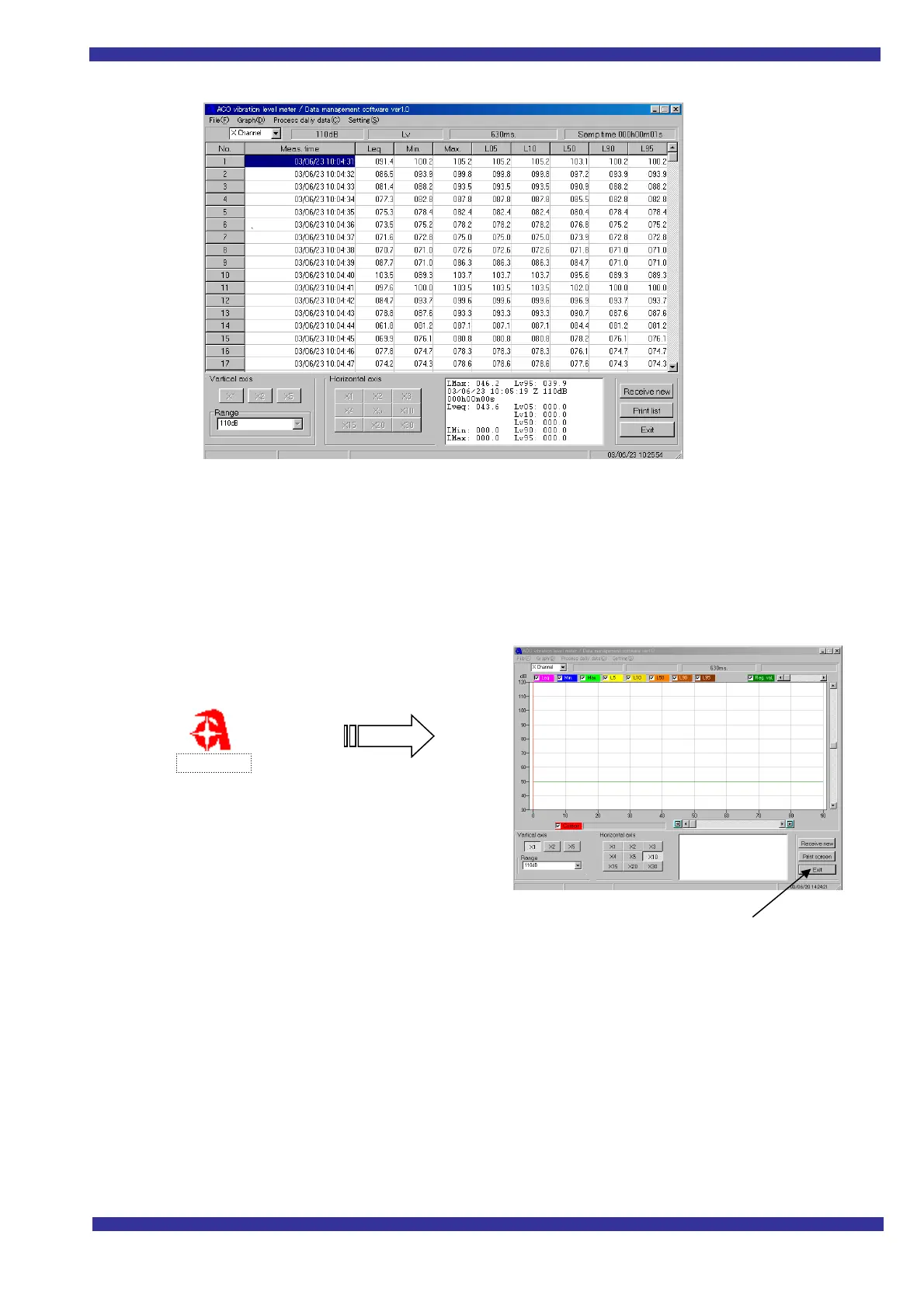
List screen
Installation
Copy the
ACO Vibration level meter
folder to the directory you want to use on the hard disk.
Start up and Shut down
When you double click the
Type3233
icon in the folder, the working screen below appears.
Press this button to exit
PC operation
If you move the cursor to an item on the screen an explanation will be displayed.
Data processing and PC operation will become obvious if you click on the different menu items.
This guide explains only data transmission from the Vibration level meter to the PC.
Double click



 To Next Page