WORKING WITH THE CONTROL UNIT 5-43
SB1391 Hardware and Setup Guide - Document revision no. 1.14
5.2.16. Step 10 - Reviewing Parameters
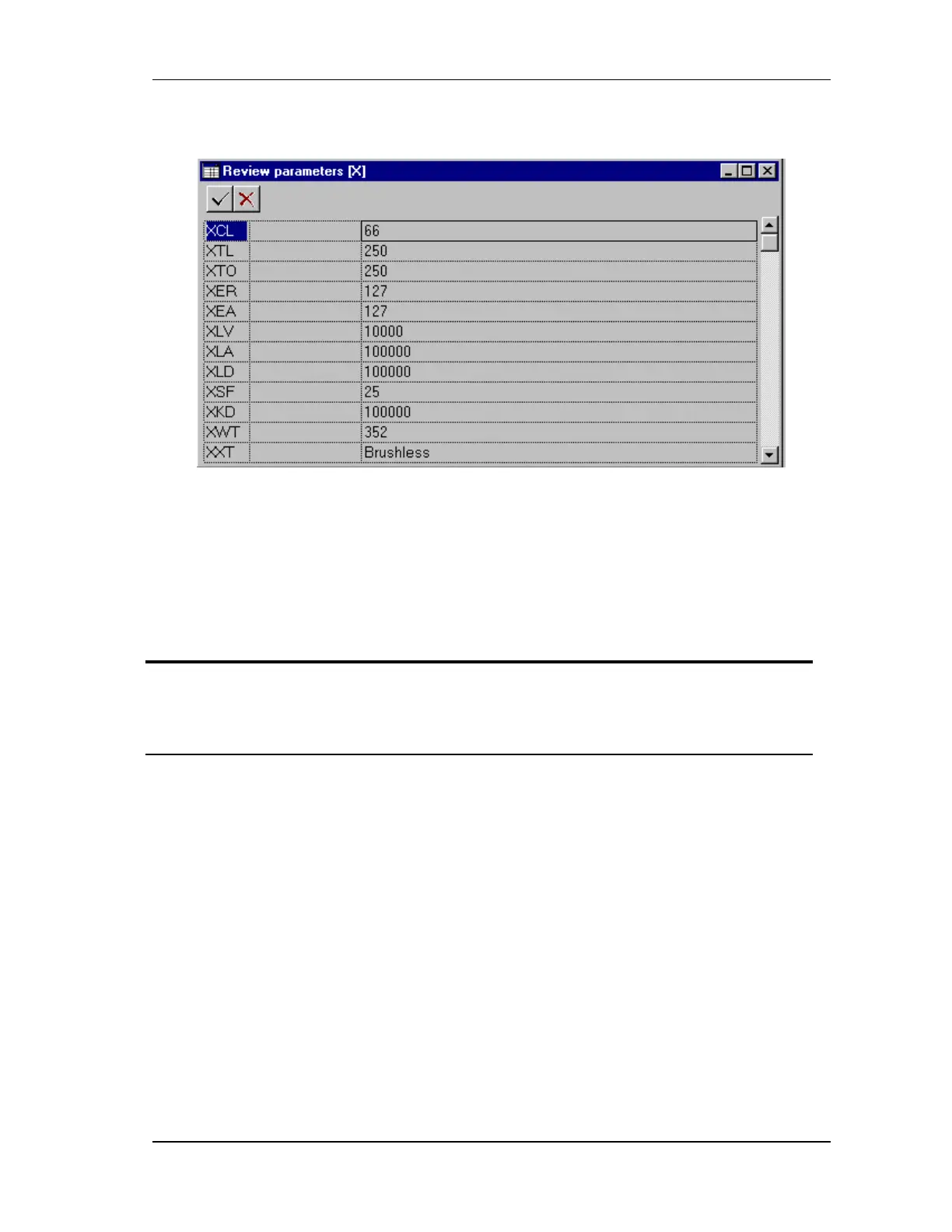
FIGURE 5-43 Review parameters step
This is the last stage of the adjustment session. The parameter values set during the adjustment
session (steps 1 through 9) are accessible here. If it is necessary to change a parameter value, it
can be done here directly or, if preferred, by closing the Review parameters step going back to
the step containing the parameter.
Action Effect of action
1. Select 10. Review parameters
and click OK.
The Review parameters dialog box opens (FIGURE
5-43). The results of the nine previous steps are
organized in an expandable tree format (FIGURE 5-
44).



 To Next Page