5-56 WORKING WITH THE CONTROL UNIT
SB1391 Hardware and Setup Guide - Document revision no. 1.14
5.5.1. Point to Point Move Program
In the following example the motor should make a point to point move and display simple
diagnostic messages in the terminal window. The program demonstrates how easy it is to
implement an application with built-in diagnostics.
Action Effect of action
5. If the Communication
Terminal window is still open,
click the OK tool button .
The Communication Terminal window closes.
6.
On the Edit menu, click Edit
file.
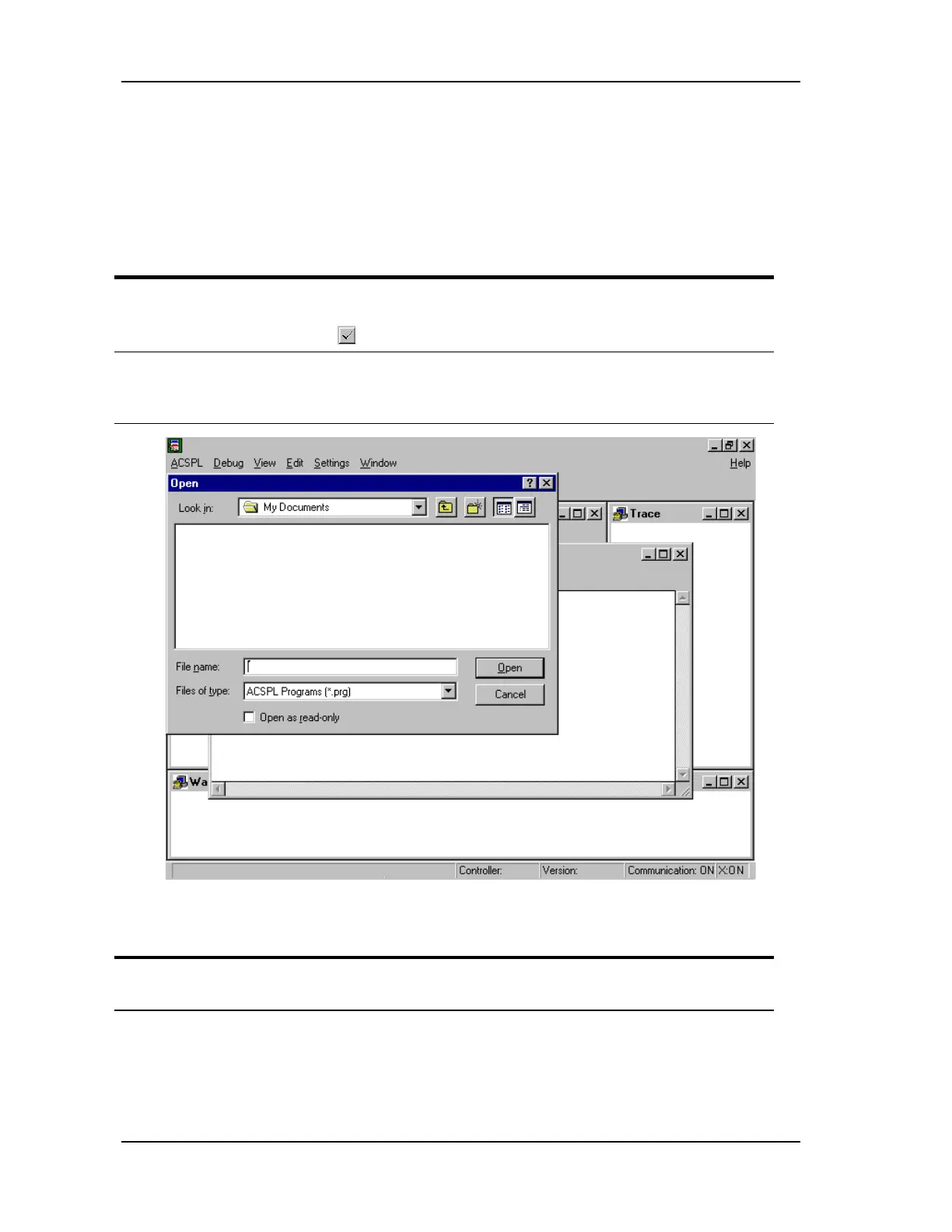
The File window opens and the Open dialog box
displays on top of it (FIGURE 5-53). The File
window is the program editor.
FIGURE 5-53 File window and Open dialog box
Action Effect of action
1. Press
ESC
(or click Cancel). The Open dialog box closes and the File window is
displayed (FIGURE 5-53).



 To Next Page