5-60 WORKING WITH THE CONTROL UNIT
SB1391 Hardware and Setup Guide - Document revision no. 1.14
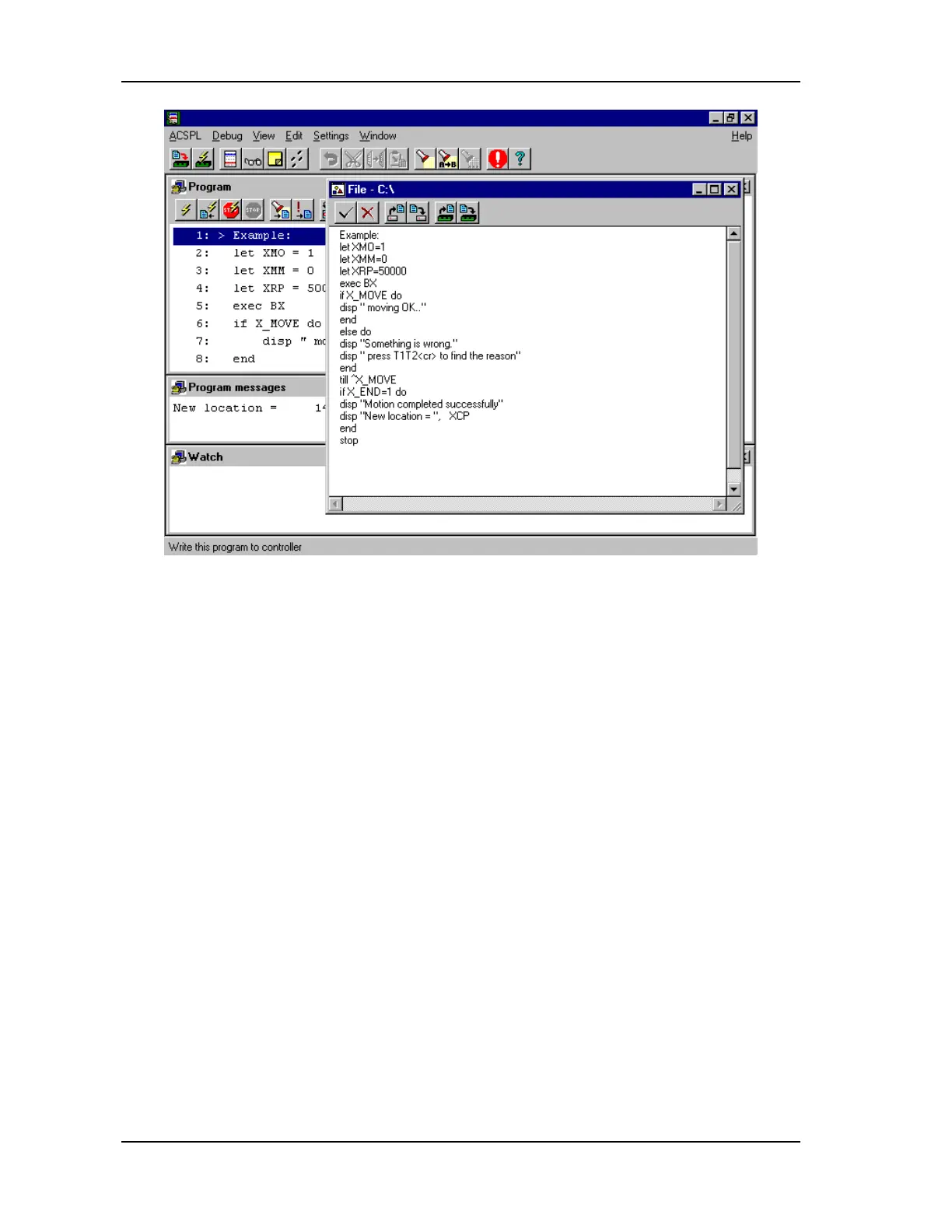
FIGURE 5-56 Program window shows the program in control unit RAM
5.5.3. Execution Modes: Fast and Trace
The ACSPL program can be run from Debugger in either of two modes: Fast or Trace.
In Fast mode, execution continues until one of the following conditions occurs:
• The program encounters one of the breakpoints
• A Stop command in the program is executed
• The user issues a Stop command from either the toolbar or the ACSPL menu
• A run-time error occurs
In Trace mode, as each line of the program is executed, it is highlighted with the selection bar in
the Program window and the line number is displayed in the Trace window.



 To Next Page