5-66 WORKING WITH THE CONTROL UNIT
SB1391 Hardware and Setup Guide - Document revision no. 1.14
5.6.1. Saving Control Unit Memory Contents
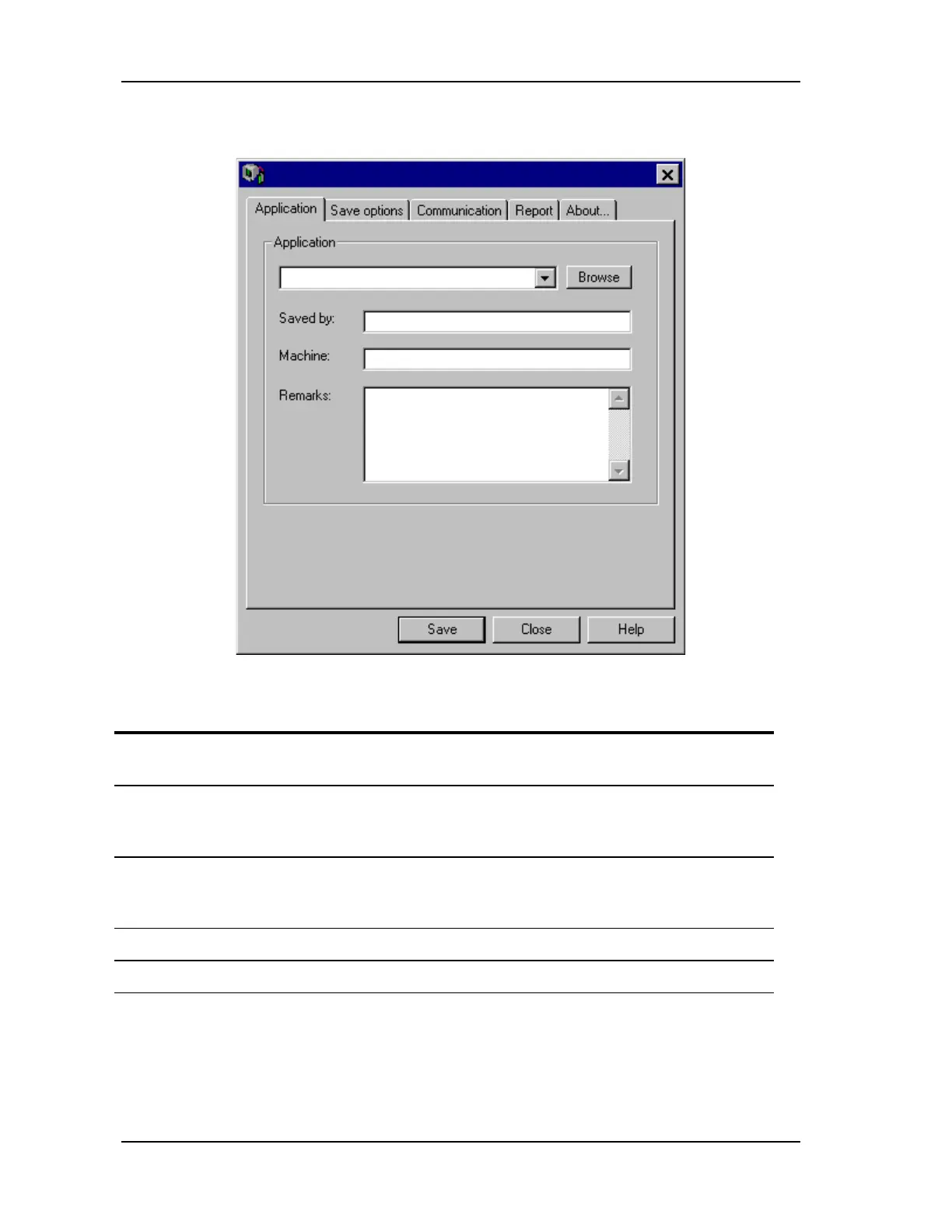
FIGURE 5-62 ACS Saver
Action Effect of action
1. Connect the PC communications
channel to the control unit.
2. From the Windows Start menu, point
to the ACS Tools program group and
click ACS Saver.
The ACS Saver window opens (FIGURE 5-
62). Saver attempts to communicate with the
control unit.
3. On the Application tab, enter a
filename for the application to be
saved.
The application file will contain a copy of the
contents of the control unit's memory.
4. Click Save. ACS Saver saves the application file.
5. Click Close. Saver closes.



 To Next Page