WORKING WITH THE CONTROL UNIT 5-67
SB1391 Hardware and Setup Guide - Document revision no. 1.14
5.6.2. Loading Control Unit Memory
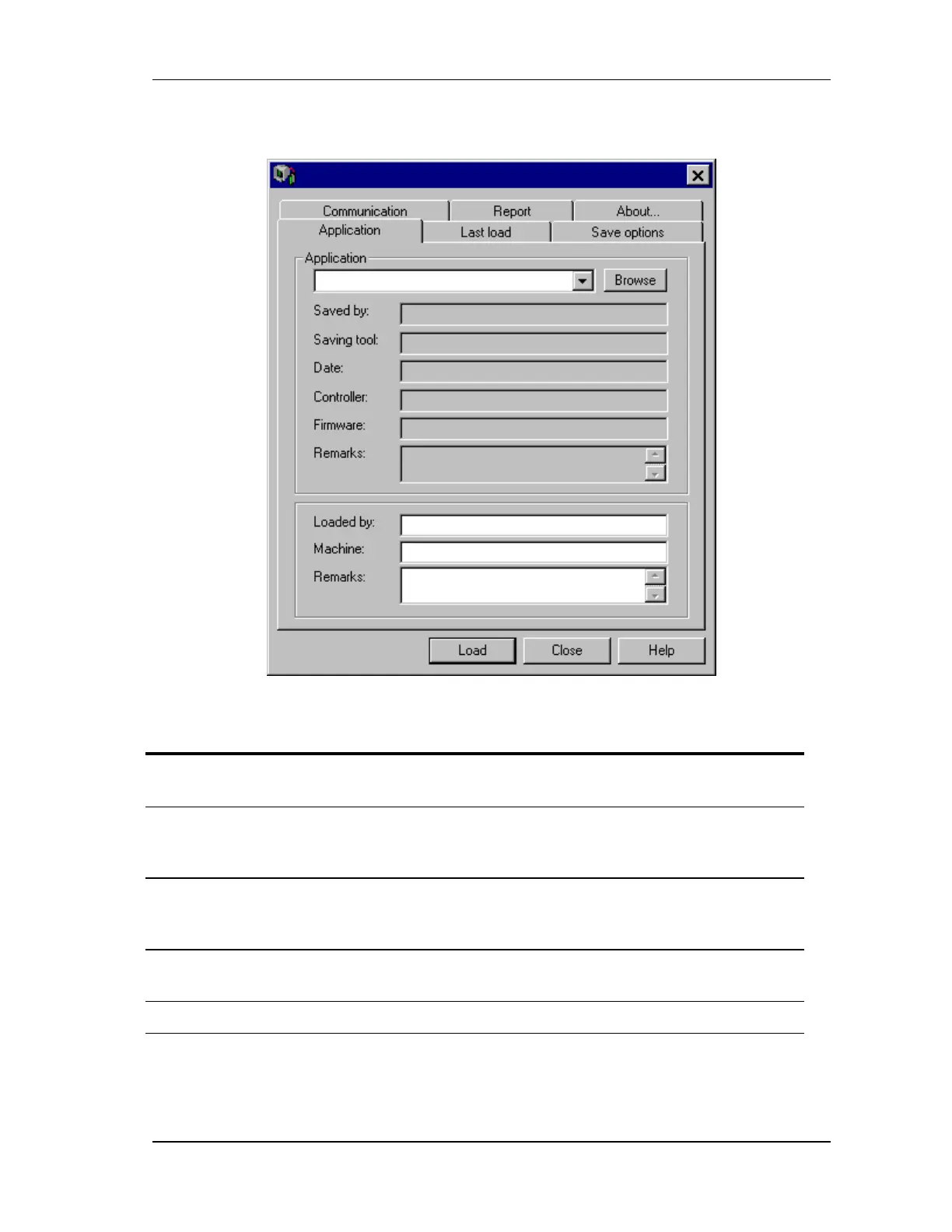
FIGURE 5-63 ACS Loader
Action Effect of action
1. Connect the PC communications
channel to the target control unit.
2. From the Windows Start menu, point
to the ACS Tools program group and
click ACS Loader.
The ACS Loader window opens (FIGURE
5-63). Loader attempts to communicate with
the control unit.
3. On the Application tab, enter a
filename for the application to load.
When the application file is loaded to the
control unit, it overwrites the current contents
of the control unit's memory.
4. Click Load. ACS Loader loads the application file to the
current control unit.
5. Click Close. Loader closes.



 To Next Page